Skip to content
TechBone
Samsung

Samsung: Change the Contact Name Display Order

If your contacts list shows names as First Name, Last Name and you would rather see Last Name, First Name, the display setting inside the Contacts app controls that order. This has nothing to do with how a contact was originally saved, so switching the format does not touch any contact data. The change only affects how names appear across Calls and Messages, not the underlying entries or numbers.

4 min5 steps
Version

Step by step

1 / 5

Step 1 of 5: Tap on **Contacts**

1

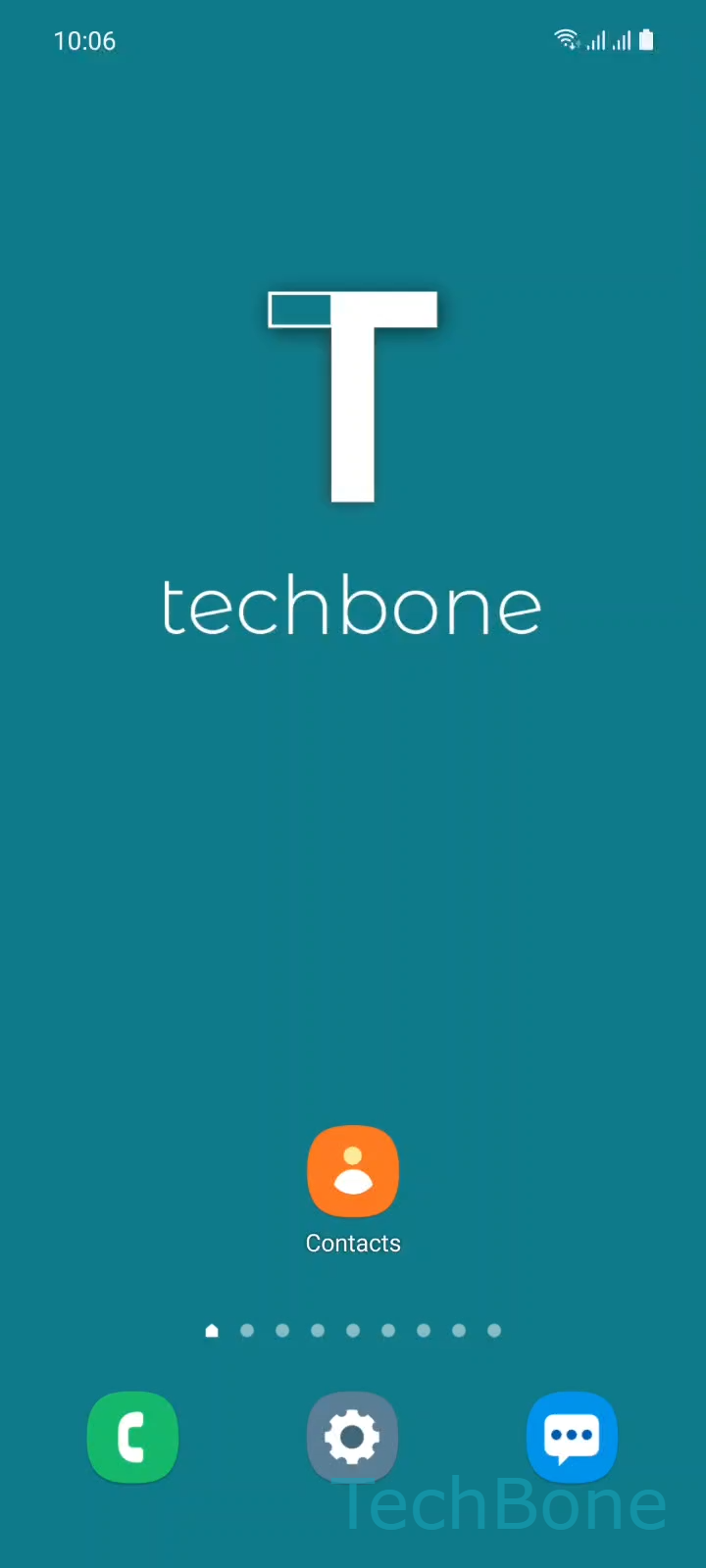
Tap on Contacts

Live simulator

Android 11 · One UI 3
Change Contact Name Format – One UI 3: step 1 – Tap on Contacts
Tap on Contacts
1 / 5

Scroll or use the buttons for the next step

Feedback

Was the guide correct?

Help others: confirm the path or report a problem.

18

Confirmations

Forum verified this path

Samsung

Change Contact Name Format auf Samsung

On Samsung phones, contact names appear by default as First Name, Last Name across the Contacts app, Calls, and Messages. This is a display setting, separate from how a contact was actually saved or how the list is sorted alphabetically.

If you prefer to see Last Name, First Name instead, you can switch the format directly in the Contacts app settings. Open ContactsMenuSettingsName formatChoose an option to pick between the available display orders.

This setting changes only how names are shown on screen. It does not rename any contact, does not change the sort order of the list, and does not affect data stored in the contact card itself.

If names still look wrong after switching, the issue is often a specific contact entry rather than the format setting. Contacts imported with the name typed into a single field, for example only a first name field filled in, will not reorder correctly no matter which format you choose.

In that case, edit the contact directly and make sure the first and last name are stored in separate fields.

Frequently asked questions

No. Sorting order is a separate option in the same Settings menu. Name format only controls how each name is displayed, not the order contacts appear in the list.

Compatible devices

Tap your device — opens its hub with matching guides.

Android 11 · One UI 3

No compatible devices are listed for this version.