Skip to content
TechBone
Samsung

Samsung: Find Nearby Places in the Phone App

Looking for a restaurant, pharmacy, or grocery store close by without switching to a separate maps app? The Phone app on Samsung devices has a Places tab that searches nearby locations by category or keyword, but it sits quietly next to Contacts and Recents and gets overlooked. Results come with ratings and directions once you know where to tap.

4 min5 steps
Version

Step by step

1 / 5

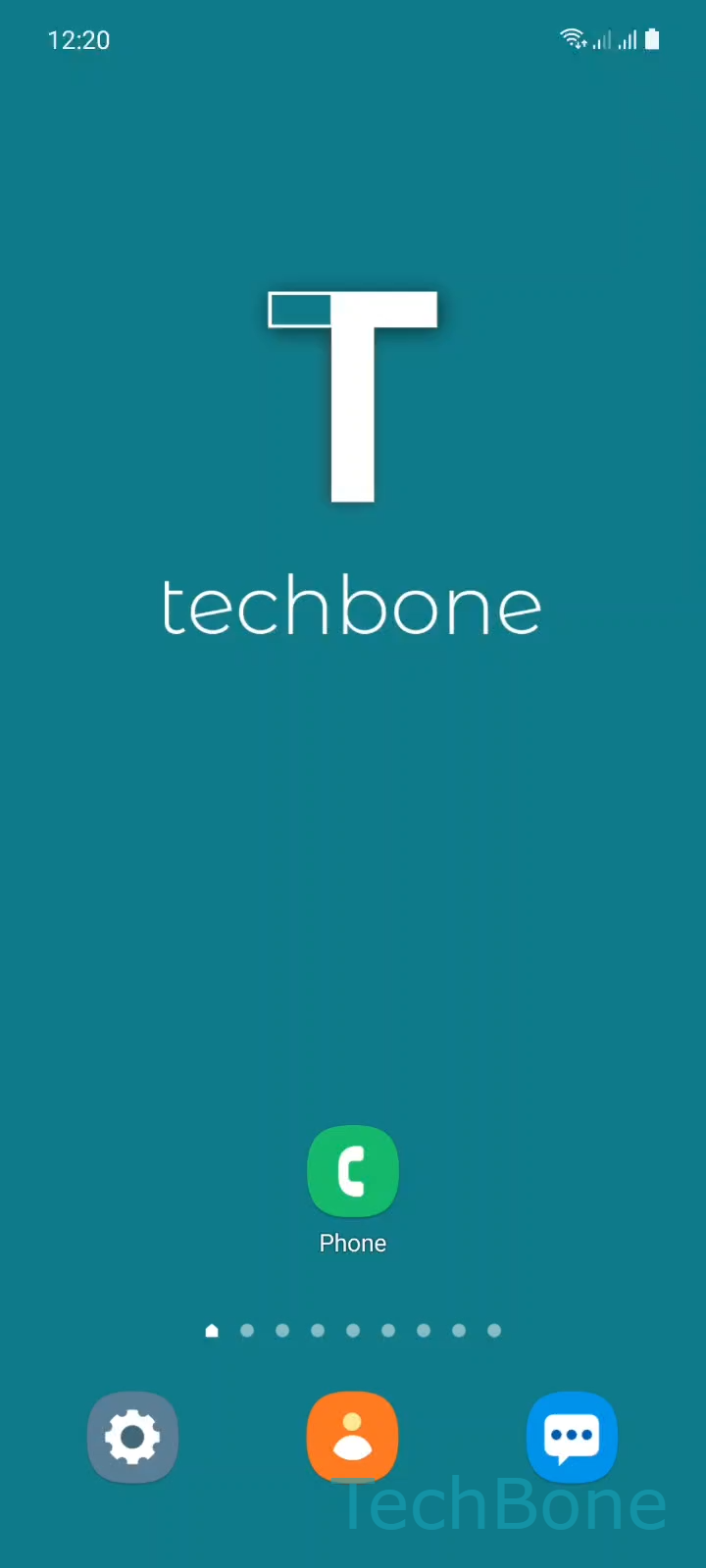
Step 1 of 5: Tap on **Phone**

1

Tap on Phone

Live simulator

Android 11 · One UI 3
Find Nearby Places in the Phone App – One UI 3: step 1 – Tap on Phone
Tap on Phone
1 / 5

Scroll or use the buttons for the next step

Feedback

Was the guide correct?

Help others: confirm the path or report a problem.

46

Confirmations

Forum verified this path

Samsung

Find Nearby Places in the Phone App auf Samsung

The Places tab inside the Phone app works like a lightweight local search tool. It pulls nearby restaurants, grocery stores, education, nightlife, and shopping results based on your current location, so the list stays current every time you open it.

To reach it: Tap on PhoneTap on PlacesTap on SearchEnter a Keyword and tap SearchChoose a Result.

Why the tab needs location access

Places relies on your phone's location service to sort results by distance. If location is turned off, the tab either shows outdated results or stays empty, since it cannot calculate what counts as nearby.

When to use Maps instead

Places tab is built for quick lookups from inside the dialer, not for turn-by-turn navigation. If you need a full route with traffic updates, open a dedicated maps app after picking a result here, since tapping a result usually only shows basic info, rating, and a map preview.

A stable data or Wi-Fi connection is required, because the search queries an online database rather than a stored local list.

Frequently asked questions

This usually means location access is disabled for the Phone app or your connection dropped. Check that location services are on, then repeat Tap on PhoneTap on PlacesTap on Search.

Compatible devices

Tap your device — opens its hub with matching guides.

Android 11 · One UI 3

No compatible devices are listed for this version.