Skip to content
TechBone
Samsung

Samsung: Create a New Event in Calendar

If your calls, messages or appointments never show up in a shared calendar, no event has actually been created yet. The Samsung Calendar app pulls in every account you are signed into, but each appointment still needs to be added manually with the right time, location and reminder.

4 min5 steps
Version

Step by step

1 / 5

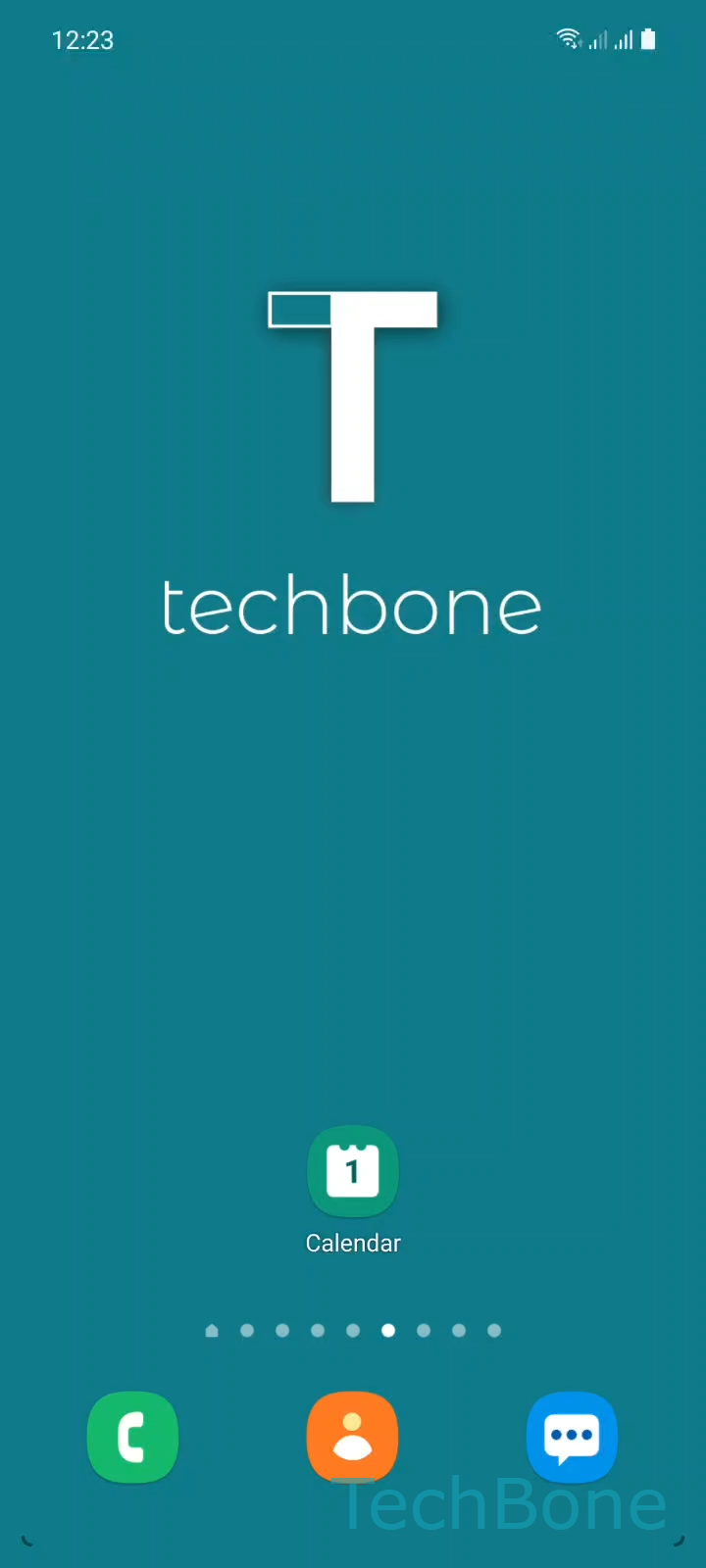
Step 1 of 5: Tap on **Calendar**

1

Tap on Calendar

Live simulator

Android 11 · One UI 3
Create a New Calendar Event – One UI 3: step 1 – Tap on Calendar
Tap on Calendar
1 / 5

Scroll or use the buttons for the next step

Feedback

Was the guide correct?

Help others: confirm the path or report a problem.

37

Confirmations

Forum verified this path

Samsung

Create a New Calendar Event auf Samsung

The Samsung Calendar app does not create appointments on its own. It only displays events that already exist inside one of your synced accounts, so a missing entry usually means nothing has been saved yet, not a sync failure.

To add an event, follow this path: Tap on CalendarTap on AddEnter a TitleSet the Start/End time and other optionsTap on Save.

On the same Add screen you can set a location, turn on a notification reminder, and attach a short note before saving. These fields are optional, so an event without a reminder simply will not alert you at the scheduled time.

If the event still does not appear on another device, check that the correct account was selected before saving. Events created under a local, non-synced calendar stay on the phone only and never reach linked accounts.

Use a messaging or dialer app instead of the calendar only when you need a one-time alarm for a call, since those apps do not offer recurring appointments, locations or shared notes.

Frequently asked questions

Check which account the event was saved under. If it was added to a local, non-synced calendar instead of a linked account like Google, it stays on this phone only and never reaches other devices.

Compatible devices

Tap your device — opens its hub with matching guides.

Android 11 · One UI 3

No compatible devices are listed for this version.