
Skip to content
TechBone
Samsung

Samsung: Switch App Icon Badges Between Number and Dot

If every app icon on your Samsung home screen shows a red circle with a notification count, it can get distracting when several apps pile up messages. Some people prefer a simple dot without the number, just enough to know something happened without seeing how much. This display style sits in the Home screen settings and is easy to overlook.

3 min4 steps
Version

Step by step

1 / 4

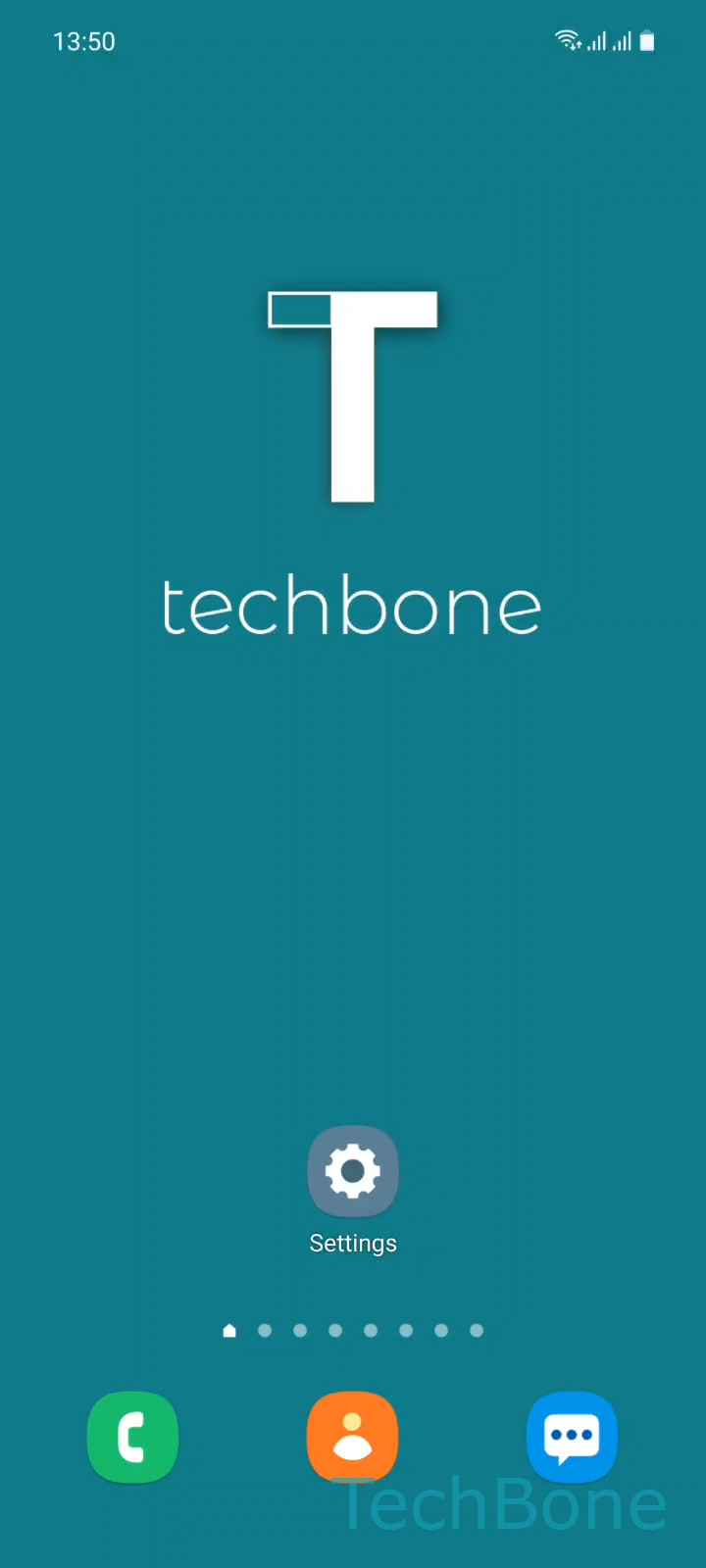
Step 1 of 4: Tap on **Settings**

1

Tap on Settings

Live simulator

Android 11 · One UI 3
App Icon Badge Style: Number or Dot – One UI 3: step 1 – Tap on Settings
Tap on Settings
1 / 4

Scroll or use the buttons for the next step

Feedback

Was the guide correct?

Help others: confirm the path or report a problem.

31

Confirmations

Forum verified this path

Samsung

App Icon Badge Style: Number or Dot auf Samsung

Samsung shows unread notifications directly on the app icon using a small badge. By default this badge displays the exact number of pending notifications, but One UI also offers a plain dot style for anyone who finds the counter distracting or hard to read on smaller icons.

This setting lives in the Home screen configuration, not inside individual app settings, so it applies to every app at once rather than one app at a time. Go to SettingsHome screenApp icon badges and choose either Number or Dot.

Switching to Dot keeps you aware of pending notifications without showing exactly how many, which helps if you get frequent low-priority alerts from messaging or social apps. If you still want the count for specific apps, this is the wrong fix since the choice applies globally; instead check that app's own notification settings for badge control.

No data is lost when switching styles. Existing notifications stay in the notification panel and the badge itself only changes how it looks, not what triggers it.

Frequently asked questions

No. The App icon badges setting under SettingsHome screen applies to all apps at once. There is no per-app override for the badge style itself.

Compatible devices

Tap your device — opens its hub with matching guides.

Android 11 · One UI 3

No compatible devices are listed for this version.