Skip to content
TechBone
Samsung

Samsung: Turn On or Off Notification Reminders

By default your Samsung phone only announces a new notification once, with a tone or vibration depending on the sound mode. If you tend to miss messages because you were busy or the screen was off, a single alert is not enough. Notification reminders let the device nudge you again at a set interval until you actually open the notification.

5 min6 steps
Version

Step by step

1 / 6

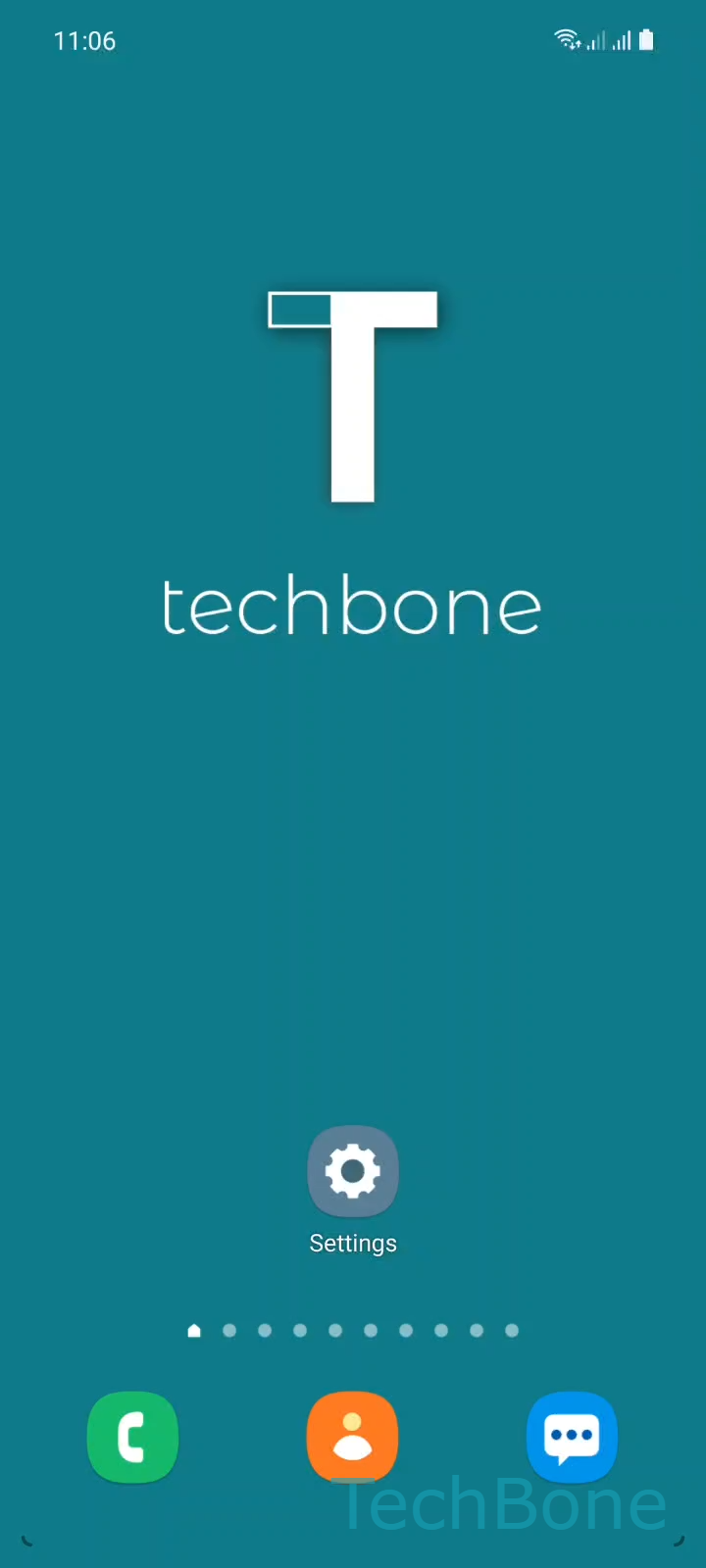
Step 1 of 6: Tap on **Settings**

1

Tap on Settings

Live simulator

Android 11 · One UI 3
Turn Notification Reminders On or Off – One UI 3: step 1 – Tap on Settings
Tap on Settings
1 / 6

Scroll or use the buttons for the next step

Feedback

Was the guide correct?

Help others: confirm the path or report a problem.

28

Confirmations

Forum verified this path

Samsung

Turn Notification Reminders On or Off auf Samsung

Samsung phones announce a new notification only once by default. Depending on the active sound mode, you get a short tone, a vibration, or both, and then the alert stays silent even if you never open it.

The Notification reminders feature closes that gap. Once enabled, the system repeats the alert at a fixed interval for any app you select, until you open the notification or dismiss it.

This is useful for calls, messages, or emails you tend to overlook when the phone is in your pocket or on silent for a while. It is less useful for apps that already send frequent updates, since repeated reminders on top of that can feel excessive.

Where to find the setting

Go to SettingsNotificationsAdvanced settingsNotification reminders. Toggle the feature on or off with the switch at the top.

Below the switch, open the app list and pick which apps should trigger the repeated reminder. Only checked apps will receive follow-up alerts; all others behave as before, with a single notification only.

Frequently asked questions

The interval is fixed by the system and not adjustable in the current menu. It repeats at a regular interval until you open or clear the notification.

Compatible devices

Tap your device — opens its hub with matching guides.

Android 11 · One UI 3

No compatible devices are listed for this version.