Skip to content
TechBone
Samsung

Samsung: Set a Custom Notification Sound for Each App

On Samsung phones every app can technically get its own notification sound, but only if that app requests separate notification categories from the system. Apps that bundle everything into one generic channel keep the sound picker greyed out no matter what you try. That leaves you guessing whether a buzz is a message, a reaction, or a system alert.

5 min6 steps
Version

Step by step

1 / 6

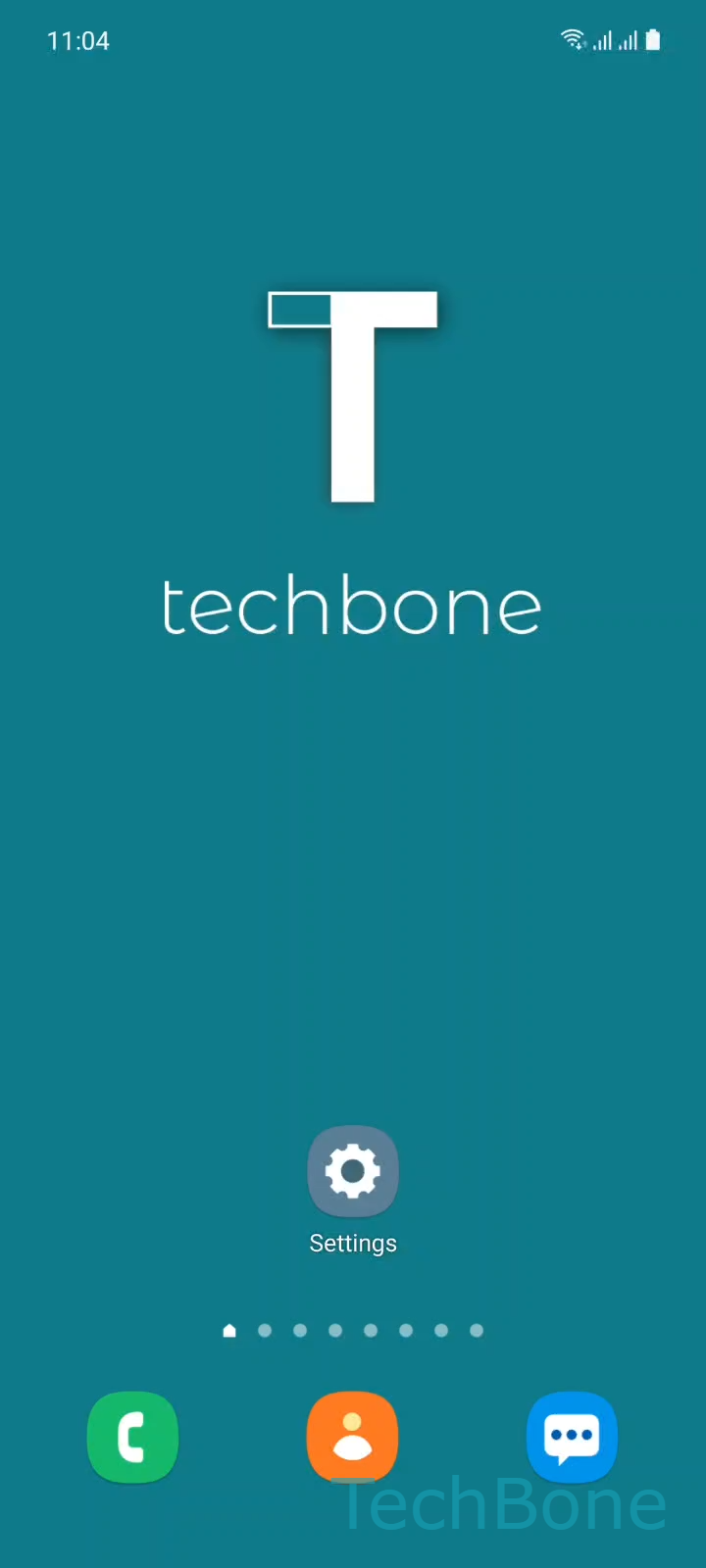
Step 1 of 6: Tap on **Settings**

1

Tap on Settings

Live simulator

Android 11 · One UI 3
Custom Notification Sound per App – One UI 3: step 1 – Tap on Settings
Tap on Settings
1 / 6

Scroll or use the buttons for the next step

Feedback

Was the guide correct?

Help others: confirm the path or report a problem.

76

Confirmations

Forum verified this path

Samsung

Custom Notification Sound per App auf Samsung

One UI lets you assign a separate notification sound to almost any app, but the option only shows up if the app itself registers distinct notification categories with the system. Apps that route every alert through a single generic channel will not offer a sound picker at all, even though the setting exists in the menu.

To check or change the sound for an app, go to SettingsApps ➔ pick the app you want ➔ Notifications. Inside that screen you get a list of categories the app has registered, such as messages, calls, or reminders. Tap a category, set the sound, and turn vibration on or off for that category specifically.

If an app only shows one combined switch instead of several categories, the sound field usually stays locked to the system default. That is a limitation of the app, not of One UI. Reinstalling the app or waiting for an update that adds proper notification channels is the only real fix in that case.

Keep in mind that Do Not Disturb and app-specific mute settings still take priority over any custom sound you assign here.

Frequently asked questions

That happens when an app has not registered separate notification categories with the system. Without categories under Notifications, One UI has nothing to attach a custom sound to, so the field stays locked to the default tone.

Compatible devices

Tap your device — opens its hub with matching guides.

Android 11 · One UI 3

No compatible devices are listed for this version.