Skip to content
TechBone
Samsung

Samsung: Change Notification Volume Separately from Media

The notification tone announces every alert on your phone, from messaging apps like WhatsApp and Facebook to calendar reminders, but it runs on its own separate volume level. If reminders are too loud during meetings or too quiet to notice in a busy room, the ring or media volume buttons will not fix it. You need to adjust this level directly in the sound settings.

3 min4 steps
Version

Step by step

1 / 4

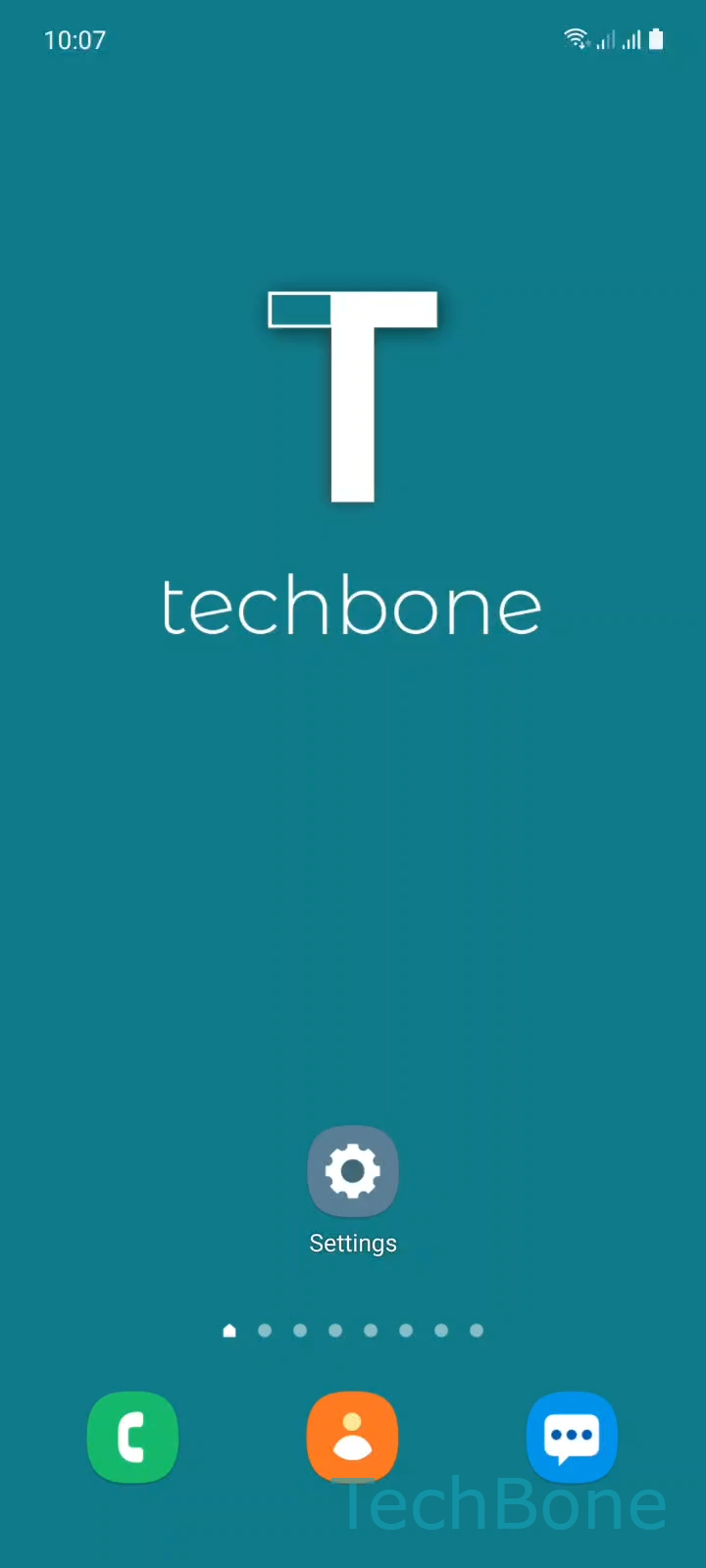
Step 1 of 4: Tap on **Settings**

1

Tap on Settings

Live simulator

Android 11 · One UI 3
Change Notification Volume – One UI 3: step 1 – Tap on Settings
Tap on Settings
1 / 4

Scroll or use the buttons for the next step

Feedback

Was the guide correct?

Help others: confirm the path or report a problem.

26

Confirmations

Forum verified this path

Samsung

Change Notification Volume auf Samsung

The notification tone on Samsung phones announces messages, reminders, and app alerts from services like WhatsApp or Facebook through a single volume level.

This level runs independently from ringtone and media volume, so pressing the physical volume buttons while browsing or playing music does not always change it.

One UI groups all alert sounds under the sound settings, where each category, including notifications, gets its own slider.

To adjust it: Tap on SettingsTap on Sounds and vibrationTap on VolumeSwipe left or right to adjust the Notifications volume.

Lower the slider if reminders interrupt calls or meetings, or raise it if you keep missing messages in noisy environments.

Setting this volume to zero silences the sound but leaves the vibration pattern active, so alerts still arrive without noise.

If specific apps stay too loud or too quiet even after this change, check their individual notification settings inside the app, since some apps override the system-wide notification volume with their own sound options.

Frequently asked questions

No. Alarms use their own separate volume level in Sounds and vibrationVolume, so changing the Notifications slider does not affect how loud your alarms ring.

Compatible devices

Tap your device — opens its hub with matching guides.

Android 11 · One UI 3

No compatible devices are listed for this version.