
Skip to content
TechBone
Samsung

Samsung: Allow or Mute Alarm and Notification Sounds During Calls

If alarms and notification sounds keep interrupting your calls, or you cannot hear them at all until you hang up, the Notify during calls option is behind it. This setting decides whether the phone plays alert sounds while a call is active or holds them back until you finish talking. Getting the behavior you actually want means knowing where this toggle lives and what it affects.

4 min5 steps
Version

Step by step

1 / 5

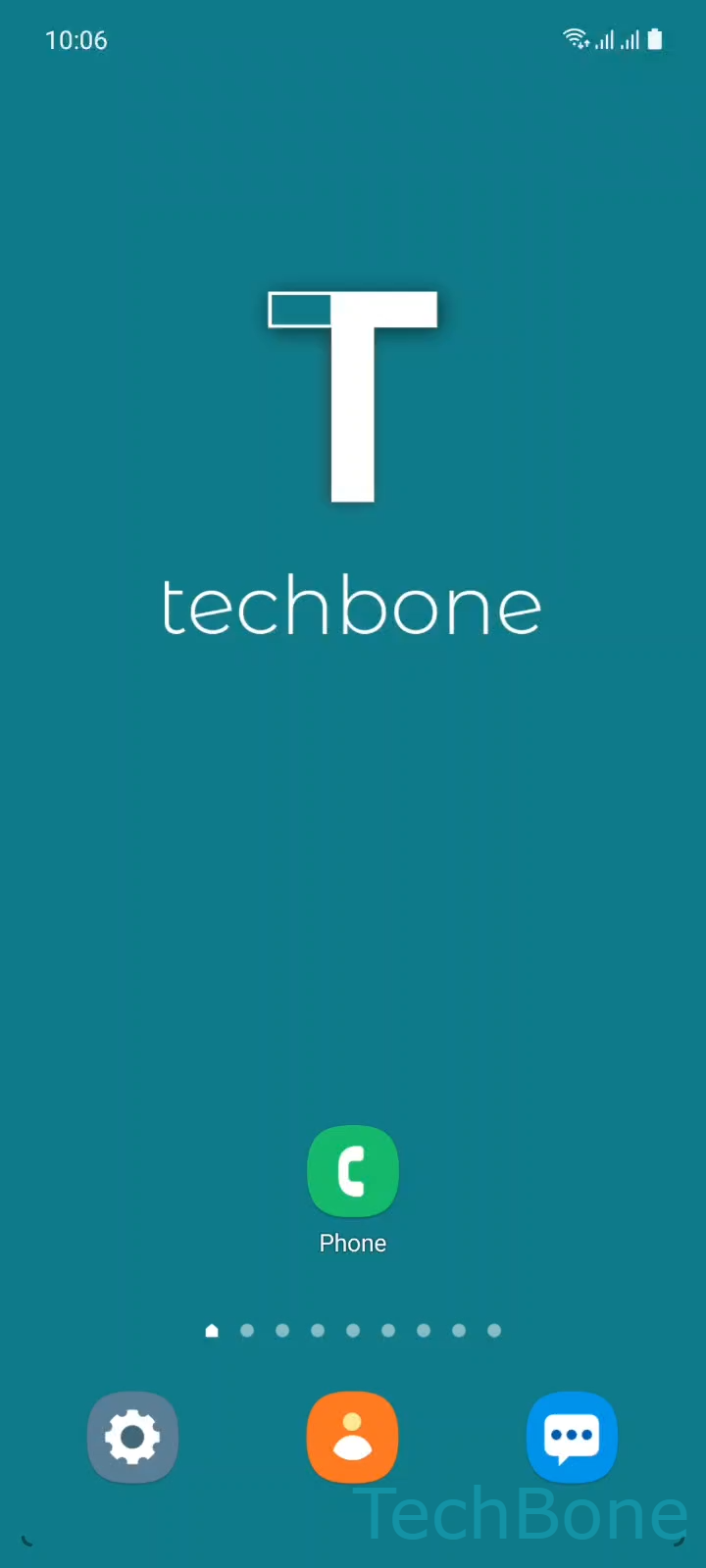
Step 1 of 5: Tap on **Phone**

1

Tap on Phone

Live simulator

Android 11 · One UI 3
Allow or Mute Alarm and Notification Sounds During Calls – One UI 3: step 1 – Tap on Phone
Tap on Phone
1 / 5

Scroll or use the buttons for the next step

Feedback

Was the guide correct?

Help others: confirm the path or report a problem.

23

Confirmations

Forum verified this path

Samsung

Allow or Mute Alarm and Notification Sounds During Calls auf Samsung

On Samsung phones, alarm and notification sounds are tied to a single call setting rather than separate controls for each sound type. When this option is off, every alarm and notification queues silently and only plays once the call ends. When it is on, alarms and notifications interrupt the call audio as soon as they arrive.

This behavior sits inside the phone app itself, not in the general sound settings, which is why changing volume levels or Do Not Disturb rules does not fix it. The relevant toggle is found under Tap on PhoneOpen the MenuTap on SettingsTap on Call alerts and ringtoneEnable or disable Allow alarm/notification sounds in calls.

Turning it off is useful if calls get interrupted by unrelated app alerts. Turning it on matters if you rely on alarms going off on time regardless of an ongoing call, for example for medication reminders or wake-up alarms during a call you cannot end quickly.

One side effect: with the option disabled, you will not hear any alarm during a long call, even one set for that exact time. It only fires once the call ends.

Frequently asked questions

No. Emergency alerts follow their own delivery rules and are not controlled by the Allow alarm/notification sounds in calls toggle, so they can still appear even when this setting is off.

Compatible devices

Tap your device — opens its hub with matching guides.

Android 11 · One UI 3

No compatible devices are listed for this version.