
Skip to content
TechBone
Samsung

Samsung: Turn the Number Row On or Off in the Keyboard

If your Samsung keyboard suddenly shows a full row of digits above the letters, or that row is missing and you have to tap and hold a letter until a popup with the number appears, the number row layout has been switched. This setting decides whether typing numbers takes one tap or a tap-and-hold, and it changes how much space the keyboard takes up on screen.

4 min5 steps
Version

Step by step

1 / 5

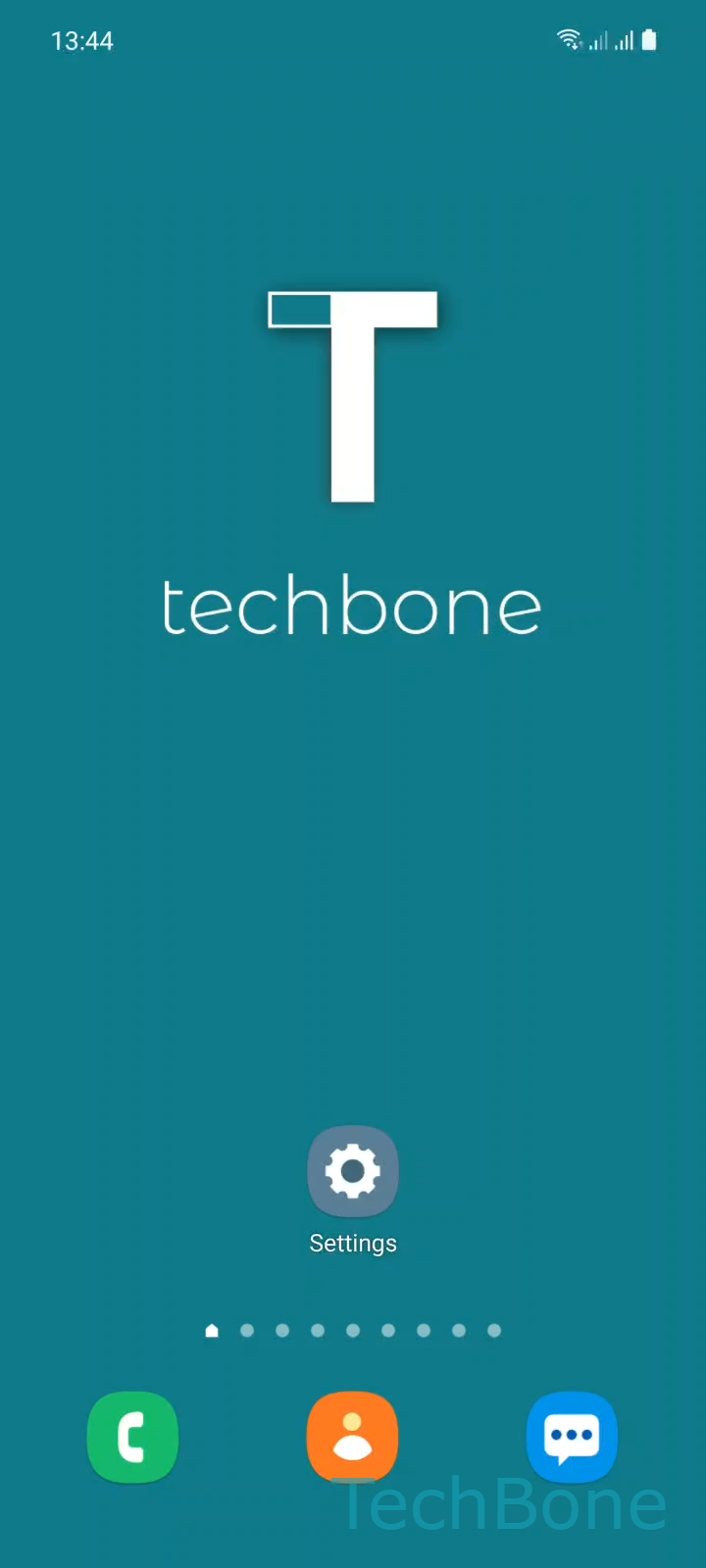
Step 1 of 5: Tap on **Settings**

1

Tap on Settings

Live simulator

Android 11 · One UI 3
Number Row on Samsung Keyboard – One UI 3: step 1 – Tap on Settings
Tap on Settings
1 / 5

Scroll or use the buttons for the next step

Feedback

Was the guide correct?

Help others: confirm the path or report a problem.

75

Confirmations

Forum verified this path

Samsung

Number Row on Samsung Keyboard auf Samsung

The Samsung Keyboard can display a dedicated row of digits (0-9) above the letters, or hide that row to save vertical space. With the row hidden, each digit is mapped onto a letter key and appears in a small popup when you tap and hold that letter.

This behavior is controlled in the keyboard layout settings, not in the general phone settings. Switching it does not affect other installed keyboard apps, only the built-in Samsung Keyboard.

Where to change the number row

Go to Tap on SettingsTap on General managementTap on Samsung Keyboard settingsTap on LayoutEnable or disable Number keys.

Turning the option on adds the full digit row above the letters, which speeds up numeric entry in messages, notes, and forms. Turning it off frees up screen space, useful on smaller displays or when using the keyboard in split-screen mode, but every digit then needs a tap-and-hold gesture.

If numbers are missing after a system update or a keyboard reset, this is usually the first setting to check before assuming a bug.

Frequently asked questions

Keyboard settings can reset during a system update. Check Tap on SettingsTap on General managementTap on Samsung Keyboard settingsTap on Layout and confirm whether Number keys is still enabled.

Compatible devices

Tap your device — opens its hub with matching guides.

Android 11 · One UI 3

No compatible devices are listed for this version.