Skip to content
TechBone
Samsung

Samsung: Pair a Bluetooth Device

If your Samsung phone will not connect to a speaker, headset, or car radio, the two devices are simply not paired yet. Phones and speakers usually just need to confirm the connection on screen, but many car radios ask for a numeric code to be typed in on the Samsung device. Missing that step is the most common reason Bluetooth audio never starts.

4 min5 steps
Version

Step by step

1 / 5

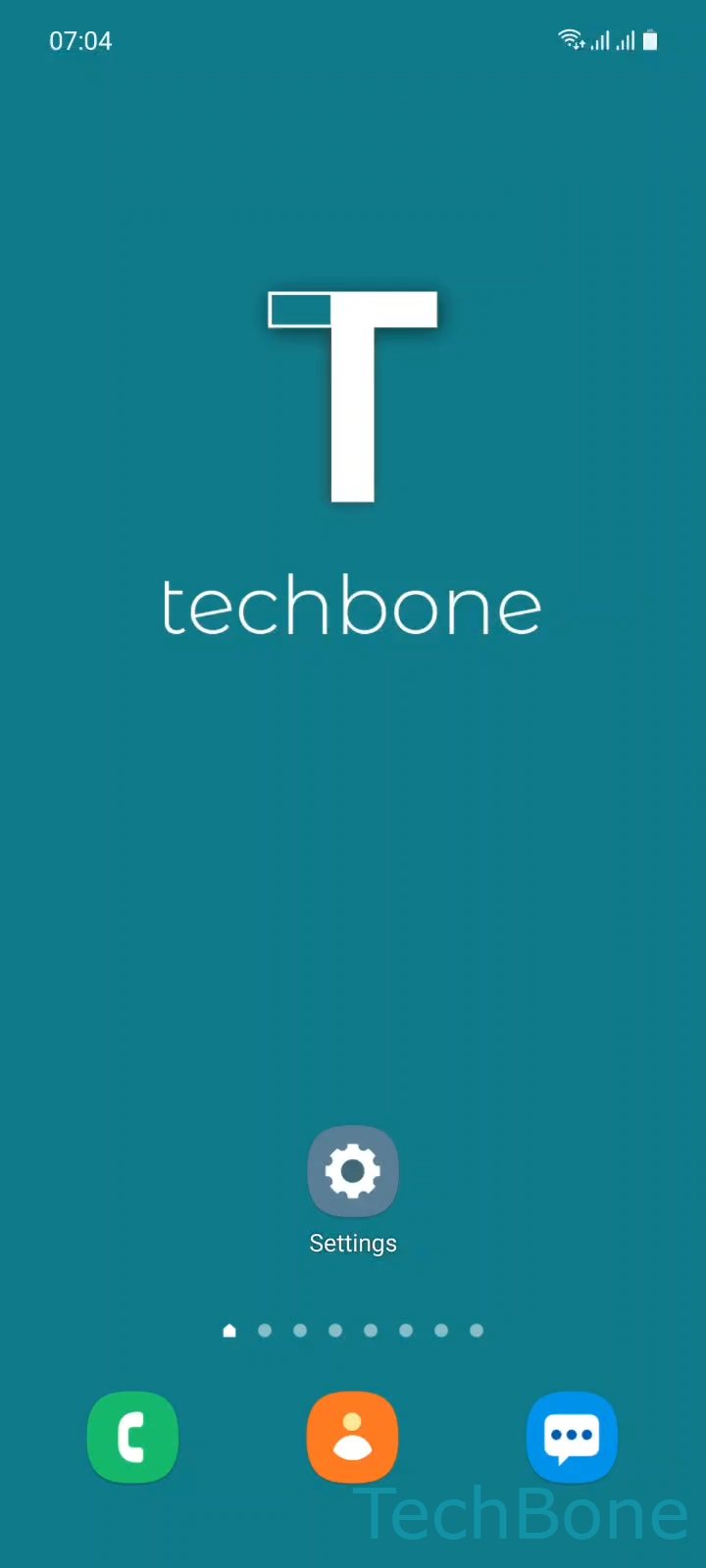
Step 1 of 5: Tap on **Settings**

1

Tap on Settings

Live simulator

Android 11 · One UI 3
Pair a Bluetooth Device – One UI 3: step 1 – Tap on Settings
Tap on Settings
1 / 5

Scroll or use the buttons for the next step

Feedback

Was the guide correct?

Help others: confirm the path or report a problem.

11

Confirmations

Forum verified this path

Samsung

Pair a Bluetooth Device auf Samsung

Bluetooth pairing links two devices so they recognize each other automatically the next time they are both switched on and in range. Until that first pairing is confirmed, your Samsung phone will list a device as available but never actually connect to it for calls, music, or data transfer.

On most phones, speakers, and headsets, pairing only requires both devices to agree once the connection request appears. Car radios and some older accessories work differently: they generate a numeric code that you have to enter on the Samsung device before the link is accepted.

To pair a new device, open Tap on SettingsTap on ConnectionsTap on Bluetooth. Make sure the other device is switched on and set to pairing mode, then select it under Choose an Available device. Confirm the request with Tap on Pair, or enter the code if one is requested.

If the target device never shows up in the list, it is usually not in pairing mode, out of range, or already paired to another phone. Turning Bluetooth off and on again on the Samsung device often refreshes the list and resolves a stuck connection.

Frequently asked questions

The other device is likely not in pairing mode or too far away. Restart the search under Tap on SettingsTap on ConnectionsTap on Bluetooth and keep both devices within about one meter during pairing.

Compatible devices

Tap your device — opens its hub with matching guides.

Android 11 · One UI 3

No compatible devices are listed for this version.