Skip to content
TechBone
Samsung

Samsung: Enable or Disable Pop-up Blocking in Internet

Pop-ups in Samsung Internet stay blocked by default, so login windows, download links or ad overlays that rely on a new window never appear. Some sites still need that pop-up to load a form or a payment step. On a Samsung phone a pop-up opens as a new tab instead of a separate window like it does on a desktop browser.

4 min5 steps
Version

Step by step

1 / 5

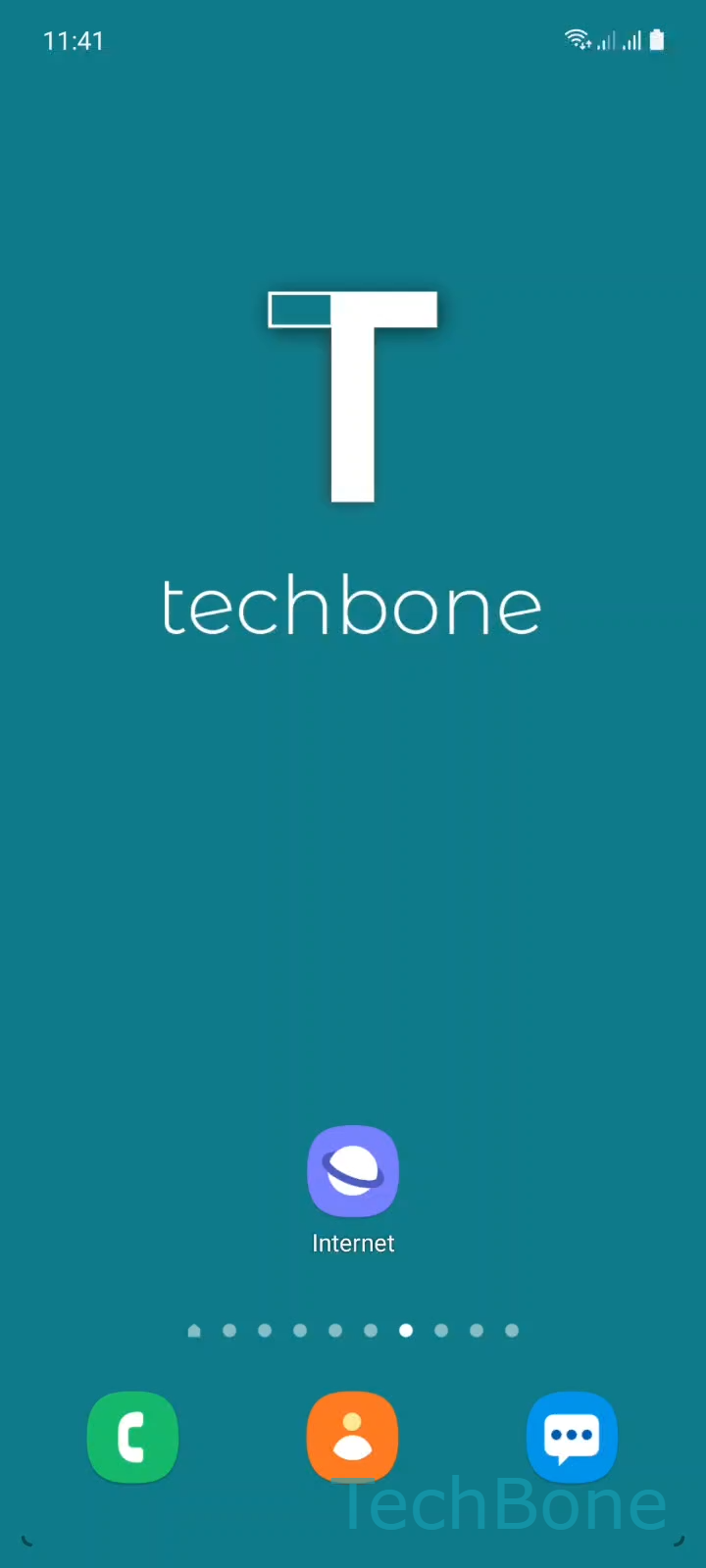
Step 1 of 5: Tap on **Internet**

1

Tap on Internet

Live simulator

Android 11 · One UI 3
Block Pop-ups Automatically in the Browser – One UI 3: step 1 – Tap on Internet
Tap on Internet
1 / 5

Scroll or use the buttons for the next step

Feedback

Was the guide correct?

Help others: confirm the path or report a problem.

44

Confirmations

Forum verified this path

Samsung

Block Pop-ups Automatically in the Browser auf Samsung

Samsung Internet blocks pop-ups automatically to stop unwanted ad windows and redirect loops. This setting sits inside the browser itself, not in the general phone settings, so it only affects sites opened through Internet.

When a site needs a pop-up for a login form, a file download or a payment confirmation, a blocked pop-up can look like the button simply does nothing. Turning the setting off lets those windows load, but it also brings back ad pop-ups on pages that misuse them.

Unlike on a desktop browser, a pop-up on a Samsung phone opens as a new tab inside Internet rather than a separate floating window. This is a display difference only; the blocking logic behind it works the same way.

Where to change it

Open Internet and tap the Menu icon. Go to Settings, then Privacy and security. There you can turn Block pop-ups on or off.

Leave it enabled for everyday browsing. Switch it off only while you need a specific site to work, then turn it back on afterward to keep ad pop-ups away.

Frequently asked questions

Samsung Internet handles pop-ups as tabs by design, since a floating desktop-style window does not fit a phone screen. This happens regardless of whether Block pop-ups is turned on or off.

Compatible devices

Tap your device — opens its hub with matching guides.

Android 11 · One UI 3

No compatible devices are listed for this version.