Skip to content
TechBone
Samsung

Samsung: Print a Web Page from the Browser

Printing a web page from the Samsung browser only works when the printer sits on the same wireless network as your phone. Missing print jobs, cut-off content or the wrong paper size usually trace back to a skipped setting in the print preview, not a broken connection.

5 min6 steps
VersionAndroid 11 · One UI 3

Step by step

1 / 6

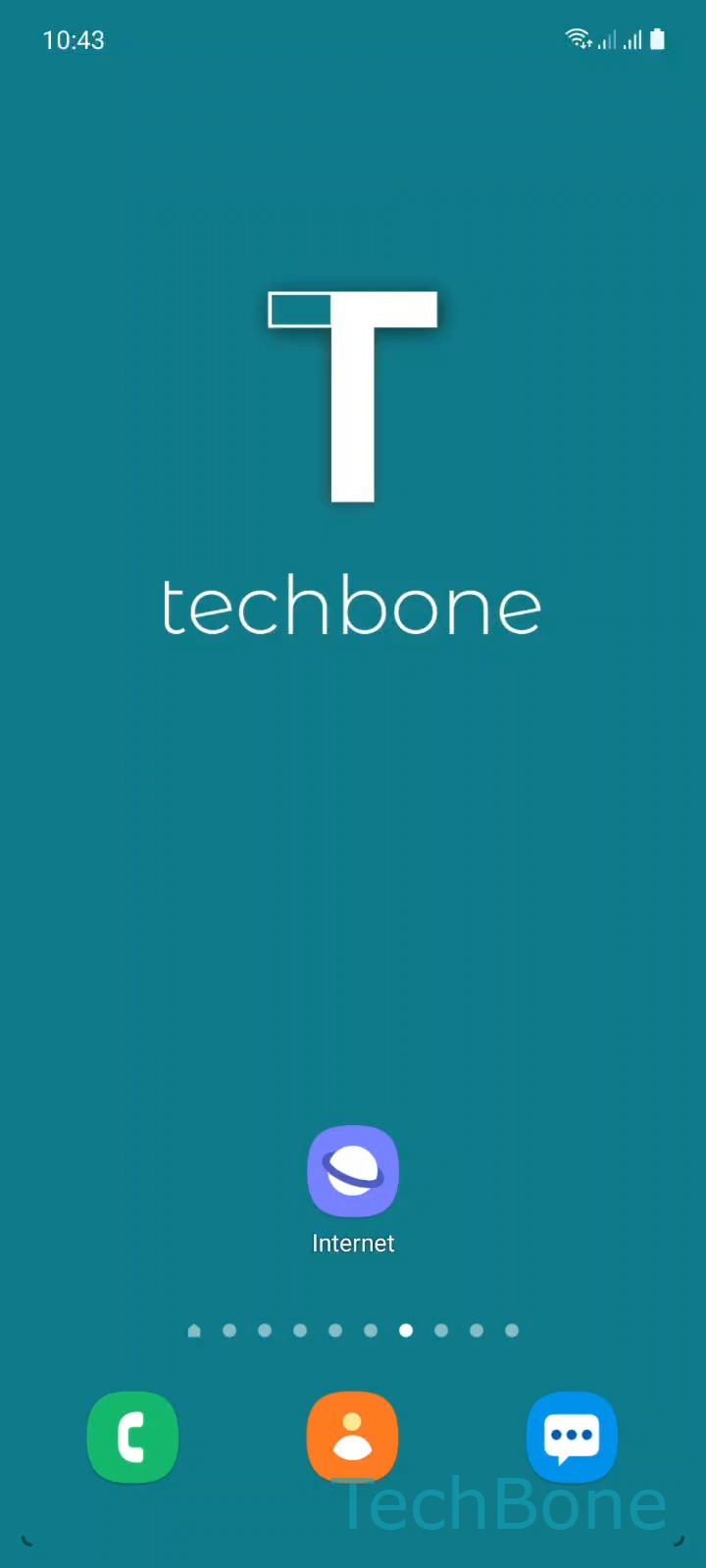
Step 1 of 6: Tap on **Internet**

1

Tap on Internet

Live simulator

Android 11 · One UI 3
Print a Web Page – One UI 3: step 1 – Tap on Internet
Tap on Internet
1 / 6

Scroll or use the buttons for the next step

Feedback

Was the guide correct?

Help others: confirm the path or report a problem.

59

Confirmations

Forum verified this path

Samsung

Print a Web Page auf Samsung

Samsung phones print web pages through the built-in browser, not through a separate print app. The browser hands the page to Android's print service, which then looks for a printer on the same wireless network as the phone.

If nothing happens after tapping print, the phone usually cannot see the printer because it is on a different network, in sleep mode, or not registered as a print service yet. Wrong paper size or a cut-off layout points to settings inside the print preview screen, not to the printer itself.

Menu path

Tap on InternetOpen the MenuTap on Print/PDFOpen the MenuChoose a PrinterTap on Print

Inside the print preview you can select individual areas of the page, switch the paper size, or change orientation before sending the job. If no printer shows up under Choose a Printer, the printer's Wi-Fi connection or the phone's print service setup is the more likely cause, not the browser.

Saving the page as a PDF instead of sending it to a printer uses the same menu, just with a different target selected in the same step.

Frequently asked questions

The phone and the printer must be on the same wireless network. If the printer still does not appear, check whether a print service plugin for your printer brand is installed and enabled on the phone.

Compatible devices

Tap your device — opens its hub with matching guides.

Android 11 · One UI 3

No compatible devices are listed for this version.