Skip to content
TechBone
Samsung

Samsung: Edit Quick Decline Messages for Calls

When you reject a call with a swipe on your Samsung phone, a preset text like 'Please text me' or 'I will call you back' goes out automatically. If that message no longer fits the situation or you want a different wording, the default text stays unless you change it yourself. Many users only notice this after a caller mentions receiving a message they never wrote.

5 min6 steps
Version

Step by step

1 / 6

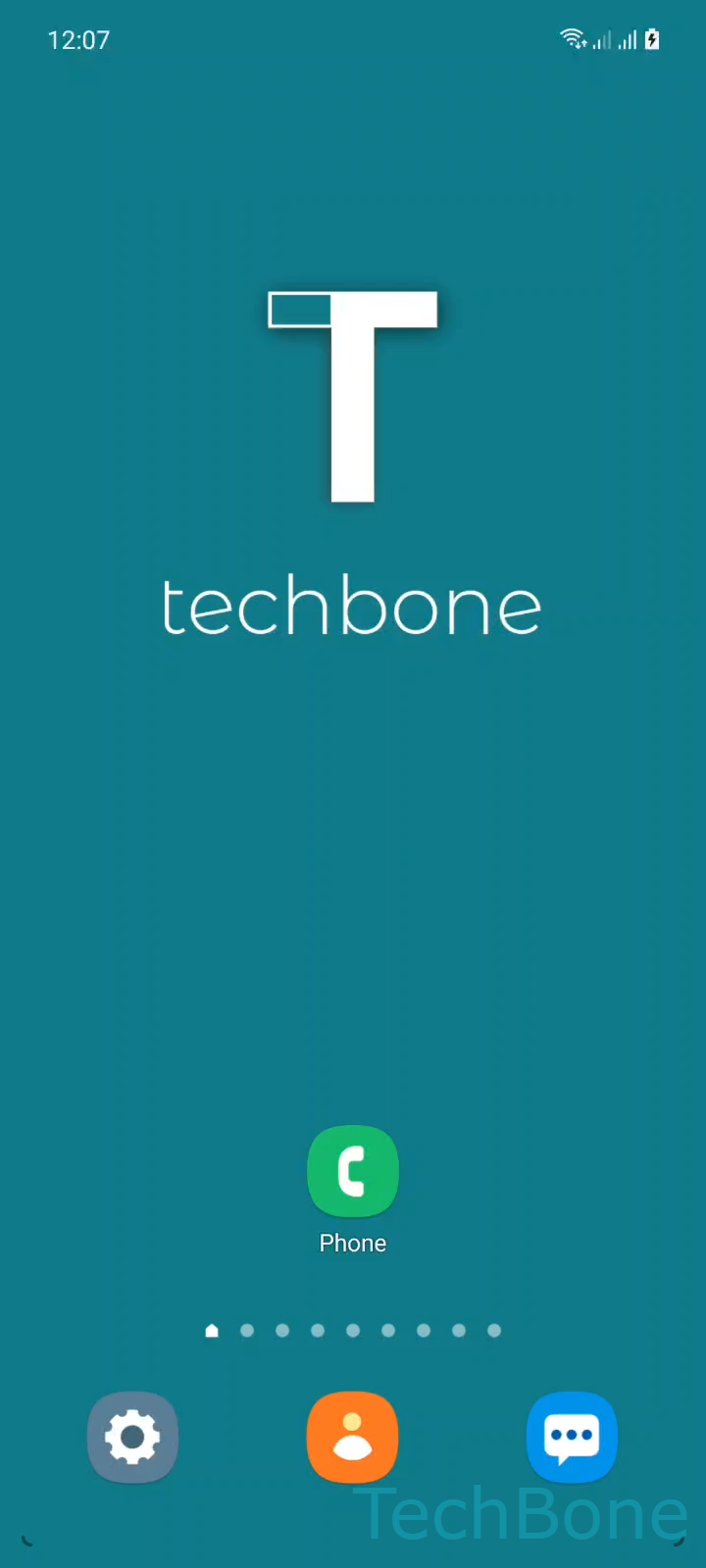
Step 1 of 6: Tap on **Phone**

1

Tap on Phone

Live simulator

Android 11 · One UI 3
Customize Quick Decline Messages – One UI 3: step 1 – Tap on Phone
Tap on Phone
1 / 6

Scroll or use the buttons for the next step

Feedback

Was the guide correct?

Help others: confirm the path or report a problem.

51

Confirmations

Forum verified this path

Samsung

Customize Quick Decline Messages auf Samsung

Quick decline messages are short texts that Samsung sends automatically once you reject an incoming call by swiping the decline button upward. Instead of a plain rejected call, the caller receives a text such as 'Please text me' or 'Can you call back later?' along with a link to your location if you allow it.

These messages come with a small set of defaults, but you are not limited to them. You can remove one you never use, rewrite the wording, or add a new message for situations the default texts do not cover, such as being in a meeting or driving.

Where to edit the messages

Open Tap on PhoneOpen the MenuTap on SettingsTap on Quick decline messages. Here you see the full list of stored texts.

To remove one, select it and confirm the deletion. To create a new entry, tap Add, enter your own wording in the text field and confirm.

Changes apply immediately and work the same way for every SIM if your phone supports dual SIM. If a message still does not appear when declining a call, check that message sending for declined calls is enabled in the same settings screen, since a disabled option skips sending any text regardless of what is stored in the list.

Frequently asked questions

Check that sending decline messages is turned on under Tap on PhoneOpen the MenuTap on SettingsTap on Quick decline messages. If the feature itself is disabled, no text goes out even with saved messages in the list.

Compatible devices

Tap your device — opens its hub with matching guides.

Android 11 · One UI 3

No compatible devices are listed for this version.