
Samsung
Enable or Disable Quick Launch Camera auf Samsung
Pressing the side key twice on a Samsung phone opens the camera almost instantly, even from a locked screen with the display off. This behavior comes from a dedicated action assigned to the side key, not from the camera app itself. Samsung enables it by default, which is why many people discover it by accident while pulling the phone out of a pocket.
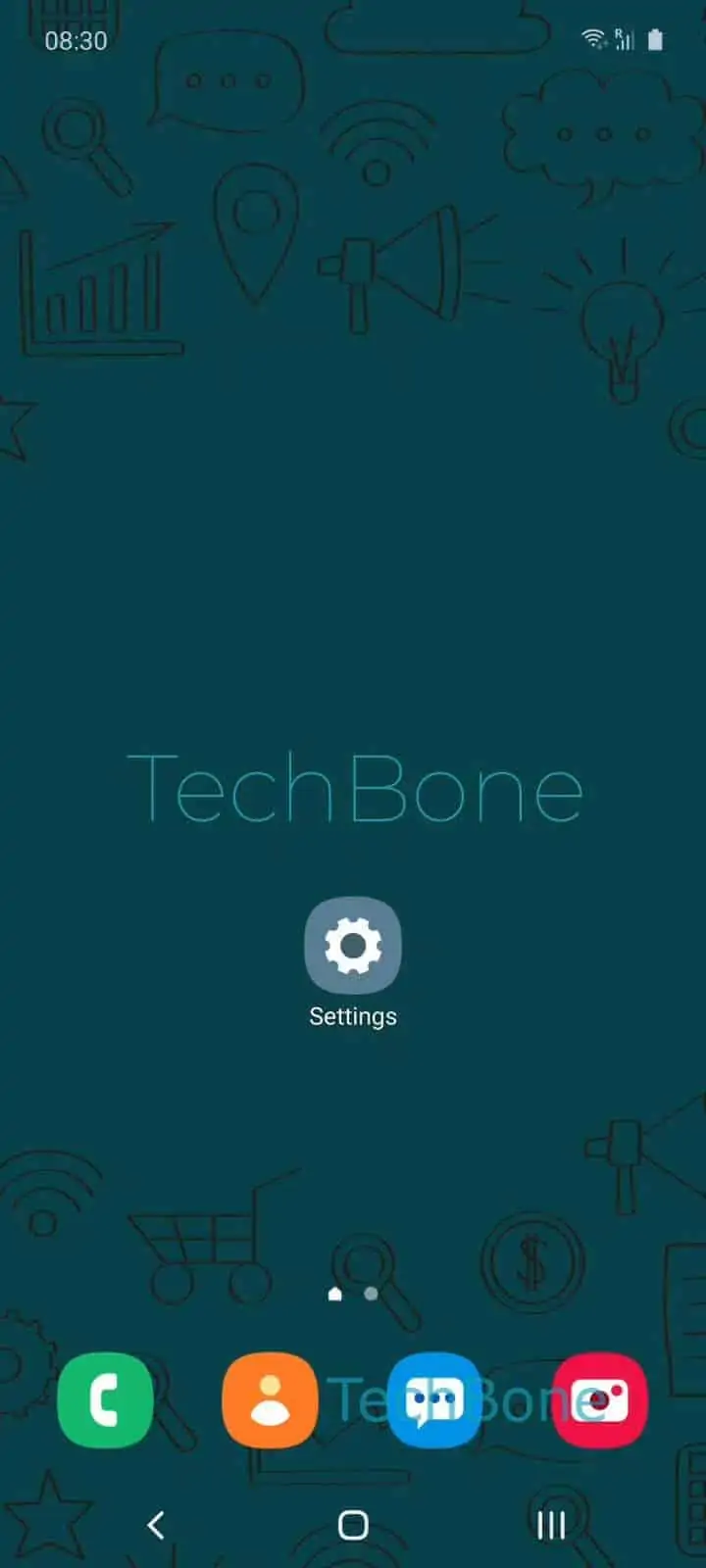
The setting lives inside the side key configuration. Go to Open the Settings ➔ Tap on Advanced features ➔ Tap on Side key, then look at the double press action. To keep the shortcut, enable Double press and select Quick launch camera from the list. To stop the camera from opening unexpectedly, switch the double press action to another option or turn it off entirely.
Turning this off makes sense if the camera keeps launching while the phone sits in a bag or pocket, draining battery or filling storage with accidental shots. Keep it on if you rely on fast access for time-sensitive shots, since reopening the camera manually from a locked screen takes a few seconds longer. The change applies immediately and does not affect other side key functions like assistant access or power menu options.