
Skip to content
TechBone
Samsung

Samsung: Turn Quick Launch Camera On or Off

If a double press of the power button keeps opening your camera at the wrong moment, or you want that shortcut back after it stopped working, the Quick launch camera option is behind it. This function reacts to the side key whether the screen is on or off, and it ships active on most Samsung phones. A few taps let you turn it off or bring it back.

3 min4 steps
VersionAndroid 10 · One UI 2

Step by step

1 / 4

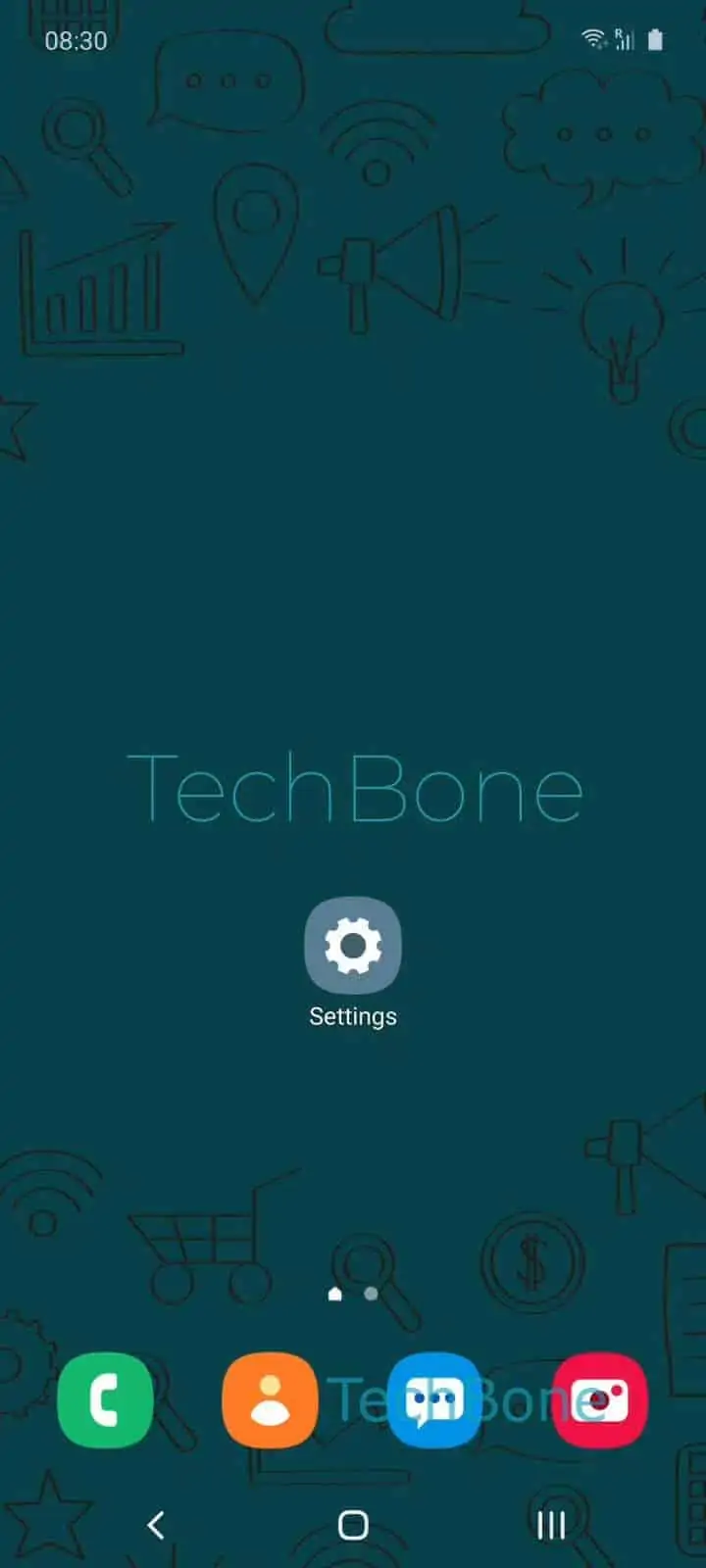
Step 1 of 4: Open the **Settings**

1

Open the Settings

Live simulator

Android 10 · One UI 2
Enable or Disable Quick Launch Camera – One UI 2: step 1 – Open the Settings
Open the Settings
1 / 4

Scroll or use the buttons for the next step

Feedback

Was the guide correct?

Help others: confirm the path or report a problem.

28

Confirmations

Forum verified this path

Samsung

Enable or Disable Quick Launch Camera auf Samsung

Pressing the side key twice on a Samsung phone opens the camera almost instantly, even from a locked screen with the display off. This behavior comes from a dedicated action assigned to the side key, not from the camera app itself. Samsung enables it by default, which is why many people discover it by accident while pulling the phone out of a pocket.

The setting lives inside the side key configuration. Go to Open the SettingsTap on Advanced featuresTap on Side key, then look at the double press action. To keep the shortcut, enable Double press and select Quick launch camera from the list. To stop the camera from opening unexpectedly, switch the double press action to another option or turn it off entirely.

Turning this off makes sense if the camera keeps launching while the phone sits in a bag or pocket, draining battery or filling storage with accidental shots. Keep it on if you rely on fast access for time-sensitive shots, since reopening the camera manually from a locked screen takes a few seconds longer. The change applies immediately and does not affect other side key functions like assistant access or power menu options.

Frequently asked questions

The side key is likely getting pressed twice by accident. Go to Open the SettingsTap on Advanced featuresTap on Side key and change the double press action away from Quick launch camera if this happens often.

Compatible devices

Tap your device — opens its hub with matching guides.

Android 10 · One UI 2

No compatible devices are listed for this version.