
Samsung
Reject a Call with a Text message auf Samsung
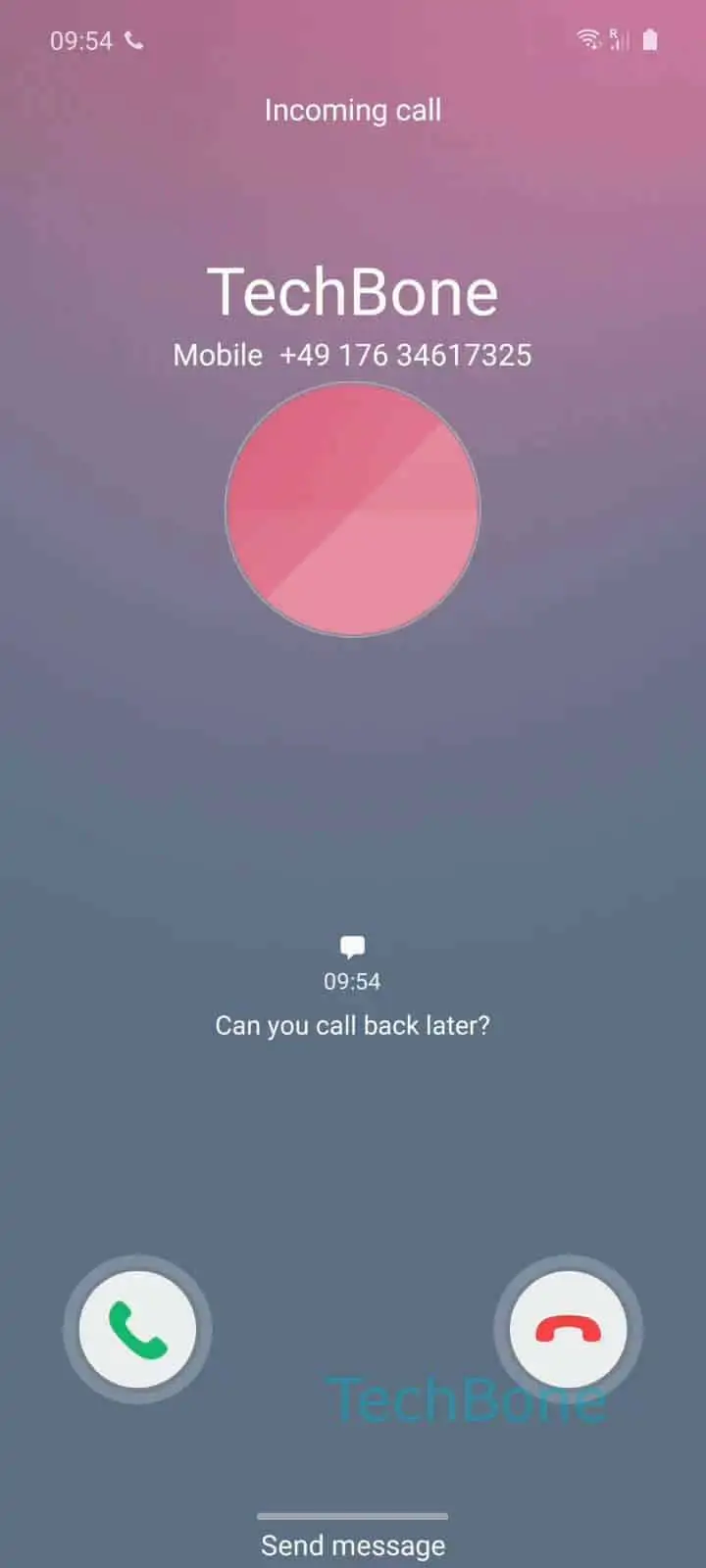
When a call comes in on a Samsung phone and you cannot answer, you do not have to leave the caller without any response. One UI lets you decline the call and send a short SMS reply in the same motion, so the caller knows why you could not pick up.
To use it, swipe up on the Wipe Send message up icon that appears on the incoming call screen. A short list of prewritten replies opens above it. From there, tap Choose desired message to pick the text you want sent, for example something like 'Cannot talk now, call you back later.'
The call ends immediately and the phone sends the selected line as a regular SMS to the caller's number. This only works for calls arriving over the mobile network with a visible caller number; it does not apply to VoIP or app-based calls that route through a different service.
The default quick replies can be edited so they match how you actually communicate, letting you swap generic phrases for ones you would send anyway. If you decline calls often during work hours, updating this list once saves you from typing a manual text every time.
If the caller is not saved as a contact, the SMS still sends to the raw number, so check the message content stays appropriate for unknown callers too.