Skip to content
TechBone
Samsung

Samsung: Turn On Reminders for Contact Birthdays

Samsung Calendar shows birthdays pulled from your contacts, but it stays silent when one is coming up. No notification pops up on the day itself or beforehand, so birthdays slip by unnoticed unless you check the calendar manually. The alert for this feature is hidden separately from your other calendar notifications.

5 min6 steps
Version

Step by step

1 / 6

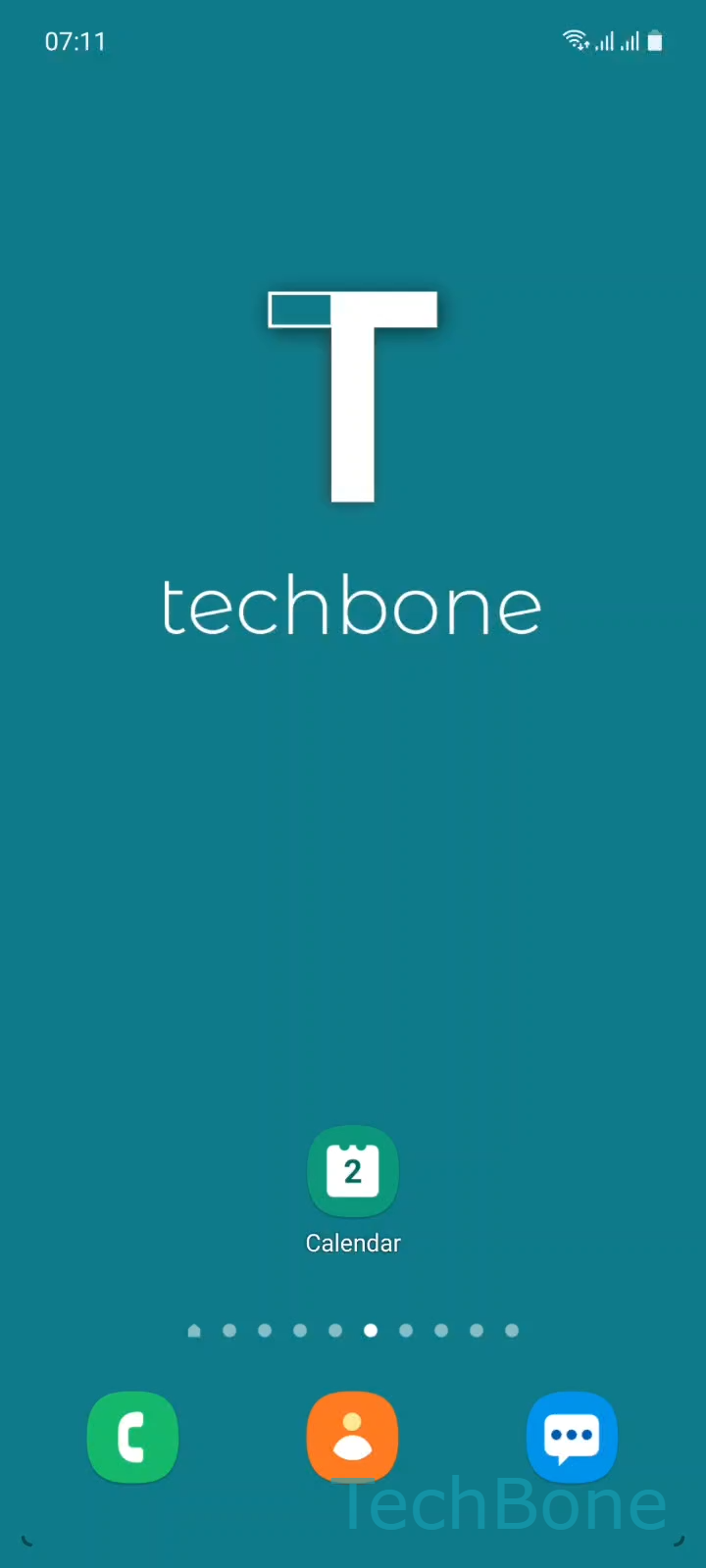
Step 1 of 6: Tap on **Calendar**

1

Tap on Calendar

Live simulator

Android 11 · One UI 3
Turn On Birthday Reminders in the Calendar – One UI 3: step 1 – Tap on Calendar
Tap on Calendar
1 / 6

Scroll or use the buttons for the next step

Feedback

Was the guide correct?

Help others: confirm the path or report a problem.

11

Confirmations

Forum verified this path

Samsung

Turn On Birthday Reminders in the Calendar auf Samsung

Samsung Calendar pulls birthdays directly from your saved contacts and shows them on the matching date. By default, this entry behaves like a static note: no push notification, no lock screen alert, nothing that flags an approaching birthday.

This happens because birthday reminders are controlled by a separate alert setting, not by the general calendar notification toggle. Even if your regular event alerts are switched on, birthdays stay muted until you enable them on their own.

Where to turn it on

Open the Calendar app and go to Tap on CalendarOpen the MenuTap on SettingsTap on Alert settingsTap on Contact´s birthdays. From there, Choose an option to set when you want to be notified, for example on the day or a day in advance.

Turning this off again works the same way: return to the same menu and pick the option that disables the alert. If a specific birthday still does not show up, check that the date is actually saved in the contact entry, since Calendar only displays what the Contacts app provides.

Frequently asked questions

Birthdays use a separate notification setting from regular events. Go to Tap on CalendarOpen the MenuTap on SettingsTap on Alert settingsTap on Contact´s birthdays and choose a reminder option.

Compatible devices

Tap your device — opens its hub with matching guides.

Android 11 · One UI 3

No compatible devices are listed for this version.