Skip to content
TechBone
Samsung

Samsung: Remove App Shortcut from Home Screen

If you keep adding shortcuts for the same app to your Samsung Home screen, they pile up fast and there is no obvious delete button in sight. This happens because One UI treats every shortcut as its own tile, separate from the app icon in the App Overview. Many users end up dragging the wrong icon or accidentally uninstalling the app instead of just clearing the extra shortcut.

2 min2 steps
Version

Step by step

1 / 2

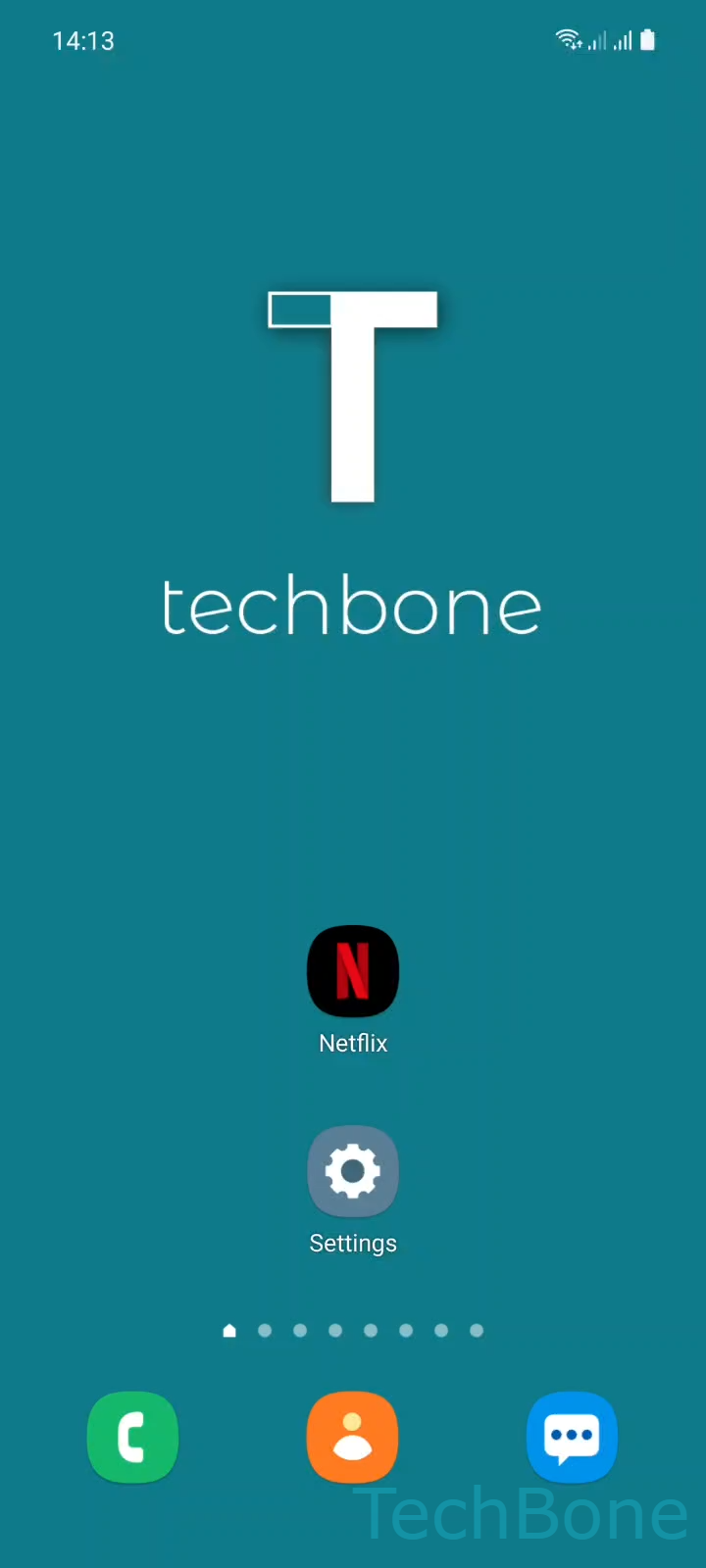
Step 1 of 2: Tap and hold an **App icon**

1

Tap and hold an App icon

Live simulator

Android 11 · One UI 3
Remove App Shortcut from Home Screen – One UI 3: step 1 – Tap and hold an App icon
Tap and hold an App icon
1 / 2

Scroll or use the buttons for the next step

Feedback

Was the guide correct?

Help others: confirm the path or report a problem.

72

Confirmations

Forum verified this path

Samsung

Remove App Shortcut from Home Screen auf Samsung

Extra app shortcuts on the Home screen usually appear after you drag an icon from the App Overview more than once, or after a widget adds its own launcher tile.

Samsung's One UI treats every shortcut as an independent object. Removing the original app icon does not clear duplicate shortcuts automatically, so each one needs to be deleted on its own.

To remove one, Tap and hold an App iconTap on Remove. This only detaches the shortcut from the Home screen. The app itself and its data stay installed.

If the same long-press menu shows Uninstall instead of Remove, you are touching the actual app icon in the App Overview, not a Home screen shortcut. Choosing that option deletes the app completely.

The same steps work on any Home screen panel, including Wide screen layouts. If Remove does not show up at all, check whether the Home screen apps setting is limited to widgets only, which can hide the option for regular icons.

Frequently asked questions

No. Removing a shortcut with Tap and hold an App iconTap on Remove only takes the tile off the Home screen. The app and its data remain installed and still show up in the App Overview.

Compatible devices

Tap your device — opens its hub with matching guides.

Android 11 · One UI 3

No compatible devices are listed for this version.