Skip to content
TechBone
Samsung

Samsung: Delete a Theme from Your Device

Unused designs from the Galaxy Store keep taking up storage even when you never open them again. Some themes only need a few MB, but several installed at once add up fast on devices with limited space. Removing the ones you no longer use frees up memory without losing access to them for good.

6 min7 steps
Version

Step by step

1 / 7

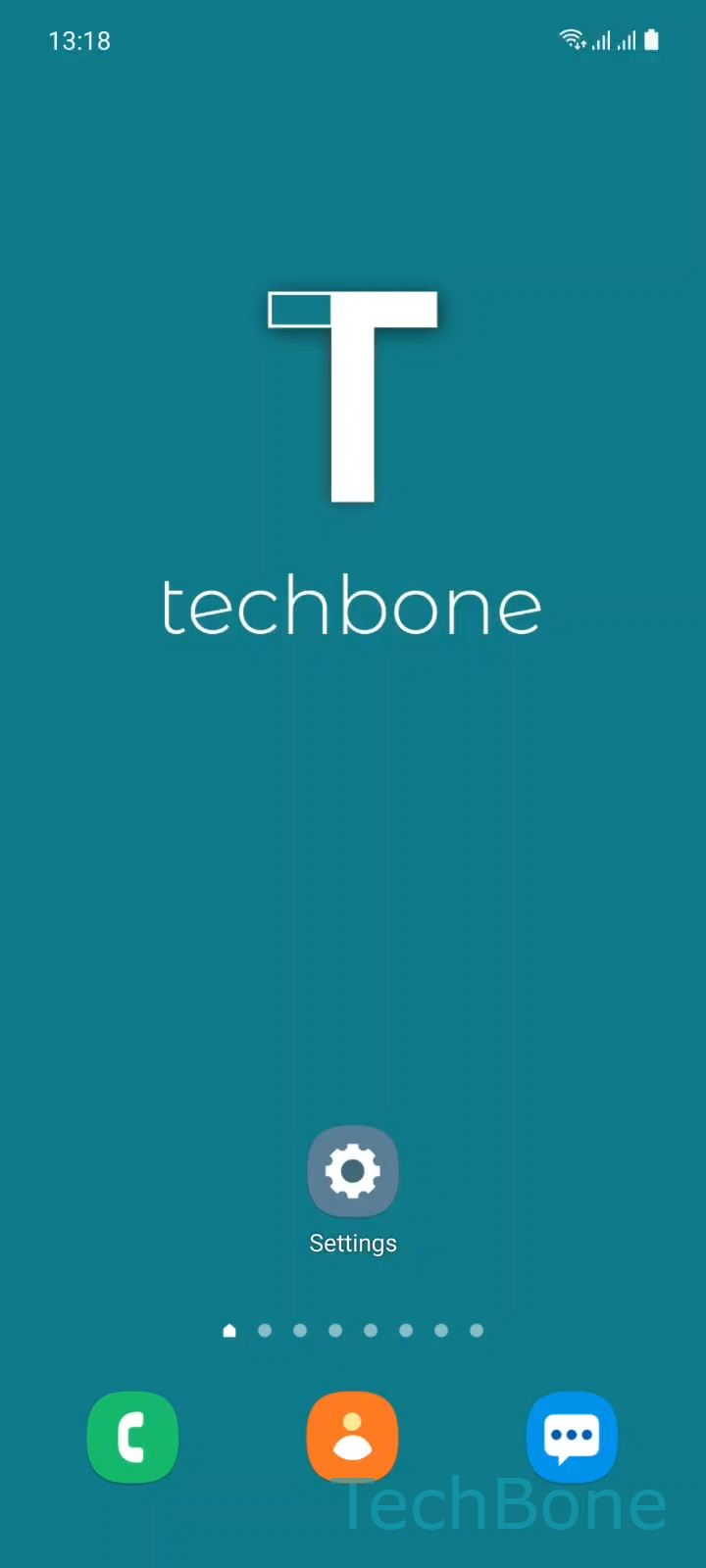
Step 1 of 7: Tap on **Settings**

1

Tap on Settings

Live simulator

Android 11 · One UI 3
Remove a Theme – One UI 3: step 1 – Tap on Settings
Tap on Settings
1 / 7

Scroll or use the buttons for the next step

Feedback

Was the guide correct?

Help others: confirm the path or report a problem.

36

Confirmations

Forum verified this path

Samsung

Remove a Theme auf Samsung

Themes downloaded from the Galaxy Store stay stored on your device even after you switch to a different look. Purchased and free designs behave the same way here: once installed, they sit in local storage until you remove them manually.

The Themes area lives inside the Settings app on Samsung devices and manages every design you have downloaded, including the ones you are not currently using. Deleting a theme only removes the local files, not your purchase record, so a paid design can be downloaded again later at no extra cost.

To delete a theme, go to Tap on SettingsTap on ThemesOpen the MenuTap on My stuffChoose a ThemeTap on DeleteTap on Delete to confirm.

This only removes the theme files, not the theme you have currently applied to your home screen and lock screen. If you delete the active theme, your device switches back to the default look automatically.

If storage is tight across the whole device rather than just from themes, check installed apps and cached data as well, since themes are rarely the biggest storage consumer on their own.

Frequently asked questions

Yes. Removing a theme only deletes the local files. If you bought it, it stays linked to your Samsung account, and you can reinstall it from My stuff in the Galaxy Store or Themes app without paying again.

Compatible devices

Tap your device — opens its hub with matching guides.

Android 11 · One UI 3

No compatible devices are listed for this version.