
Skip to content
TechBone
Samsung

Samsung: Rename a Paired Bluetooth Device

If your phone keeps showing a paired accessory under its factory name instead of something you can actually recognize, that label comes from the device itself, not from your phone. Samsung just displays whatever name the headphones, speaker or car kit broadcasts over Bluetooth. Once several accessories use similar generic names, telling them apart in your Bluetooth list gets confusing.

5 min6 steps
Version

Step by step

1 / 6

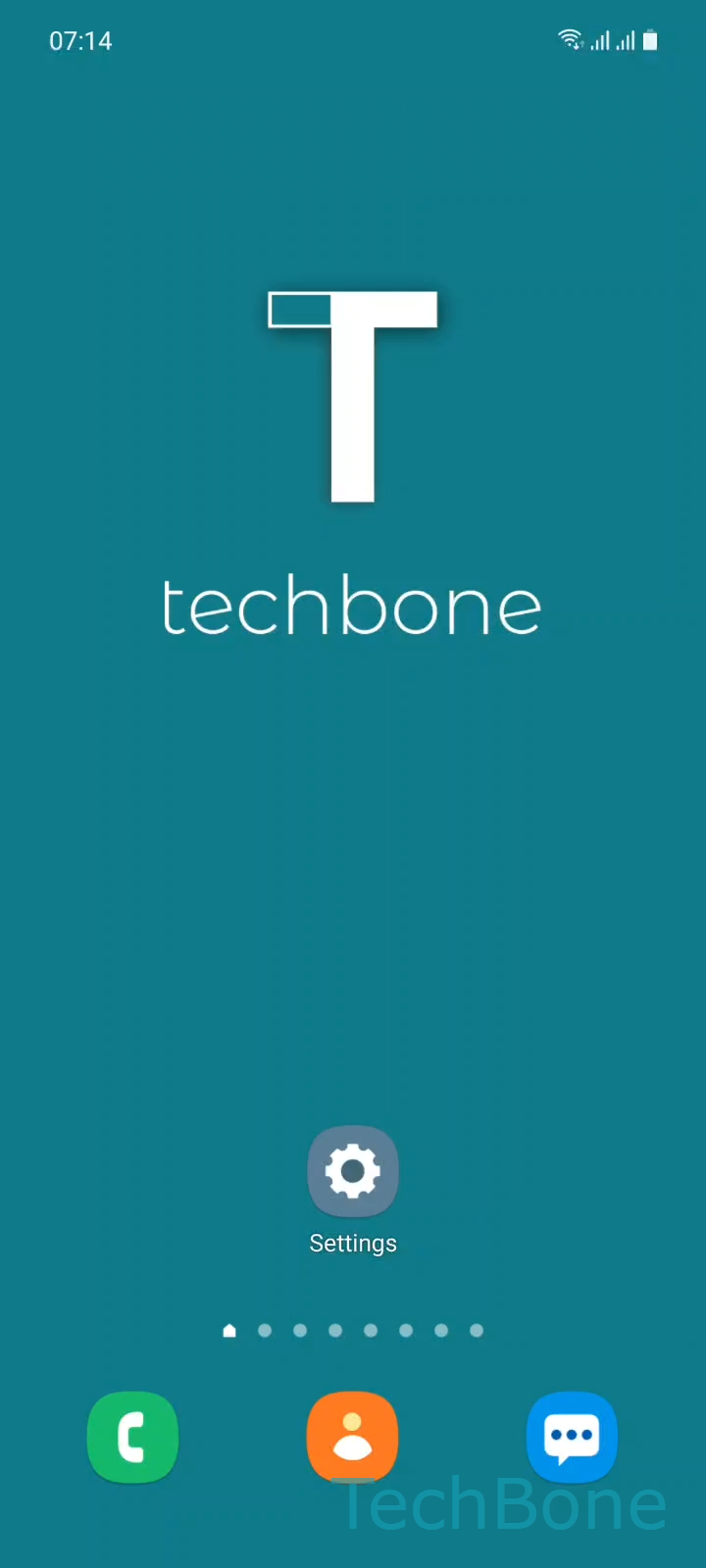
Step 1 of 6: Tap on **Settings**

1

Tap on Settings

Live simulator

Android 11 · One UI 3
Rename a Paired Bluetooth Device – One UI 3: step 1 – Tap on Settings
Tap on Settings
1 / 6

Scroll or use the buttons for the next step

Feedback

Was the guide correct?

Help others: confirm the path or report a problem.

46

Confirmations

Forum verified this path

Samsung

Rename a Paired Bluetooth Device auf Samsung

Bluetooth accessories broadcast a default name that your Samsung phone simply takes over when pairing. That name usually comes from the manufacturer, not from you, which is why two identical headphone models can show up looking exactly the same in your Bluetooth list.

Renaming the paired device only changes how your phone labels it locally. It does not rename the accessory itself, so other phones or tablets that pair with the same device will still see its original factory name.

Where to rename a paired device

Open SettingsConnectionsBluetooth. Tap the gear icon next to the paired device to reach Settings for that connection, then choose Rename. Enter the new name and confirm with Rename again to save it.

This works for headphones, speakers, smartwatches and car systems the same way, as long as they are already paired and listed under your Bluetooth devices.

If the device disappears from the list right after renaming, it usually disconnected on its own. Reconnect it and the new name stays saved for future connections. If a name reverts to the factory default after a firmware update on the accessory, you will need to rename it again from your phone.

Frequently asked questions

No. The new name is only stored on your Samsung phone. Other phones that pair with the same accessory will still show its original factory name unless you rename it there as well.

Compatible devices

Tap your device — opens its hub with matching guides.

Android 11 · One UI 3

No compatible devices are listed for this version.