Skip to content
TechBone
Samsung

Samsung: Reset Accessibility Settings to Default

If Voice Assistant keeps reading out screen content, mono audio mixes both channels together, or color and contrast tweaks stay active without a clear reason, several accessibility options are probably still switched on from an earlier setup. Turning each toggle off manually is slow and easy to get wrong. The keyboard is not affected by this, so typing issues need a different fix.

5 min6 steps
Version

Step by step

1 / 6

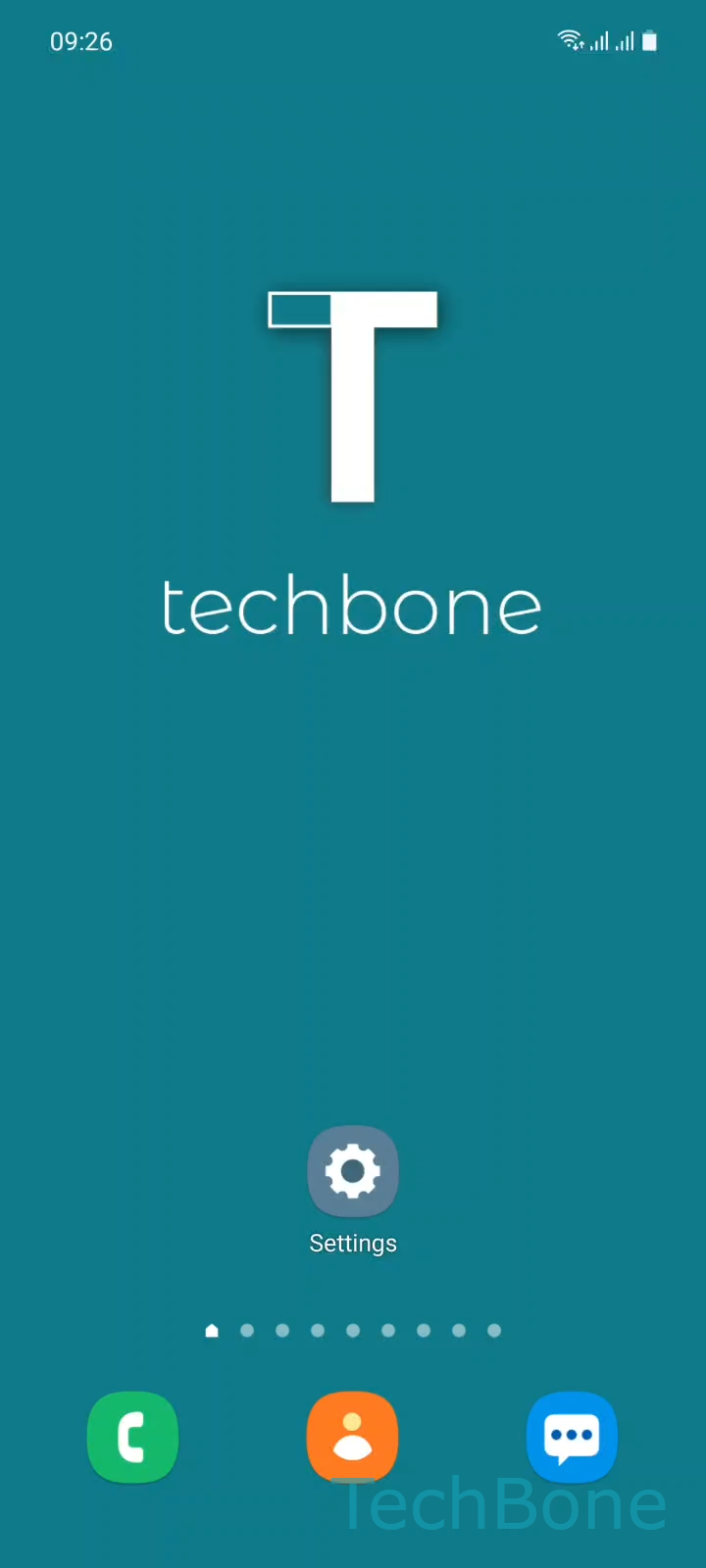
Step 1 of 6: Tap on **Settings**

1

Tap on Settings

Live simulator

Android 11 · One UI 3
Reset Accessibility Settings – One UI 3: step 1 – Tap on Settings
Tap on Settings
1 / 6

Scroll or use the buttons for the next step

Feedback

Was the guide correct?

Help others: confirm the path or report a problem.

75

Confirmations

Forum verified this path

Samsung

Reset Accessibility Settings auf Samsung

Accessibility on Samsung phones bundles settings for hearing, vision, interaction and screen reading. When Voice Assistant keeps talking over the screen, mono audio merges both channels into one, or color inversion and other visibility tweaks stay on without an obvious reason, a leftover accessibility configuration is usually behind it.

Samsung One UI groups these toggles under Accessibility, but the reset function itself lives in General management. Running it restores every accessibility-related option to its factory default in a single action, without changing anything else on the phone.

Open SettingsGeneral managementResetReset accessibility settingsReset settingsReset to apply it.

Keyboard settings are excluded from this reset, so a stuck predictive text or layout problem needs a separate fix. Use this reset when several accessibility features conflict at once or you can no longer tell which ones were enabled manually, instead of switching off each option one by one.

Frequently asked questions

No. Third-party accessibility apps stay installed, but their permissions may need to be granted again under SettingsAccessibility.

Compatible devices

Tap your device — opens its hub with matching guides.

Android 11 · One UI 3

No compatible devices are listed for this version.