Skip to content
TechBone
Samsung

Samsung: Adjust Ringtone Volume in Sound Settings

If your phone barely rings during incoming calls even though media volume is turned up, the volume keys are probably adjusting the wrong stream. On many Samsung phones, pressing the side buttons on the home screen changes media volume by default and leaves the actual ringer level untouched.

3 min4 steps
Version

Step by step

1 / 4

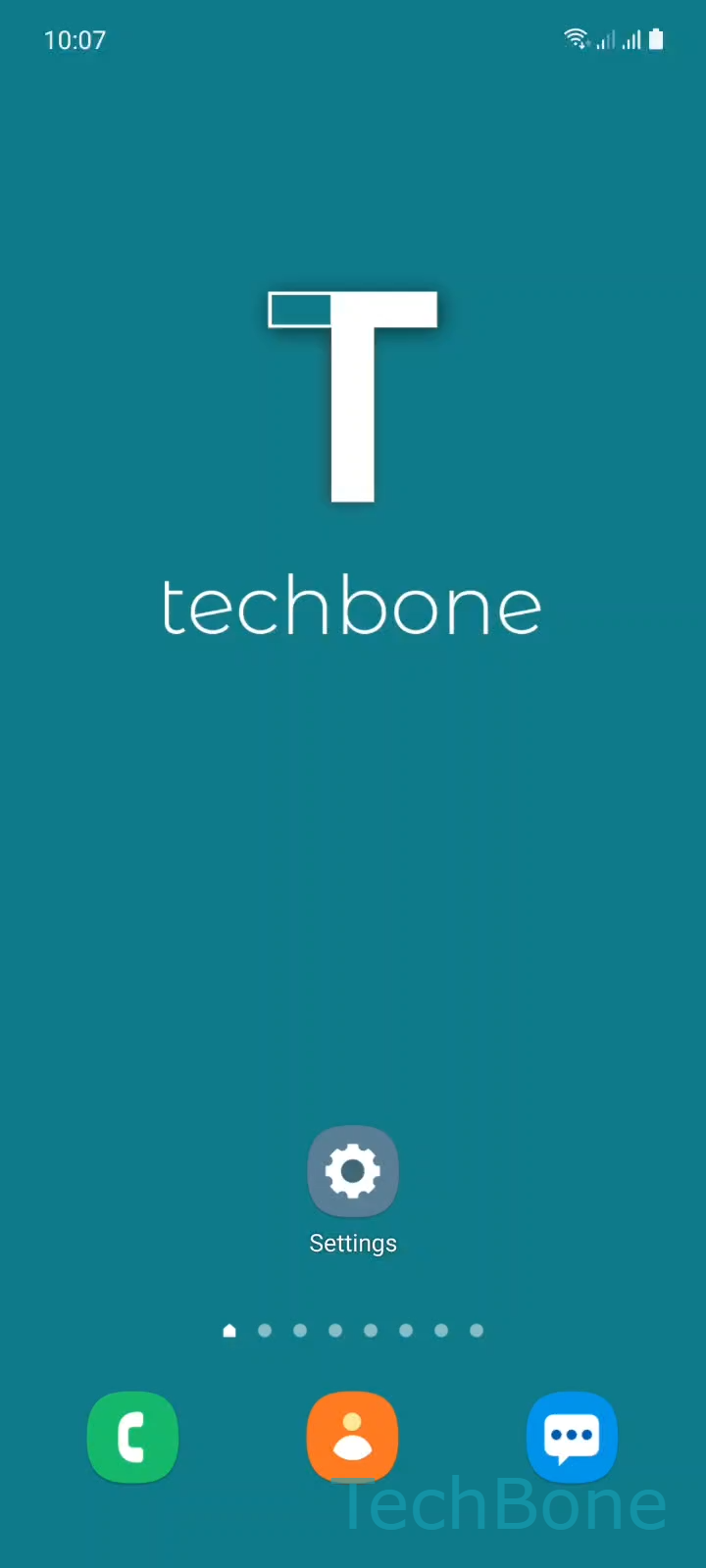
Step 1 of 4: Tap on **Settings**

1

Tap on Settings

Live simulator

Android 11 · One UI 3
Change Ringtone Volume – One UI 3: step 1 – Tap on Settings
Tap on Settings
1 / 4

Scroll or use the buttons for the next step

Feedback

Was the guide correct?

Help others: confirm the path or report a problem.

77

Confirmations

Forum verified this path

Samsung

Change Ringtone Volume auf Samsung

Samsung phones control media, notification, and ringtone volume separately, but the volume keys usually adjust whatever audio stream is active on screen at that moment.

If you press the volume buttons while browsing the home screen, you change media volume, not the ringer. That is why an incoming call can still sound quiet even after turning the side buttons all the way up.

To set the ringtone level directly, skip the physical buttons and open the dedicated sound settings: SettingsSounds and vibrationVolume. Swipe the ringtone slider left or right to lower or raise it.

This screen lists separate sliders for media, notifications, system sounds, and vibration intensity, so adjusting one does not affect the others. If calls still stay silent after raising the slider, check whether a Do Not Disturb schedule or Focus mode is muting calls regardless of the volume level.

Setting the level here gives you a fixed ringtone volume that stays put, no matter which stream the volume keys happen to control afterward.

Frequently asked questions

The volume keys adjust the stream currently active on screen, which is usually media volume when no call is ringing. Use SettingsSounds and vibrationVolume to set the ringtone level directly instead.

Compatible devices

Tap your device — opens its hub with matching guides.

Android 11 · One UI 3

No compatible devices are listed for this version.