Skip to content
TechBone
Samsung

Samsung: Turn On or Off Automatic QR Code Scanning

If your Samsung camera no longer picks up QR codes while you're in normal photo mode, the automatic QR scanning function is probably switched off. Older Samsung devices used a separate scan mode for this, but current models detect codes directly through the standard camera view. When the option is disabled, pointing the camera at a code does nothing at all.

3 min3 steps
Version

Step by step

1 / 3

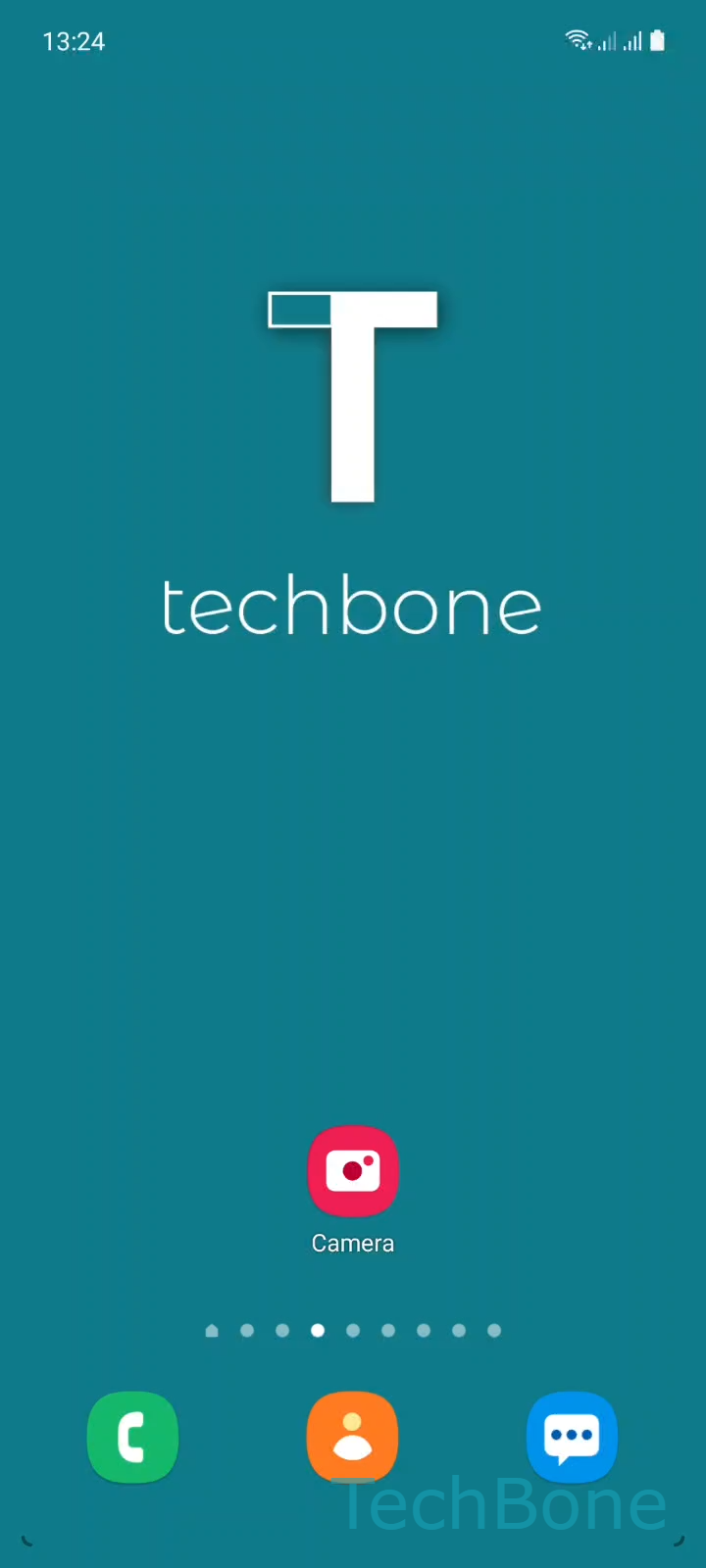
Step 1 of 3: Tap on **Camera**

1

Tap on Camera

Live simulator

Android 11 · One UI 3
Turn On or Off Automatic QR Code Scanning – One UI 3: step 1 – Tap on Camera
Tap on Camera
1 / 3

Scroll or use the buttons for the next step

Feedback

Was the guide correct?

Help others: confirm the path or report a problem.

88

Confirmations

Forum verified this path

Samsung

Turn On or Off Automatic QR Code Scanning auf Samsung

Samsung phones no longer need a separate QR scanner app. On current devices, the regular camera view detects QR codes automatically while you're in photo mode, as long as the scanning function is switched on in the camera settings.

If that setting gets turned off, either by accident or during a reset, the camera simply behaves like a normal photo app. It won't highlight or react to a QR code, even if the code is perfectly visible in the frame.

You can check and change this setting directly inside the camera app. Open the app and tap Settings, then look for Scan QR codes and toggle it on or off depending on what you need.

Turning this off can help if you often photograph documents, posters, or products that contain QR codes and don't want the camera interrupting you with scan prompts. Turning it on again restores the quick-scan convenience without needing a third-party scanner app.

If QR detection still doesn't work after enabling the setting, check that the code itself is clear, well lit, and fully inside the frame, since blurry or partially covered codes are the most common reason scanning fails even with the function active.

Frequently asked questions

This usually happens when the QR scanning option was turned off, either manually or after a software update. Open the camera app, tap Settings, and check whether Scan QR codes is enabled.

Compatible devices

Tap your device — opens its hub with matching guides.

Android 11 · One UI 3

No compatible devices are listed for this version.