Skip to content
TechBone
Samsung

Samsung: Schedule a Firmware Update Installation

Not every firmware update on your Samsung phone has to go in right away. Installing it in the middle of the day means the restart interrupts whatever you're doing. Samsung lets you pick a time within the next 24 hours so the install and restart happen automatically when you're not using the phone.

4 min5 steps
Version

Step by step

1 / 5

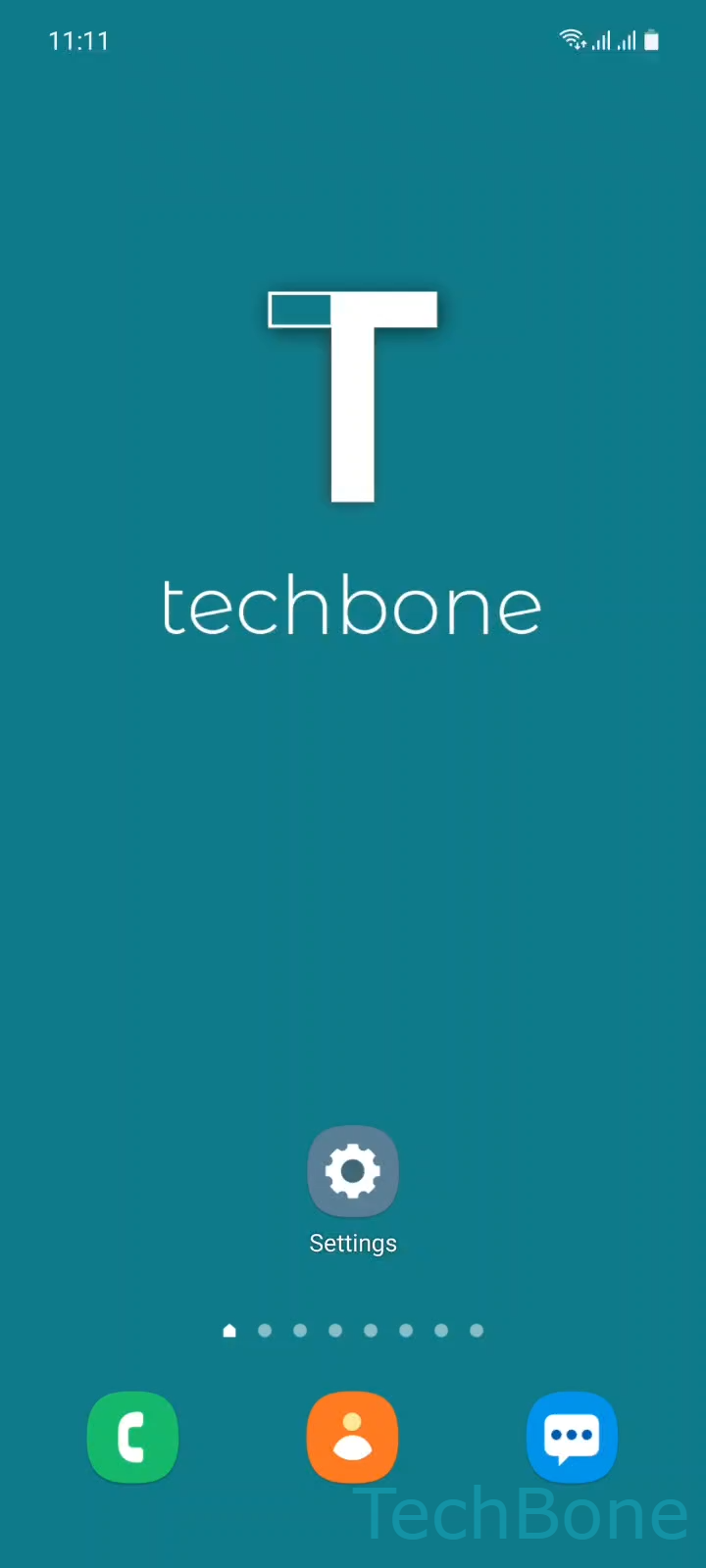
Step 1 of 5: Tap on **Settings**

1

Tap on Settings

Live simulator

Android 11 · One UI 3
Schedule Update Installation – One UI 3: step 1 – Tap on Settings
Tap on Settings
1 / 5

Scroll or use the buttons for the next step

Feedback

Was the guide correct?

Help others: confirm the path or report a problem.

96

Confirmations

Forum verified this path

Samsung

Schedule Update Installation auf Samsung

When a firmware update is ready, Samsung normally offers two choices: install it immediately or wait. Installing right away triggers a restart within minutes, which can interrupt calls, downloads, or work on the phone.

Scheduling the install lets you pick a fixed time in the next 24 hours instead. The phone downloads the update in the background and only installs and restarts once the chosen time arrives.

To set this up, go to Tap on SettingsTap on Software updateTap on Download and install. If an update is available, tap Tap on Schedule install, then Set the Time and confirm with OK.

This option only appears once an update has already been detected and downloaded. If no update is pending, the Schedule install option will not show up in the Software update menu.

Scheduling works best overnight or during hours the phone is idle, since the restart briefly interrupts use. If you need the update installed right now, for example to fix a bug immediately, use Install now instead of scheduling it.

Frequently asked questions

Yes. Go back to SettingsSoftware updateDownload and install and open Schedule install again to pick a new time.

Compatible devices

Tap your device — opens its hub with matching guides.

Android 11 · One UI 3

No compatible devices are listed for this version.