Skip to content
TechBone
Samsung

Samsung: Turn On/Off Screenshot Toolbar

If a small toolbar keeps popping up at the bottom of the screen every time you capture a screenshot on your Samsung phone, this quick-access bar is getting in the way instead of helping. It lets you crop, share or annotate the image right away, but it can also feel like clutter if you rarely use those shortcuts or if it blocks other content on screen.

3 min4 steps
Version

Step by step

1 / 4

Step 1 of 4: Tap on **Settings**

1

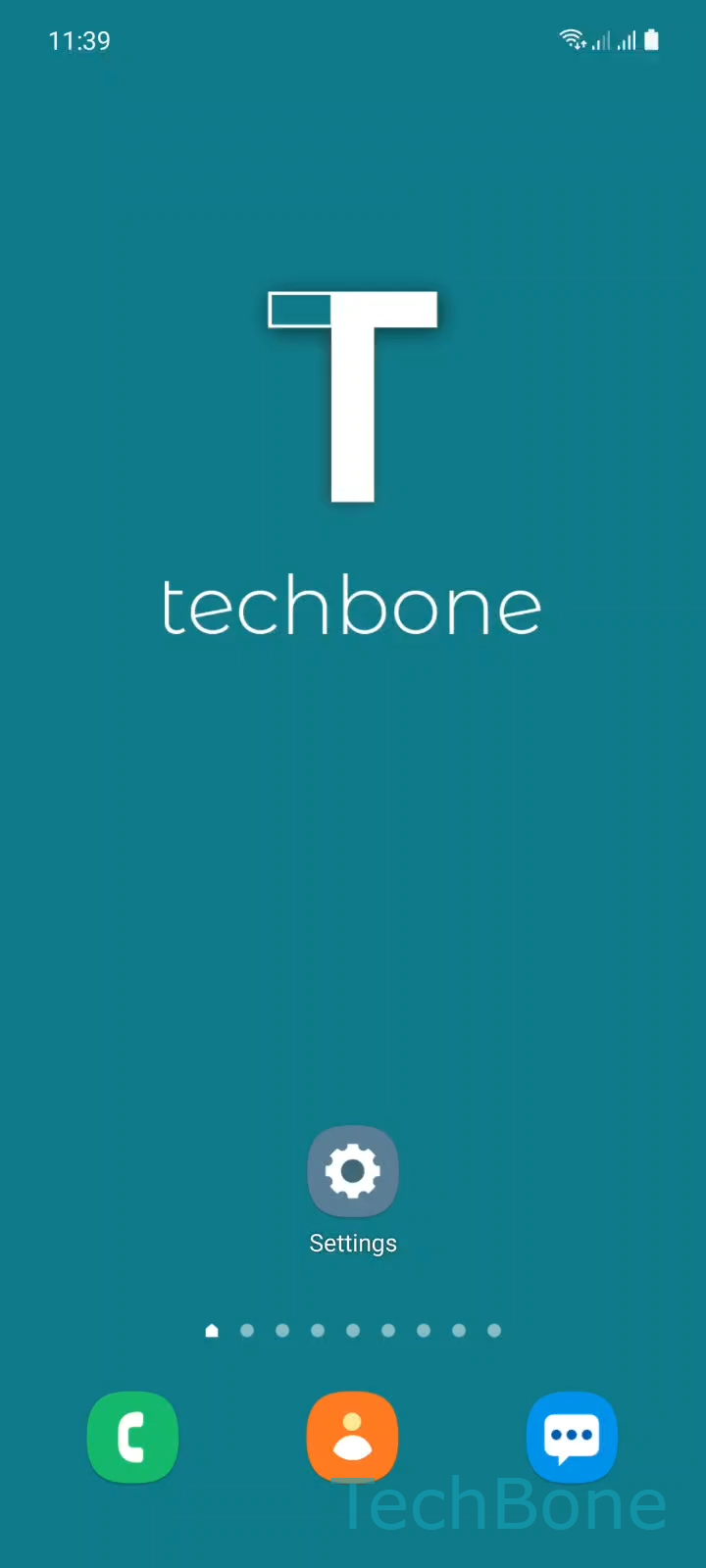
Tap on Settings

Live simulator

Android 11 · One UI 3
Screenshot Toolbar On/Off – One UI 3: step 1 – Tap on Settings
Tap on Settings
1 / 4

Scroll or use the buttons for the next step

Feedback

Was the guide correct?

Help others: confirm the path or report a problem.

48

Confirmations

Forum verified this path

Samsung

Screenshot Toolbar On/Off auf Samsung

After a screenshot on a Samsung device, a small toolbar appears briefly at the bottom of the screen. From there you can crop the image, open it directly, or share it without switching apps first.

This toolbar is controlled by a separate setting inside the screenshot options of One UI. It runs independently from the screenshot shortcut itself, so turning it off does not affect your ability to take screenshots.

To enable or disable it, go to Tap on SettingsTap on Advanced featuresTap on Screenshots and screen recorderEnable or disable Screenshot toolbar.

Turning the toolbar off is useful if it regularly overlaps content you want to see right after capturing, or if you prefer to manage screenshots later from the gallery instead of acting on them immediately.

Keep it enabled if you frequently crop or share screenshots right after taking them, since the toolbar saves you the extra step of opening the gallery app.

Frequently asked questions

The toolbar is only shown for a few seconds by design, so it does not stay on screen and block content. If it disappears before you can tap it, open the screenshot from your gallery instead.

Compatible devices

Tap your device — opens its hub with matching guides.

Android 11 · One UI 3

No compatible devices are listed for this version.