Skip to content
TechBone
Samsung

Samsung: Set the Date and Time Automatically

If your Samsung phone shows the wrong time after a trip or a SIM swap, the automatic clock sync has likely been switched off. Apps that rely on accurate timestamps, like calendars, banking apps, or two-factor codes, can then throw errors or reject logins. This usually traces back to a single toggle in the system settings that pulls time data from your mobile network.

3 min4 steps
Version

Step by step

1 / 4

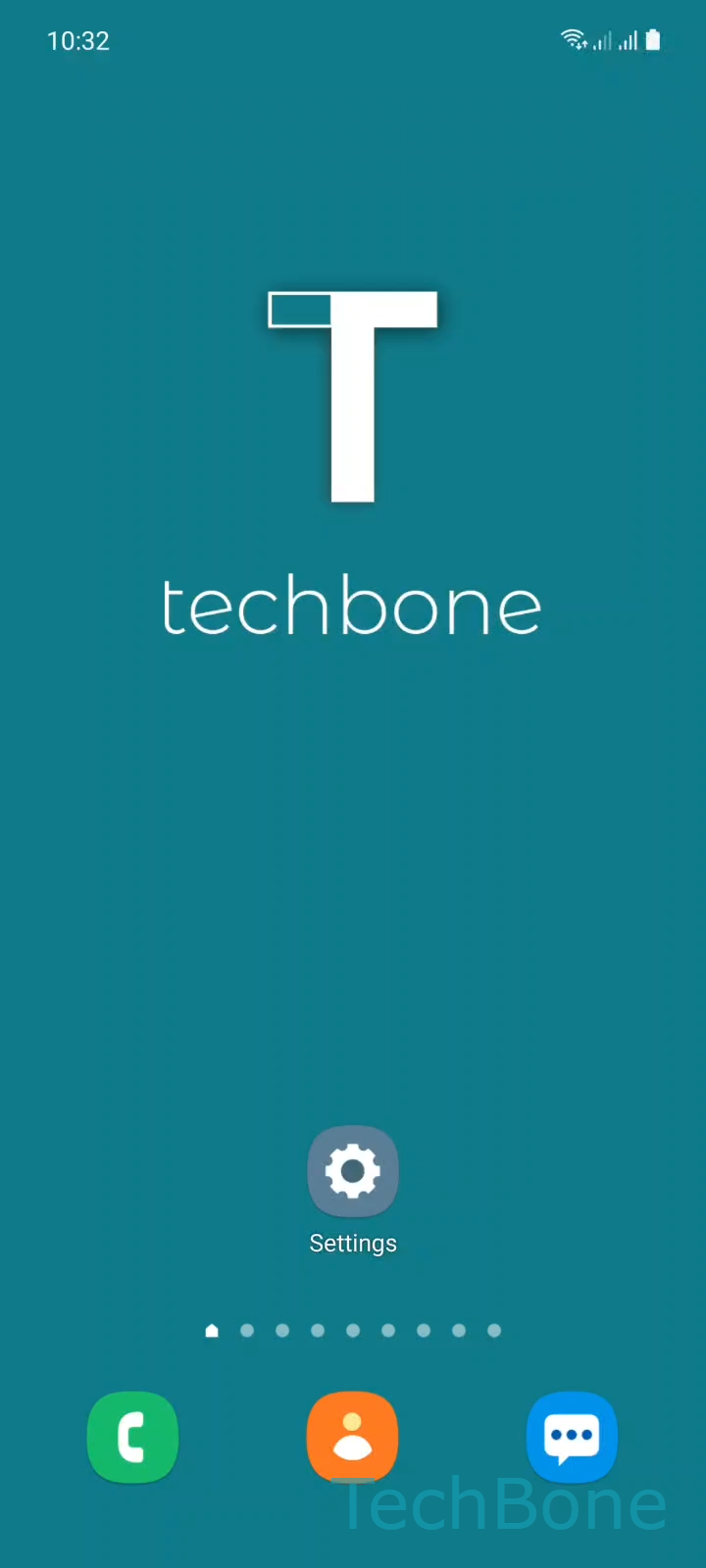
Step 1 of 4: Tap on **Settings**

1

Tap on Settings

Live simulator

Android 11 · One UI 3
Set Date and Time Automatically – One UI 3: step 1 – Tap on Settings
Tap on Settings
1 / 4

Scroll or use the buttons for the next step

Feedback

Was the guide correct?

Help others: confirm the path or report a problem.

104

Confirmations

Forum verified this path

Samsung

Set Date and Time Automatically auf Samsung

Samsung phones normally pull the current date and time from the mobile network the moment they connect. This keeps the clock accurate without any manual input, and it stays correct even after time zone changes during travel.

If someone disabled this option, or if a factory reset reset it, the device falls back to a manually set time. That time drifts and quickly becomes wrong, which can break scheduled alarms, calendar reminders, and login codes for banking or authenticator apps that check timestamps.

To turn the automatic sync back on, open SettingsGeneral managementDate and time and enable Automatic date and time. The toggle immediately fetches the current time from your carrier, provided you have a working mobile signal.

Without a SIM or mobile signal, for example on Wi-Fi-only tablets, the automatic option may not find a network source. In that case, a manual time entry is the more reliable fix until a data connection is available again.

Turning the toggle off again switches the clock back to manual mode, so any future drift has to be corrected by hand.

Frequently asked questions

Weak or intermittent network coverage can prevent the device from fetching an accurate time signal. Check that Automatic date and time is still enabled under SettingsGeneral managementDate and time, then toggle it off and on once you have a stable connection.

Compatible devices

Tap your device — opens its hub with matching guides.

Android 11 · One UI 3

No compatible devices are listed for this version.