
Skip to content
TechBone
Samsung

Samsung: Set the Default Keyboard on Galaxy Phones

Installed a new keyboard app but your Galaxy phone still opens Samsung Keyboard for typing? That happens because a freshly installed keyboard is not automatically allowed to become the default input method. It first has to be switched on in the keyboard manager before the system even offers it as an option.

4 min5 steps
Version

Step by step

1 / 5

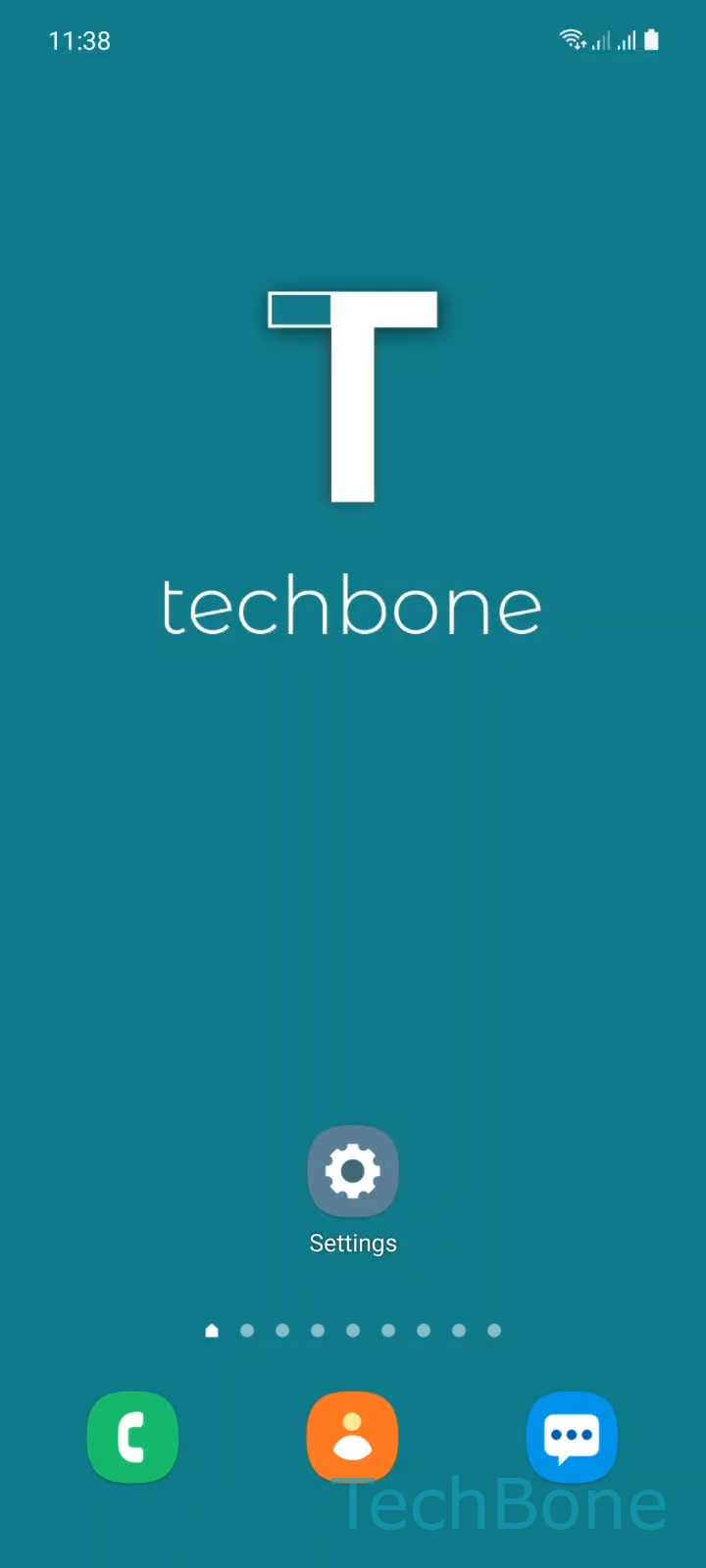
Step 1 of 5: Tap on **Settings**

1

Tap on Settings

Live simulator

Android 11 · One UI 3
Set Default Keyboard – One UI 3: step 1 – Tap on Settings
Tap on Settings
1 / 5

Scroll or use the buttons for the next step

Feedback

Was the guide correct?

Help others: confirm the path or report a problem.

13

Confirmations

Forum verified this path

Samsung

Set Default Keyboard auf Samsung

On Galaxy phones, Samsung Keyboard is set as the default input method from the first setup. Installing another keyboard app from the store does not change this automatically, because the system keeps the current default active until you switch it manually.

The setting lives inside General management, in the keyboard section that manages every installed input method. Any keyboard that is not yet enabled there stays greyed out and cannot be picked as default, even if it already appears on the home screen or app drawer.

To change it, open SettingsGeneral managementKeyboard list and defaultDefault keyboard. Enable the new keyboard in the list first if it is not already switched on, then open Default keyboard and set it as the active one.

This setting affects every app that uses text input, from messaging to browsers. If only one specific app keeps opening a different keyboard, check that app's own input settings instead, since some apps override the system default for their own text fields.

Frequently asked questions

A newly installed keyboard has to be switched on first under SettingsGeneral managementKeyboard list and default. Only enabled keyboards show up as selectable options inside Default keyboard.

Compatible devices

Tap your device — opens its hub with matching guides.

Android 11 · One UI 3

No compatible devices are listed for this version.