Skip to content
TechBone
Samsung

Samsung: Share a Contact as File or Text

Retyping a phone number or address for a friend wastes time and often introduces typos. Samsung's Contacts app can export a single entry as a VCF file or as plain text so you can send it through WhatsApp, Messages or email without manual copying. Picking the wrong format can still leave the recipient with a file their app cannot read.

4 min5 steps
Version

Step by step

1 / 5

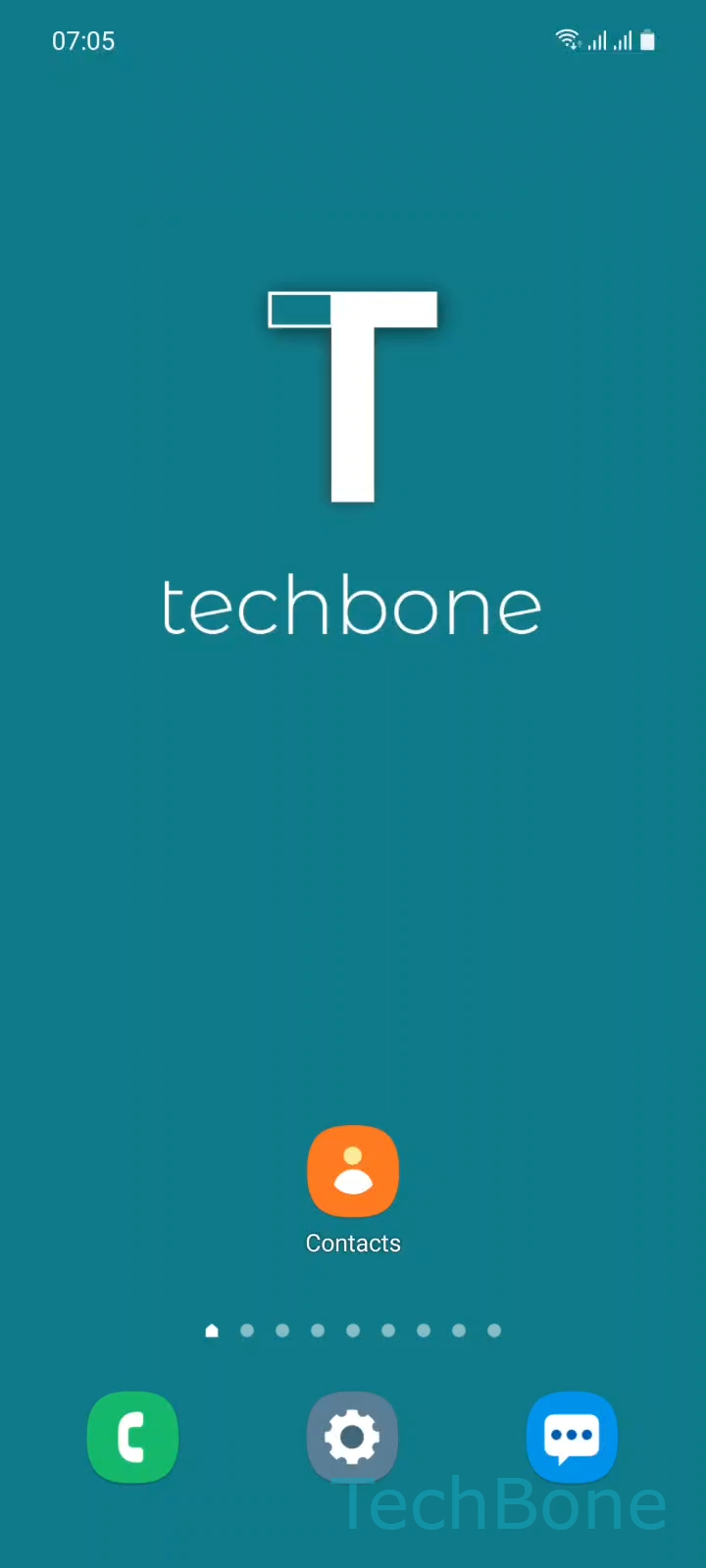
Step 1 of 5: Tap on **Contacts**

1

Tap on Contacts

Live simulator

Android 11 · One UI 3
Share Contacts as File or Text – One UI 3: step 1 – Tap on Contacts
Tap on Contacts
1 / 5

Scroll or use the buttons for the next step

Feedback

Was the guide correct?

Help others: confirm the path or report a problem.

91

Confirmations

Forum verified this path

Samsung

Share Contacts as File or Text auf Samsung

Sharing a saved contact directly from the Samsung Contacts app avoids retyping numbers, emails or addresses by hand. The app can export a contact either as a VCF file, which keeps all fields intact for the recipient's own contacts list, or as plain text, which pastes the details straight into a chat or note.

The path is the same regardless of which messaging app you use to send it: Tap on ContactsChoose a ContactTap on ShareChoose File or TextChoose an App to share the contact.

Choosing File keeps the contact structured, so apps like WhatsApp or email clients show it as an importable card the recipient can save with one tap. Choosing Text instead drops the details as a readable message, which is useful when the receiving app or device cannot handle VCF attachments.

If you need to send several contacts at once rather than a single entry, use the multi-select option in the Contacts list instead of repeating this flow one by one. Sharing does not remove or change anything on your own device, so there is no risk to your saved data.

Frequently asked questions

That happens when File was selected instead of Text in the Choose File or Text step. Repeat the share process and pick Text if the other person's app cannot open VCF attachments.

Compatible devices

Tap your device — opens its hub with matching guides.

Android 11 · One UI 3

No compatible devices are listed for this version.