Skip to content
TechBone
Samsung

Samsung: Share Internet via Bluetooth Tethering

If a paired Bluetooth device cannot get online through your Samsung phone, Bluetooth tethering is likely still switched off. Pairing alone does not grant internet access - you need to enable that separately for the connected device. Without this step the connection stays limited to file transfer and audio, with no data passthrough.

4 min5 steps
Version

Step by step

1 / 5

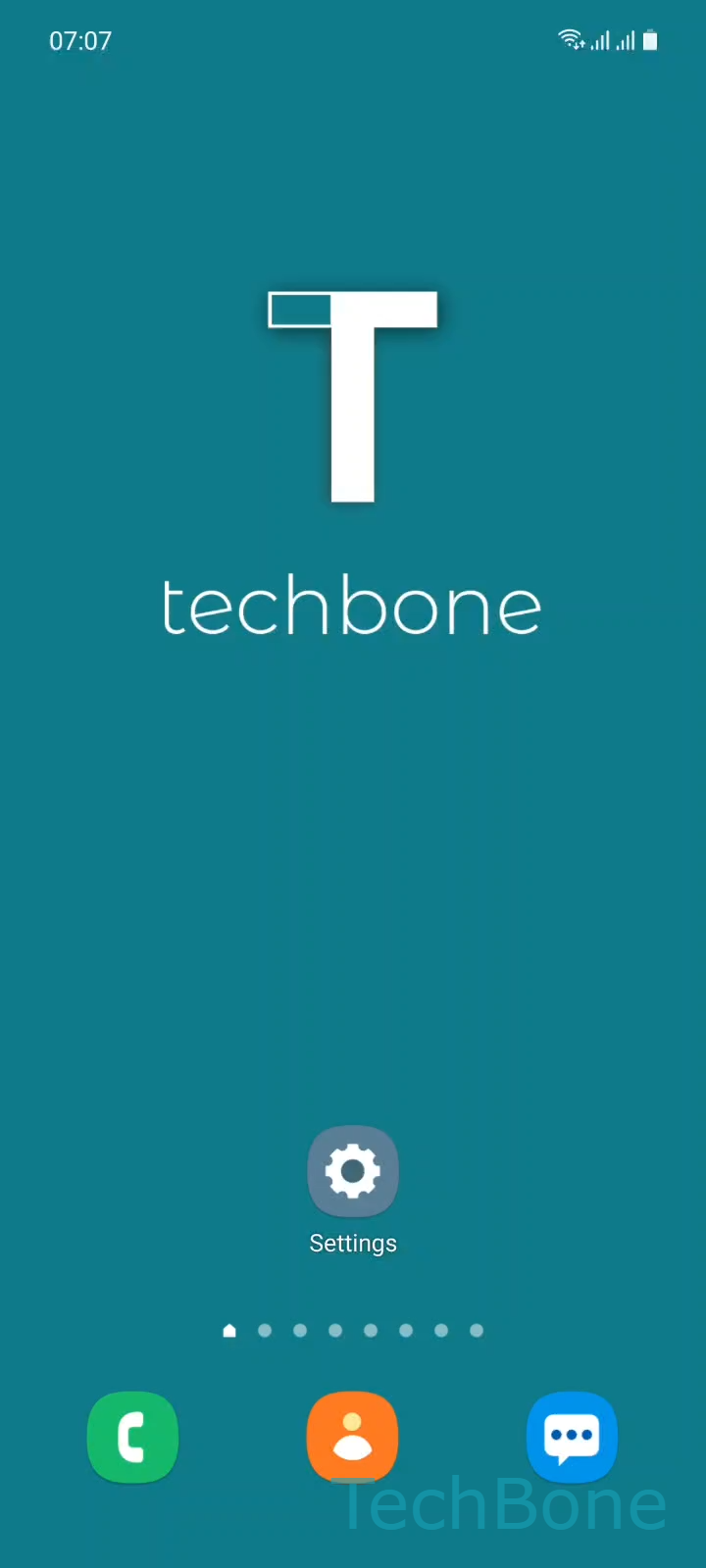
Step 1 of 5: Tap on **Settings**

1

Tap on Settings

Live simulator

Android 11 · One UI 3
Share Internet via Bluetooth Tethering – One UI 3: step 1 – Tap on Settings
Tap on Settings
1 / 5

Scroll or use the buttons for the next step

Feedback

Was the guide correct?

Help others: confirm the path or report a problem.

92

Confirmations

Forum verified this path

Samsung

Share Internet via Bluetooth Tethering auf Samsung

Bluetooth pairing only sets up a basic wireless link. It does not automatically forward mobile data or Wi-Fi to the other device.

Internet sharing over Bluetooth works as a separate tethering function inside your Samsung phone's connection settings. It stays disabled by default, even after a successful pairing, so a laptop or older gadget connected via Bluetooth still shows no data connection until you switch it on manually.

Where to turn it on

Open SettingsConnectionsBluetooth. Tap the gear icon next to the already paired device to open its Settings screen, then enable the Internet access toggle for that device.

Once enabled, the paired device routes its traffic through your phone's mobile data or Wi-Fi connection. Disabling the toggle again cuts that device off from the internet while keeping the Bluetooth pairing itself intact.

This method suits low-bandwidth tasks like checking email on an older laptop. For faster or more stable sharing, mobile hotspot or USB tethering usually performs better.

Frequently asked questions

Check that your Samsung phone itself has an active data or Wi-Fi connection first. Also confirm the toggle was enabled under SettingsConnectionsBluetooth ➔ device SettingsInternet access, since some devices need a quick reconnect after the setting changes.

Compatible devices

Tap your device — opens its hub with matching guides.

Android 11 · One UI 3

No compatible devices are listed for this version.