Skip to content
TechBone
Samsung

Samsung: Share a Website from the Internet Browser

Want to send a website to a friend, colleague or family member without retyping the link? On Samsung phones, the browser's share function lets you forward any page directly through email, WhatsApp, SMS or social media. If you can't find the option, it's usually hidden inside the browser menu rather than the address bar.

3 min4 steps
Version

Step by step

1 / 4

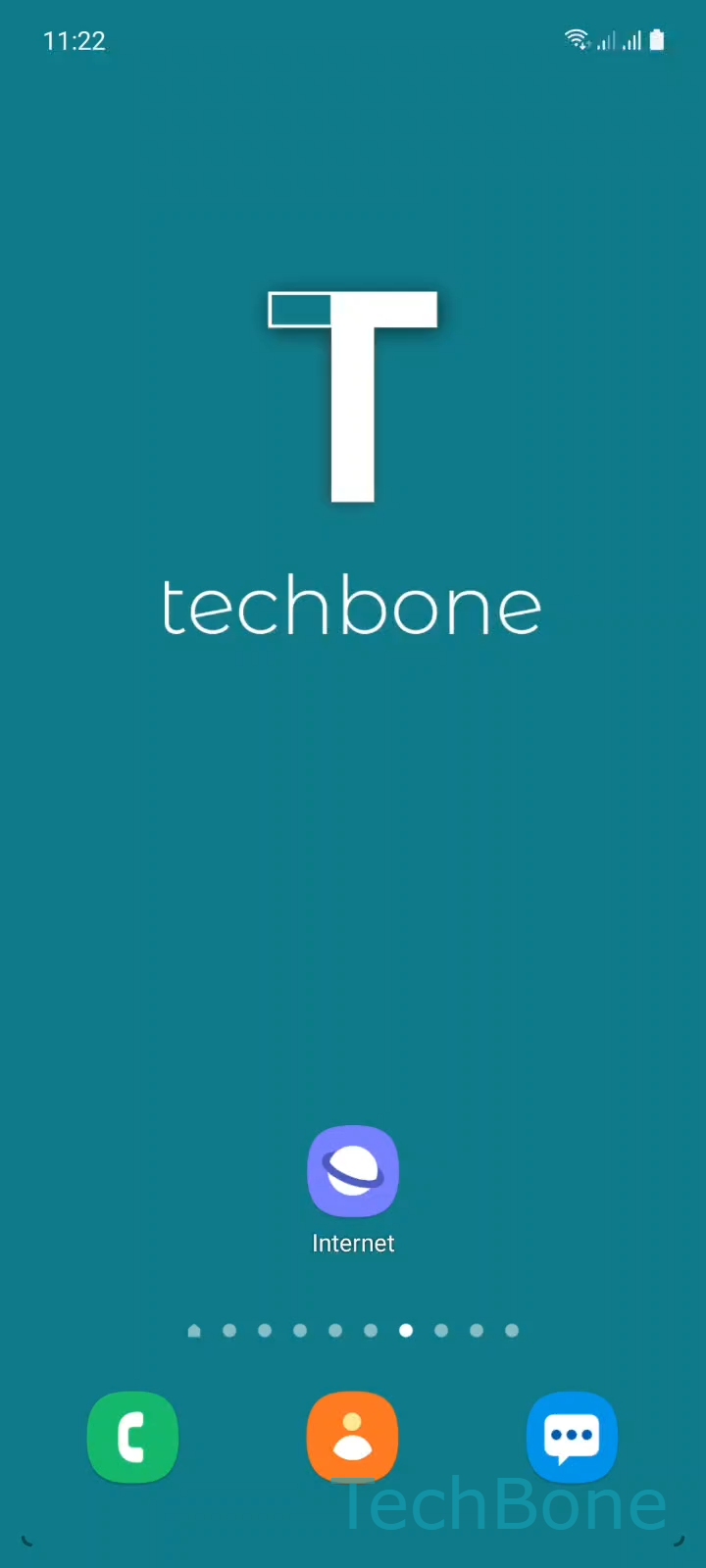
Step 1 of 4: Tap on **Internet**

1

Tap on Internet

Live simulator

Android 11 · One UI 3
Share a Website from the Browser – One UI 3: step 1 – Tap on Internet
Tap on Internet
1 / 4

Scroll or use the buttons for the next step

Feedback

Was the guide correct?

Help others: confirm the path or report a problem.

45

Confirmations

Forum verified this path

Samsung

Share a Website from the Browser auf Samsung

Sending a website link to someone usually means copying the URL and pasting it into another app. Samsung Internet has a built-in share function that skips that step entirely.

The option sits inside the browser menu, not the address bar, which is why many people overlook it. Once you open the menu, the Share action lets you pick any installed app - email, WhatsApp, SMS or a social network - and sends the current page link directly.

To share a page: tap Internet ➔ open the Menu ➔ tap Share ➔ choose an app to share the website.

This works for any page currently open in the browser, including search results and articles. If the target app doesn't appear in the list, it usually means the app isn't installed or doesn't support receiving shared links - copy the link manually instead in that case.

If the share sheet stays empty or freezes, close and reopen the browser, or check that the app you want to use is updated to its latest version.

Frequently asked questions

No shortcut exists for this. The share option is only available through the MenuShare path inside Samsung Internet.

Compatible devices

Tap your device — opens its hub with matching guides.

Android 11 · One UI 3

No compatible devices are listed for this version.