Skip to content
TechBone
Samsung

Samsung: Show or Hide Frequently Contacted Contacts

If your Contacts app keeps showing a Frequently contacted section above your saved contacts, Samsung is tracking who you called or messaged most in the last 30 days. That list updates on its own and can expose contacts you would rather not have visible at a glance. The setting behind it sits in the Contacts app itself, not in your general phone settings.

3 min4 steps
Version

Step by step

1 / 4

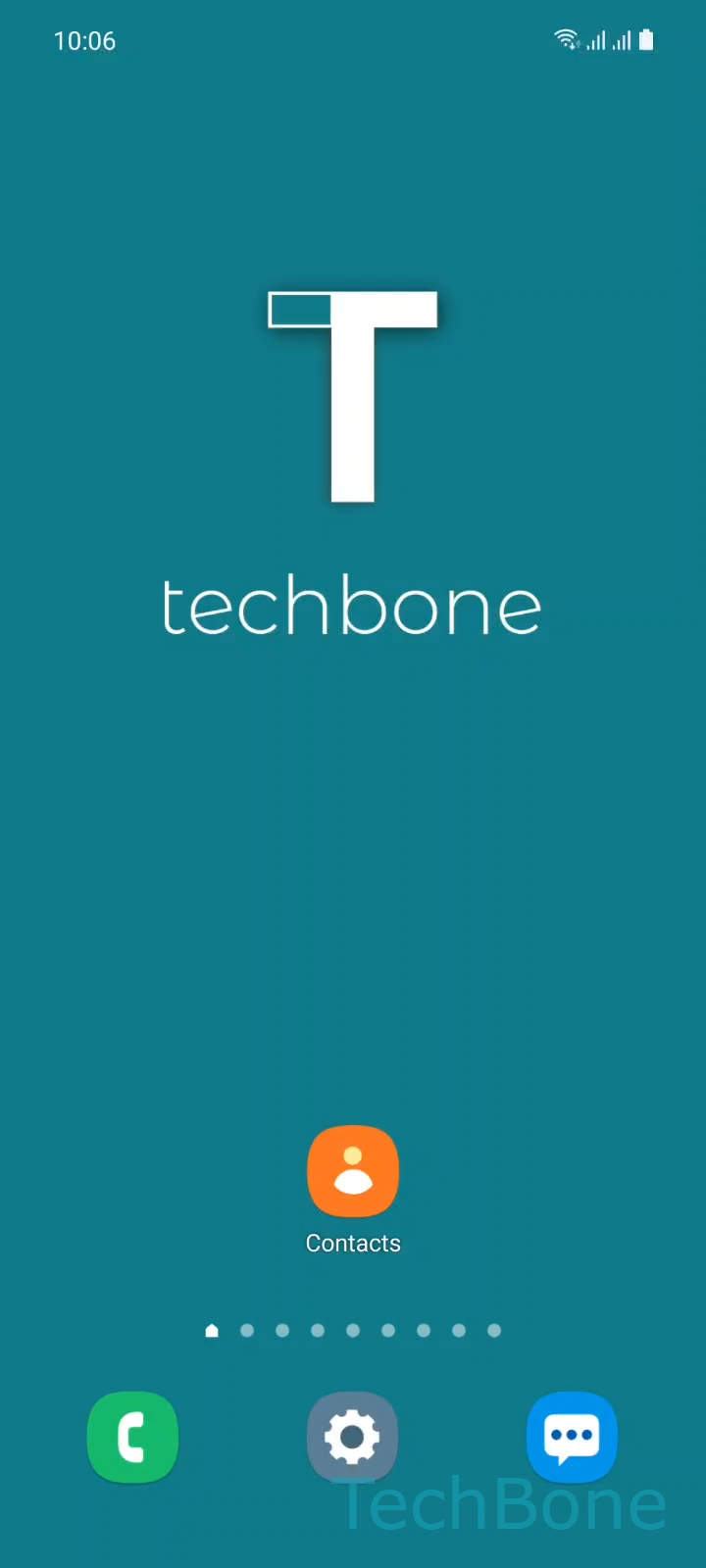
Step 1 of 4: Tap on **Contacts**

1

Tap on Contacts

Live simulator

Android 11 · One UI 3
Show or Hide Frequently Contacted – One UI 3: step 1 – Tap on Contacts
Tap on Contacts
1 / 4

Scroll or use the buttons for the next step

Feedback

Was the guide correct?

Help others: confirm the path or report a problem.

101

Confirmations

Forum verified this path

Samsung

Show or Hide Frequently Contacted auf Samsung

The Frequently contacted section in the Samsung Contacts app is built automatically from your call and message activity over the last 30 days. It sits above your regular contact list, next to Favorites and your own profile entry, and updates without any action from you.

This behavior is normal, but it means anyone glancing at your Contacts app can see who you talk to most. If that bothers you, or if the list feels cluttered with numbers you rarely need front and center, you can turn it off completely.

To change it, go to Tap on ContactsOpen the MenuTap on SettingsEnable or disable Show Frequently contacted. Disabling the toggle removes the section from the overview immediately; enabling it brings it back based on your recent activity.

Turning this off does not delete any call or message history. It only hides the automatically generated shortcut list.

If you actually want quick access to certain people but do not want it based on automatic tracking, adding those contacts to Favorites is the better fix instead of relying on Frequently contacted.

Frequently asked questions

No. The toggle only hides the automatically generated list in Contacts. Your call log and message history stay untouched.

Compatible devices

Tap your device — opens its hub with matching guides.

Android 11 · One UI 3

No compatible devices are listed for this version.