Skip to content
TechBone
Samsung

Samsung: Show or Hide Wi-Fi Network Quality Info

If your Wi-Fi list only shows network names, you cannot tell before connecting whether a network will actually be fast or barely usable. Samsung phones can add a quality label like Very fast, Fast, Normal, or Slow right next to each network in the list. This option lives inside the Wi-Fi advanced settings and most people never turn it on.

5 min6 steps
VersionAndroid 11 · One UI 3

Step by step

1 / 6

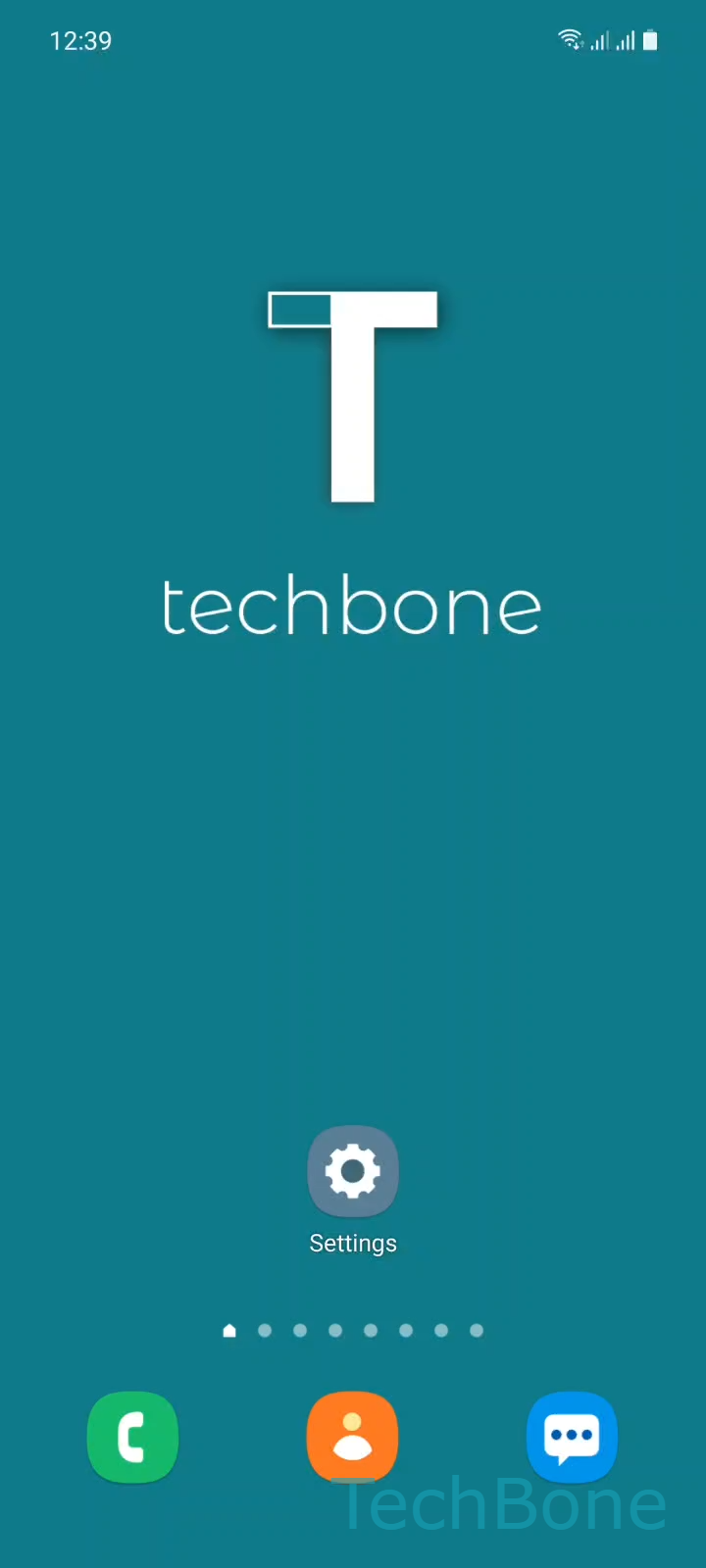
Step 1 of 6: Tap on **Settings**

1

Tap on Settings

Live simulator

Android 11 · One UI 3
Show or Hide Wi-Fi Network Quality Info – One UI 3: step 1 – Tap on Settings
Tap on Settings
1 / 6

Scroll or use the buttons for the next step

Feedback

Was the guide correct?

Help others: confirm the path or report a problem.

45

Confirmations

Forum verified this path

Samsung

Show or Hide Wi-Fi Network Quality Info auf Samsung

By default, the Wi-Fi list on a Samsung phone only shows network names and signal bars. It does not tell you whether a network actually delivers good speed until after you connect and start using it.

Samsung adds an optional label called network quality info that shows a rating such as Very fast, Fast, Normal, or Slow next to each Wi-Fi network in the list. This rating comes from a quick check of the network before you connect, so you can decide which network is worth joining, especially when several networks are available in the same area.

Where to find the setting

Open SettingsConnectionsWi-Fi, then tap the Menu icon and select Advanced. Inside this screen, enable or disable Show network quality info.

Once enabled, the label appears immediately under each network name in the Wi-Fi list. Turning it off removes the labels again but does not disconnect you from your current network.

This setting is useful in offices, shared buildings, or public spaces with multiple networks. It is less useful at home where you usually connect to a single known network anyway.

Frequently asked questions

They are a rough speed estimate based on a quick signal and performance check the phone runs before you connect. Very fast and Fast indicate networks likely to handle streaming or video calls well, while Normal or Slow suggest basic browsing at best.

Compatible devices

Tap your device — opens its hub with matching guides.

Android 11 · One UI 3

No compatible devices are listed for this version.