
Skip to content
TechBone
Samsung

Samsung: Turn Show Palm On or Off for Selfies

If your Samsung camera keeps snapping photos every time you raise an open hand, the 'Show palm' gesture is reacting to more than just selfies. This automatic gesture starts a three-second timer whenever it detects a raised palm, which can trigger unwanted shots in group photos or video calls. Turning it on or off only takes a few taps inside the camera settings.

3 min4 steps
Version

Step by step

1 / 4

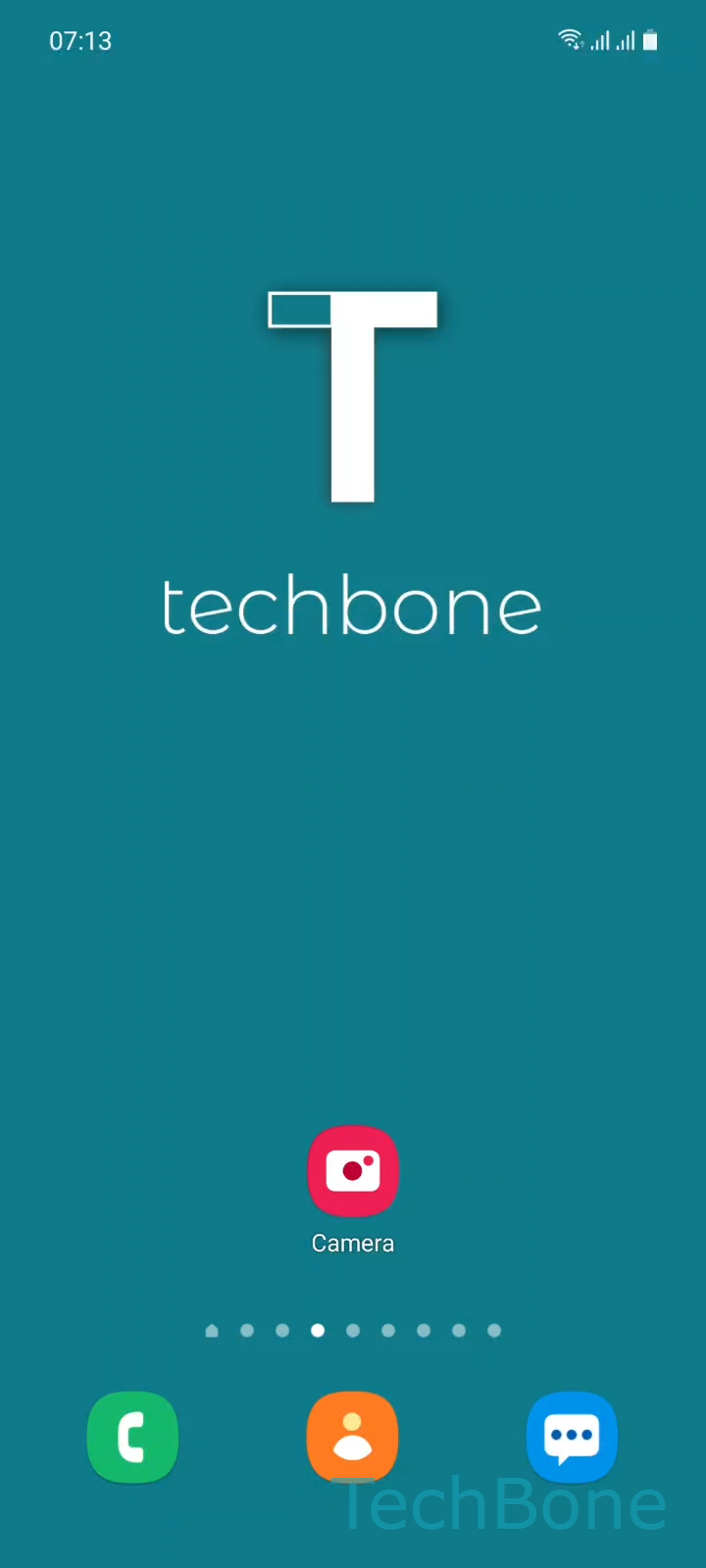
Step 1 of 4: Tap on **Camera**

1

Tap on Camera

Live simulator

Android 11 · One UI 3
Turn Show Palm On or Off for Selfies – One UI 3: step 1 – Tap on Camera
Tap on Camera
1 / 4

Scroll or use the buttons for the next step

Feedback

Was the guide correct?

Help others: confirm the path or report a problem.

96

Confirmations

Forum verified this path

Samsung

Turn Show Palm On or Off for Selfies auf Samsung

The Show palm gesture uses the front camera's face and hand detection to start a countdown timer whenever it sees an open palm facing the lens. Samsung enables this feature by default on most devices running One UI, because it lets you trigger a selfie without touching the screen.

The camera fires the shutter about three seconds after detecting your palm, giving you time to lower your hand and pose. In practice, the same gesture can activate accidentally during video calls, group photos, or whenever you wave near the front lens, producing extra shots you did not intend to take.

Where to find the setting

Open Camera, tap Settings, then go to Shooting methods. From there you can enable or disable Show palm without affecting any other shooting method, such as voice control or a floating shutter button.

Turning the gesture off stops the countdown from starting when the camera detects a hand, but it does not change how the shutter button, timer, or other selfie shortcuts behave. If you rely on the front camera for hands-free portraits, keep the option active and move your hand out of frame right after showing your palm, so the countdown does not restart.

Frequently asked questions

Show palm works with both the front and rear camera, since detection relies on the raised hand rather than which lens is active. Disabling it in Shooting methods removes the gesture from both cameras.

Compatible devices

Tap your device — opens its hub with matching guides.

Android 11 · One UI 3

No compatible devices are listed for this version.