Skip to content
TechBone
Samsung

Samsung: Show or Hide Weather in the World Clock

If every city in your Samsung World Clock list shows a small weather icon next to the time, that extra data can make a long list feel cluttered fast. The weather display comes from the same location data used for the time difference, and it applies to all saved cities at once, not just one. You can turn this display on or off without deleting any of the clocks you already added.

3 min4 steps
Version

Step by step

1 / 4

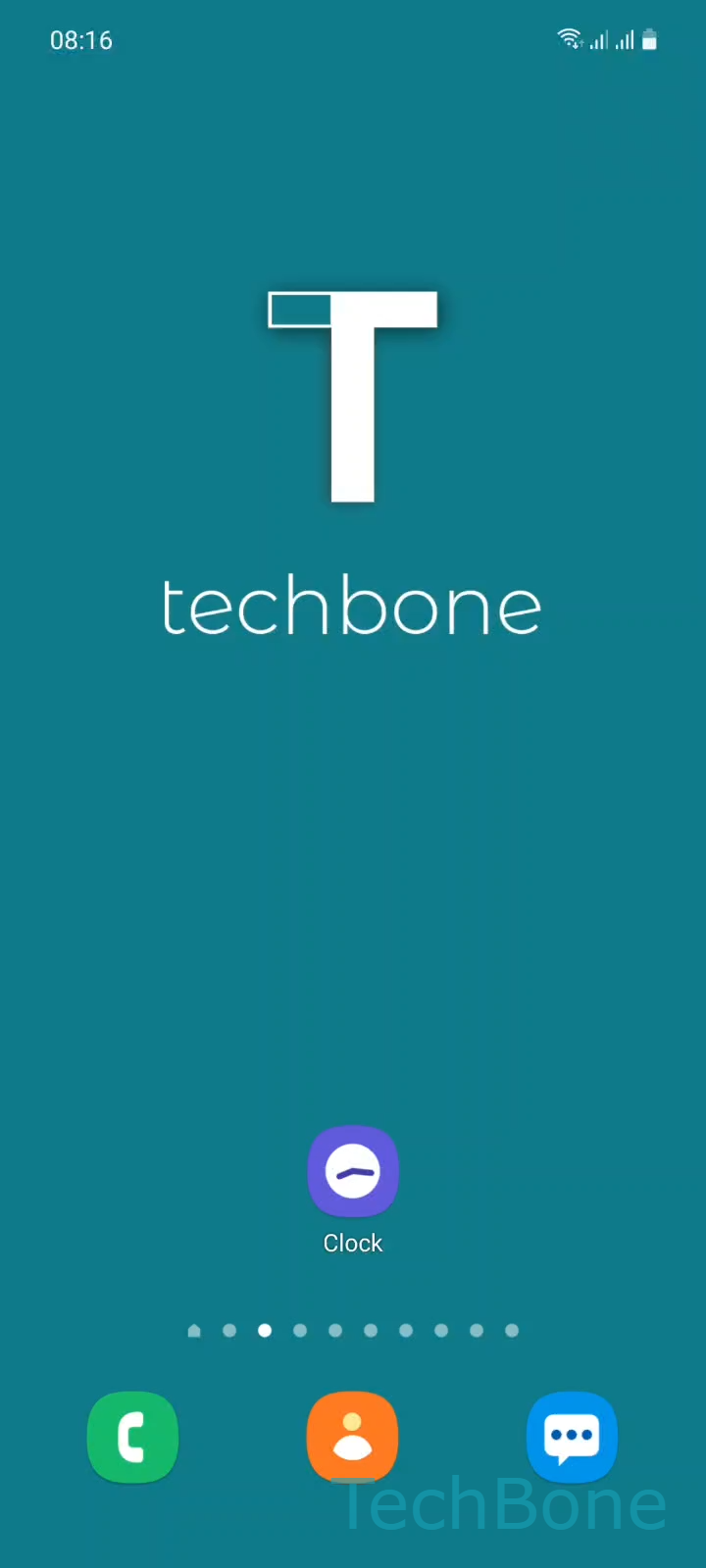
Step 1 of 4: Tap on **Clock**

1

Tap on Clock

Live simulator

Android 11 · One UI 3
Show or Hide Weather in World Clock – One UI 3: step 1 – Tap on Clock
Tap on Clock
1 / 4

Scroll or use the buttons for the next step

Feedback

Was the guide correct?

Help others: confirm the path or report a problem.

37

Confirmations

Forum verified this path

Samsung

Show or Hide Weather in World Clock auf Samsung

The World Clock in the Samsung Clock app shows more than the current time for each saved city. Next to the time difference, it also displays local weather pulled from the same region data you used when adding the clock.

This extra layer helps when you track several time zones for travel or remote work, but it can make a long list of cities feel crowded. Samsung lets you turn the weather display on or off without removing any saved clocks from your list.

Where to find the setting

Open ClockOpen the MenuTap on SettingsEnable or disable Show weather. This switch is global: it applies to every city in your World Clock at once, so you cannot show weather for one city while hiding it for another.

If weather data is missing for a specific city even with the setting enabled, check that the Clock app has location and background data permission. A weak or missing internet connection at the moment you open the app can also delay the weather refresh for that city.

Frequently asked questions

The Clock app needs a working internet connection and location permission to fetch weather for that city. If the connection was weak when you opened the app, wait a moment or reopen the Clock app to trigger a refresh.

Compatible devices

Tap your device — opens its hub with matching guides.

Android 11 · One UI 3

No compatible devices are listed for this version.