Skip to content
TechBone
Samsung

Samsung: Silence Notifications from Individual Apps

When a chat app keeps buzzing and popping up on your lock screen even though you only want it visible in the status bar, the app's notification settings are still set to full alerts. Samsung lets you mute sound and lock-screen previews for one app while every other app keeps notifying normally. Getting this wrong usually means adjusting the wrong toggle under sound or vibration instead of the app's own notification category.

5 min6 steps
Version

Step by step

1 / 6

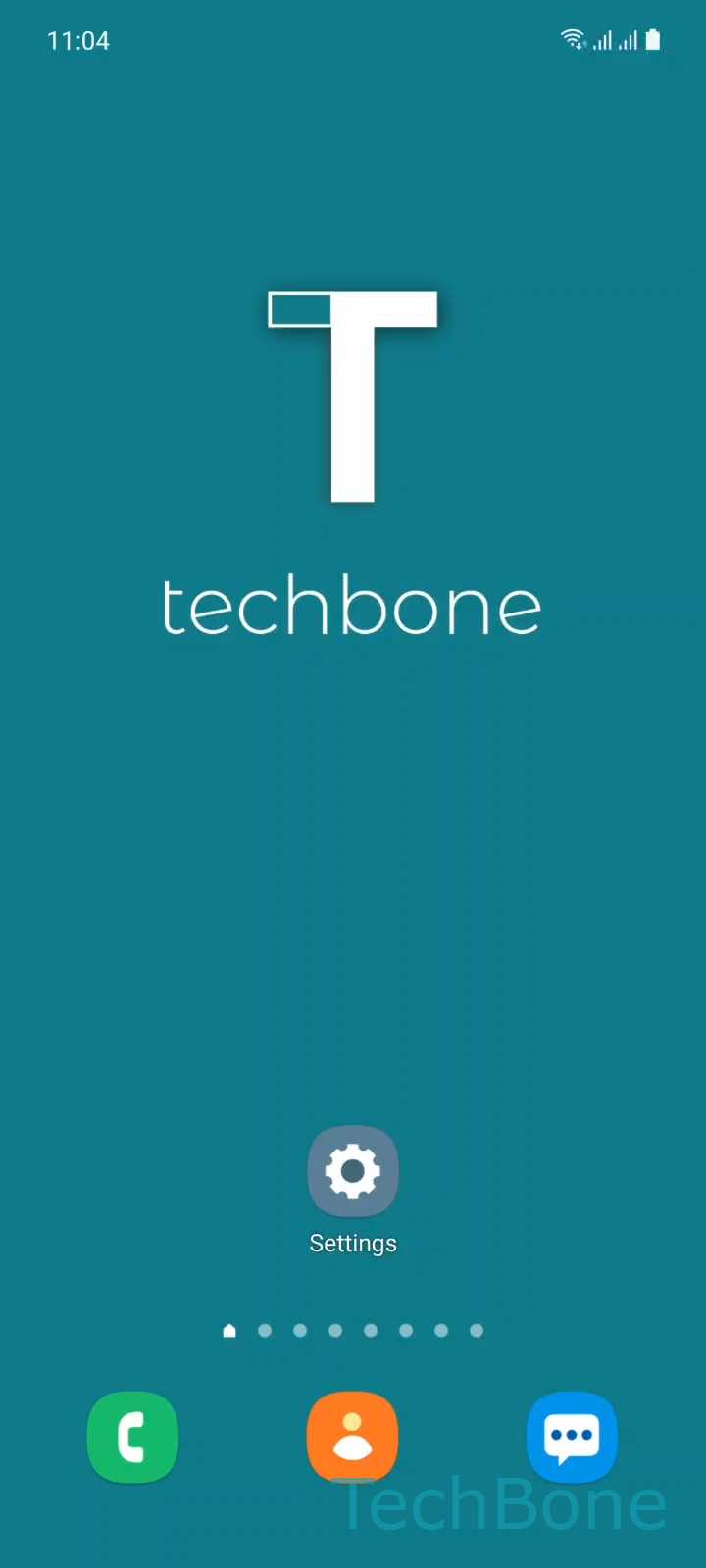
Step 1 of 6: Tap on **Settings**

1

Tap on Settings

Live simulator

Android 11 · One UI 3
Silence Notifications from Individual Apps – One UI 3: step 1 – Tap on Settings
Tap on Settings
1 / 6

Scroll or use the buttons for the next step

Feedback

Was the guide correct?

Help others: confirm the path or report a problem.

34

Confirmations

Forum verified this path

Samsung

Silence Notifications from Individual Apps auf Samsung

When a single app keeps ringing or showing previews on the lock screen while you only want a quiet status bar icon, the app is still using its default notification behavior. Samsung One UI lets you adjust sound and lock-screen visibility separately for each app, without touching the phone's overall Do Not Disturb settings.

To mute one app, go to Tap on SettingsTap on AppsChoose an AppTap on Notifications. Inside the app's notification screen, pick the category you want to change with Choose a Category and set it to Set Silent.

Silent mode removes the sound and the pop-up on the lock screen but keeps the notification visible in the notification field at the top of the screen. This differs from disabling notifications completely, which removes the app from the status bar as well.

If several apps behave the same way, checking each one individually is slower than using a focus mode or a scheduled Do Not Disturb, which mutes everything except selected exceptions. Use the per-app method when you only want to quiet one specific source without affecting the rest of your notifications.

Frequently asked questions

No. A silent notification still appears in the notification field; only the sound and the lock-screen preview disappear.

Compatible devices

Tap your device — opens its hub with matching guides.

Android 11 · One UI 3

No compatible devices are listed for this version.