Skip to content
TechBone
Samsung

Samsung: Change the SIM Card Icon for Dual SIM

If both SIM slots show the same generic card icon in the status bar and quick panel, it gets hard to tell which SIM handles calls and which one runs mobile data. One UI lets you assign a different icon and color to each SIM, but that option sits inside the SIM card manager, not in the notification shade. Without changing it, both lines stay visually identical until you tap into the settings.

5 min6 steps
Version

Step by step

1 / 6

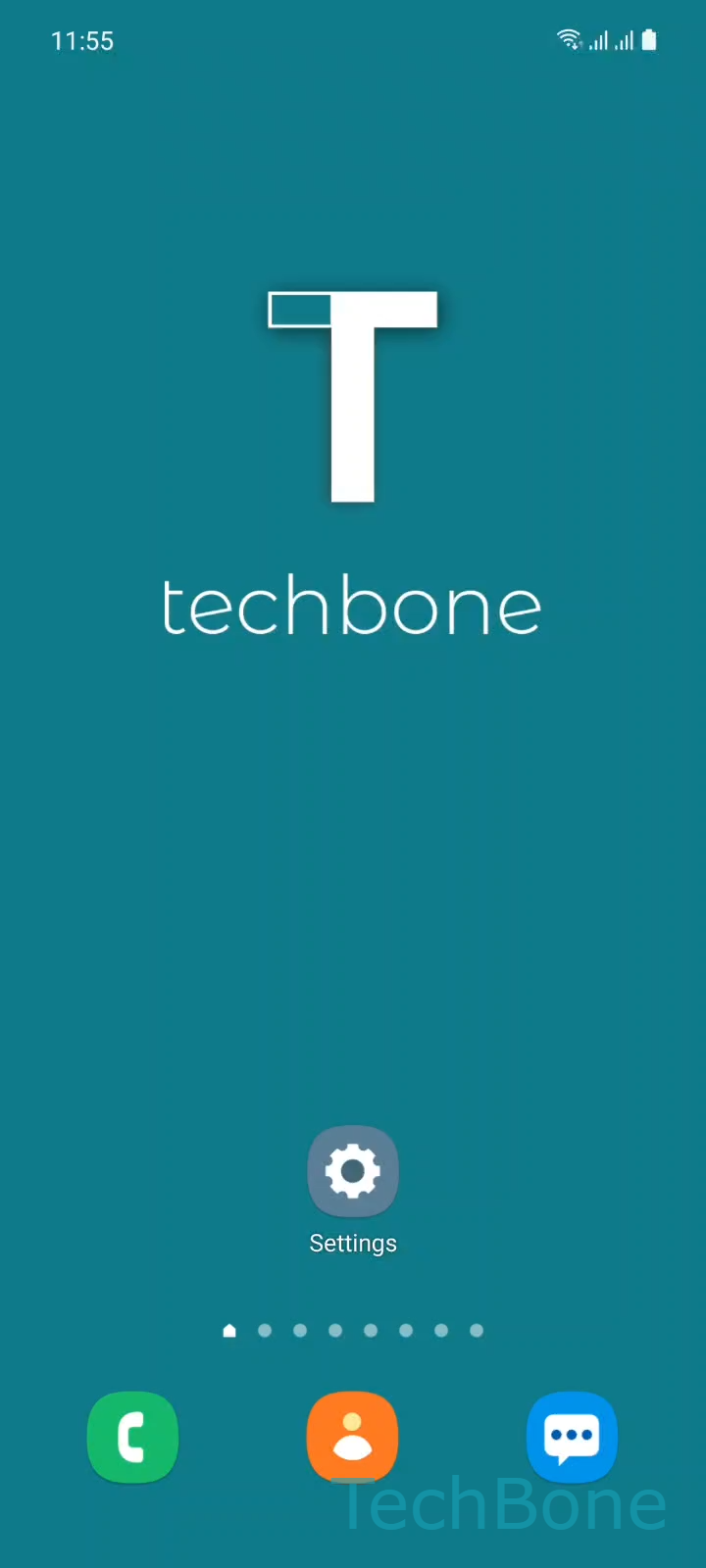
Step 1 of 6: Tap on **Settings**

1

Tap on Settings

Live simulator

Android 11 · One UI 3
Change SIM Card Icon – One UI 3: step 1 – Tap on Settings
Tap on Settings
1 / 6

Scroll or use the buttons for the next step

Feedback

Was the guide correct?

Help others: confirm the path or report a problem.

98

Confirmations

Forum verified this path

Samsung

Change SIM Card Icon auf Samsung

On a Dual SIM Samsung phone, both SIM cards can end up sharing the same icon and color in the status bar, quick settings, and call log. That makes it harder to spot at a glance which SIM is set for mobile data and which one takes your calls. One UI stores the icon assignment inside the SIM card manager, separate from general connection settings, which is why many users never notice the option exists.

To change it, open Tap on SettingsTap on ConnectionsTap on SIM card manager. Pick the SIM you want to customize under Choose a SIM card (Dual SIM), then select Tap on Icon. Choose from the available icon and color set and confirm with Choose a SIM card icon and tap OK.

The new icon shows up wherever that SIM is referenced: status bar, call screen, and messaging app if it displays sender SIM info. This only changes the visual label, not the actual SIM behavior, so it will not affect network priority, default data SIM, or call routing. If your issue is actually about which SIM is used for calls or data rather than how it looks, check the default SIM settings instead of the icon option.

Frequently asked questions

Yes, if that SIM is set as your data SIM, the same icon appears in the status bar data indicator. The icon is tied to the SIM slot, not to a specific function like calls or data.

Compatible devices

Tap your device — opens its hub with matching guides.

Android 11 · One UI 3

No compatible devices are listed for this version.