Skip to content
TechBone
Samsung

Samsung: Turn Smart Anti-Tracking On or Off in the Internet Browser

Closing Secret mode does not stop every site from tracking you across sessions. Cookies and browsing traces from the regular Internet app can still build a profile of you, even after you clear history manually. Smart anti-tracking works independently of Secret mode and can clean this up automatically.

5 min6 steps
VersionAndroid 11 · One UI 3

Step by step

1 / 6

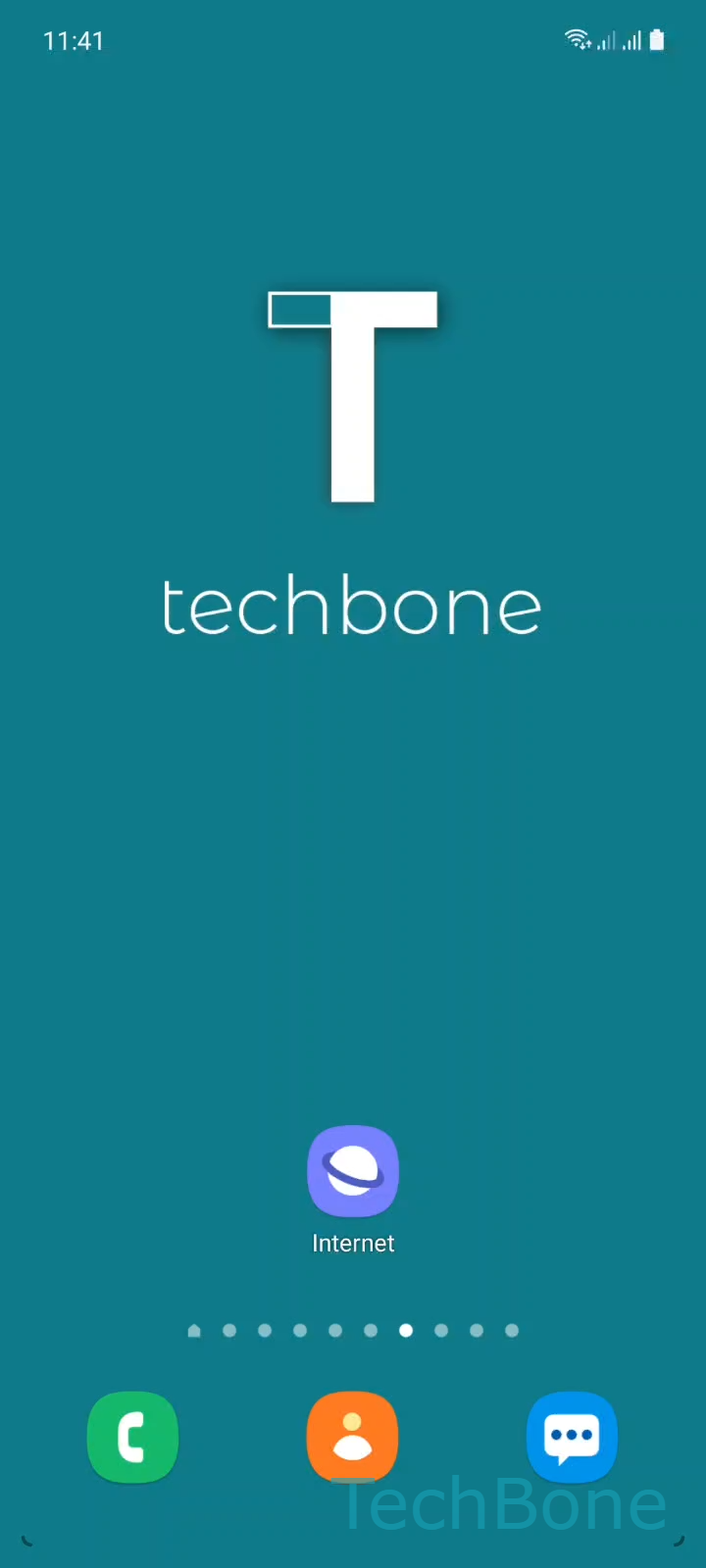
Step 1 of 6: Tap on **Internet**

1

Tap on Internet

Live simulator

Android 11 · One UI 3
Smart Anti-Tracking: Turn On or Off – One UI 3: step 1 – Tap on Internet
Tap on Internet
1 / 6

Scroll or use the buttons for the next step

Feedback

Was the guide correct?

Help others: confirm the path or report a problem.

22

Confirmations

Forum verified this path

Samsung

Smart Anti-Tracking: Turn On or Off auf Samsung

Smart anti-tracking is a privacy function inside the Samsung Internet app. It blocks known trackers and clears cookies or browsing traces that sites use to follow you, separately from Secret mode.

Without it, advertisers and analytics scripts can keep identifying your device across different websites and sessions. That means personalized ads, cross-site profiling, or login prompts that reappear even after you thought you closed everything.

To manage this setting, open the Samsung Internet app and go to Tap on InternetOpen the MenuTap on SettingsTap on Privacy and securityTap on Smart anti-tracking. From there choose Always, Secret mode only, or Never.

Always keeps protection active in every browsing mode and is the strongest option for privacy. Secret mode only limits anti-tracking to private sessions, useful if you rely on cookies for logged-in sites in normal mode. Never disables the feature completely.

If a specific site breaks after enabling anti-tracking, for example a shop that needs session cookies, switch that setting to Secret mode only instead of turning it off everywhere.

Frequently asked questions

No. Secret mode hides your history locally on the device, while Smart anti-tracking blocks trackers and clears cookies during actual browsing. You can use both together for stronger privacy.

Compatible devices

Tap your device — opens its hub with matching guides.

Android 11 · One UI 3

No compatible devices are listed for this version.