Skip to content
TechBone
Samsung

Samsung: Change Contact Sort Order (First or Last Name)

If your contact list on a Samsung phone lines up alphabetically by first name when you expected last-name order, the sort setting inside the Contacts app is responsible, not the Phone app itself. This mismatch shows up the same way in Calls and Messages, since both pull from the same contact list. Switching the sort order only takes a moment once you know where the setting lives.

4 min5 steps
Version

Step by step

1 / 5

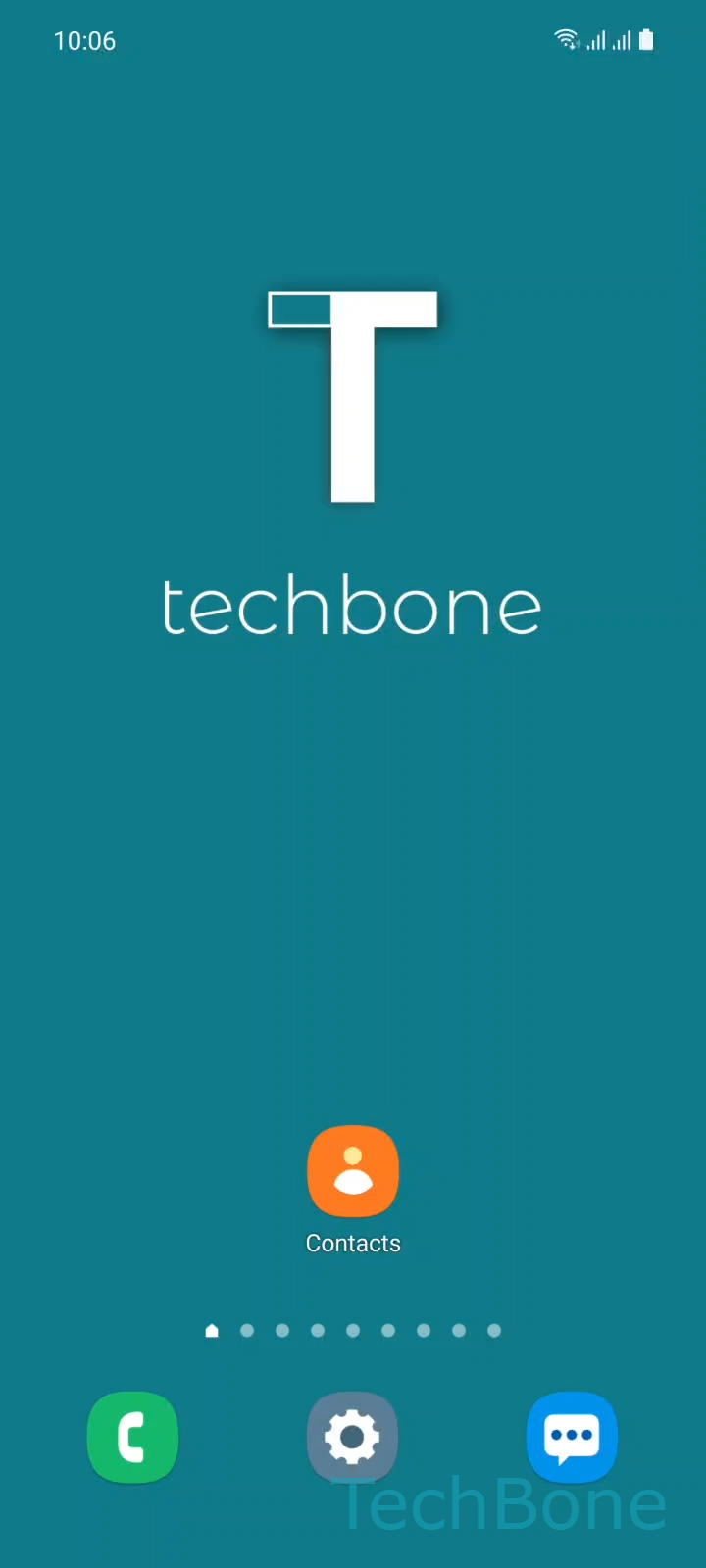
Step 1 of 5: Tap on **Contacts**

1

Tap on Contacts

Live simulator

Android 11 · One UI 3
Sort Contacts by First or Last Name – One UI 3: step 1 – Tap on Contacts
Tap on Contacts
1 / 5

Scroll or use the buttons for the next step

Feedback

Was the guide correct?

Help others: confirm the path or report a problem.

21

Confirmations

Forum verified this path

Samsung

Sort Contacts by First or Last Name auf Samsung

Samsung sorts your contact list by first name by default. That looks confusing if you save most people under a last name, a nickname, or a company name instead.

The sort order lives inside the Contacts app itself, not inside the Phone app settings, even though the change also affects how names line up in your call log and message threads.

Change the sort order

Open Contacts ➔ tap the Menu icon ➔ tap Settings ➔ tap Sort contacts by ➔ choose First name or Last name.

The change applies right away across your contact list, call log, and message threads. No restart needed.

If a few entries still look out of place afterward, check whether the first-name or last-name field is empty for those contacts. Samsung sorts incomplete entries separately, usually at the end of the list.

This setting only changes the sort order for display purposes. It does not move data between the first-name and last-name fields or rename any contact.

Frequently asked questions

Contacts with a missing first name or last name get sorted separately, usually at the bottom of the list. Open the contact entry and check that both name fields are filled in.

Compatible devices

Tap your device — opens its hub with matching guides.

Android 11 · One UI 3

No compatible devices are listed for this version.