
Skip to content
TechBone
Samsung

Samsung: Turn Subtitles On or Off in Accessibility Settings

If captions stay off during video playback or look different from app to app, you are probably dealing with two separate subtitle systems on your Samsung phone. Samsung subtitles and Google subtitles (CC) both add captions but sit in different menus and offer different styling options. Knowing which one is active decides whether size, color and background of the text can even be changed.

5 min6 steps
Version

Step by step

1 / 6

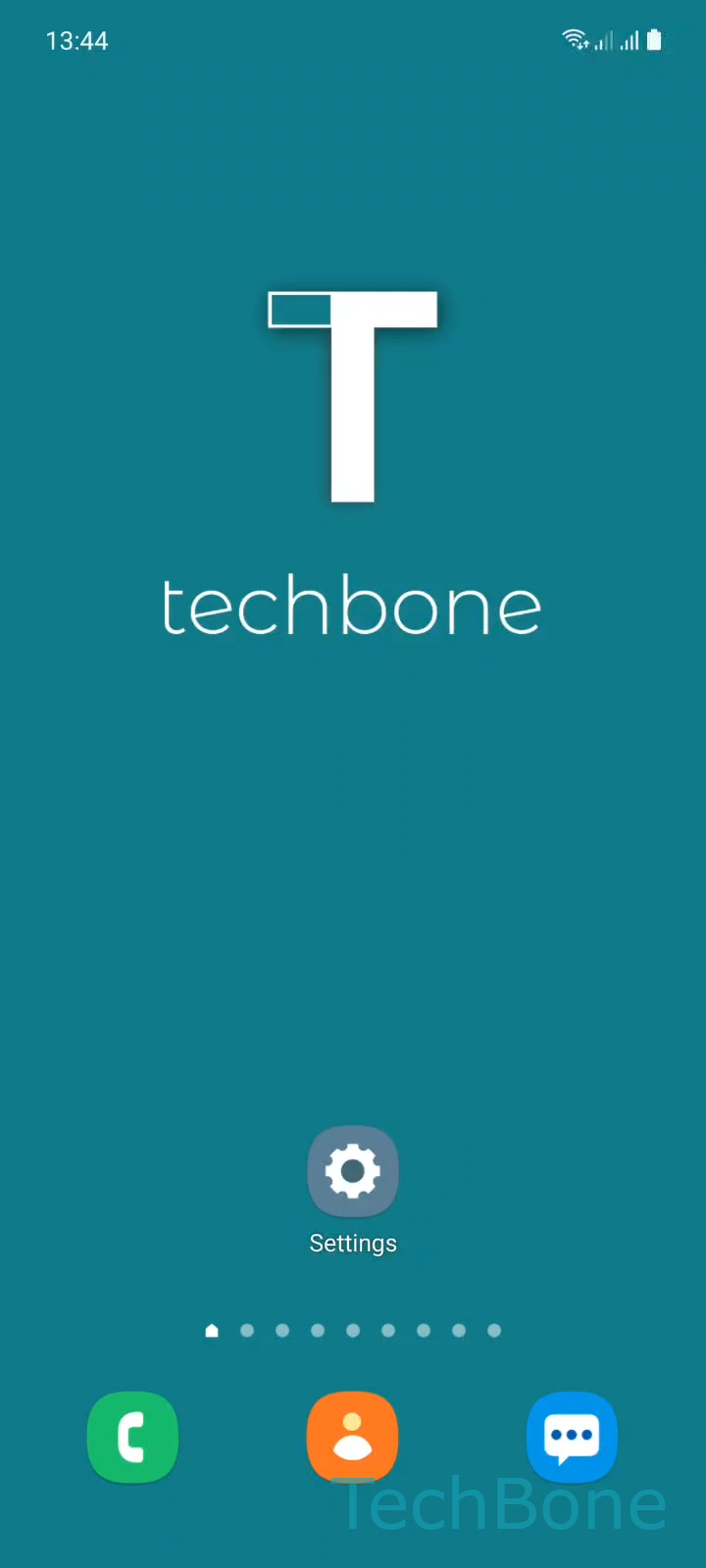
Step 1 of 6: Tap on **Settings**

1

Tap on Settings

Live simulator

Android 11 · One UI 3
Turn Subtitles On or Off – One UI 3: step 1 – Tap on Settings
Tap on Settings
1 / 6

Scroll or use the buttons for the next step

Feedback

Was the guide correct?

Help others: confirm the path or report a problem.

12

Confirmations

Forum verified this path

Samsung

Turn Subtitles On or Off auf Samsung

Samsung phones ship with two caption systems that work independently of each other: Samsung subtitles and Google subtitles (CC). Both display text during video playback, but only one of them is active for a given app, which is why captions sometimes look different or fail to appear at all.

The Google subtitles (CC) toggle sits inside the hearing enhancement tools, because captions were originally built as an accessibility feature. That does not mean the setting is limited to accessibility use - anyone can turn it on to read along during playback.

To reach the toggle: Tap on SettingsTap on AccessibilityTap on Hearing enhancementsTap on Google subtitles (CC)Enable or disable Show captions.

Once captions are enabled, styling is handled separately. Open Caption size and style or More options from the same screen to adjust text size, font, color and background. These style settings only affect apps that rely on the system-level Google subtitles (CC) engine, not apps with their own built-in subtitle controls.

If subtitles still do not show up after enabling this toggle, check whether the app you are using has its own caption setting, since streaming apps often manage subtitles independently of the system menu.

Frequently asked questions

Google subtitles (CC) is the system-wide caption engine reachable through Hearing enhancements, and it applies to any app that supports the standard captioning API. Samsung subtitles work only inside Samsung's own apps and are configured separately, which is why styling changes made in one system do not carry over to the other.

Compatible devices

Tap your device — opens its hub with matching guides.

Android 11 · One UI 3

No compatible devices are listed for this version.