Skip to content
TechBone
Samsung

Samsung: Sync Calendar Manually

If you close the Calendar app and it keeps running in the background, new appointments and logged calls on your Samsung phone often don't show up until you restart the app. Data saving mode, battery saving mode, and background restrictions in Samsung One UI can all block the automatic sync. Forcing a manual sync brings the calendar up to date without waiting for the next automatic refresh.

3 min3 steps
Version

Step by step

1 / 3

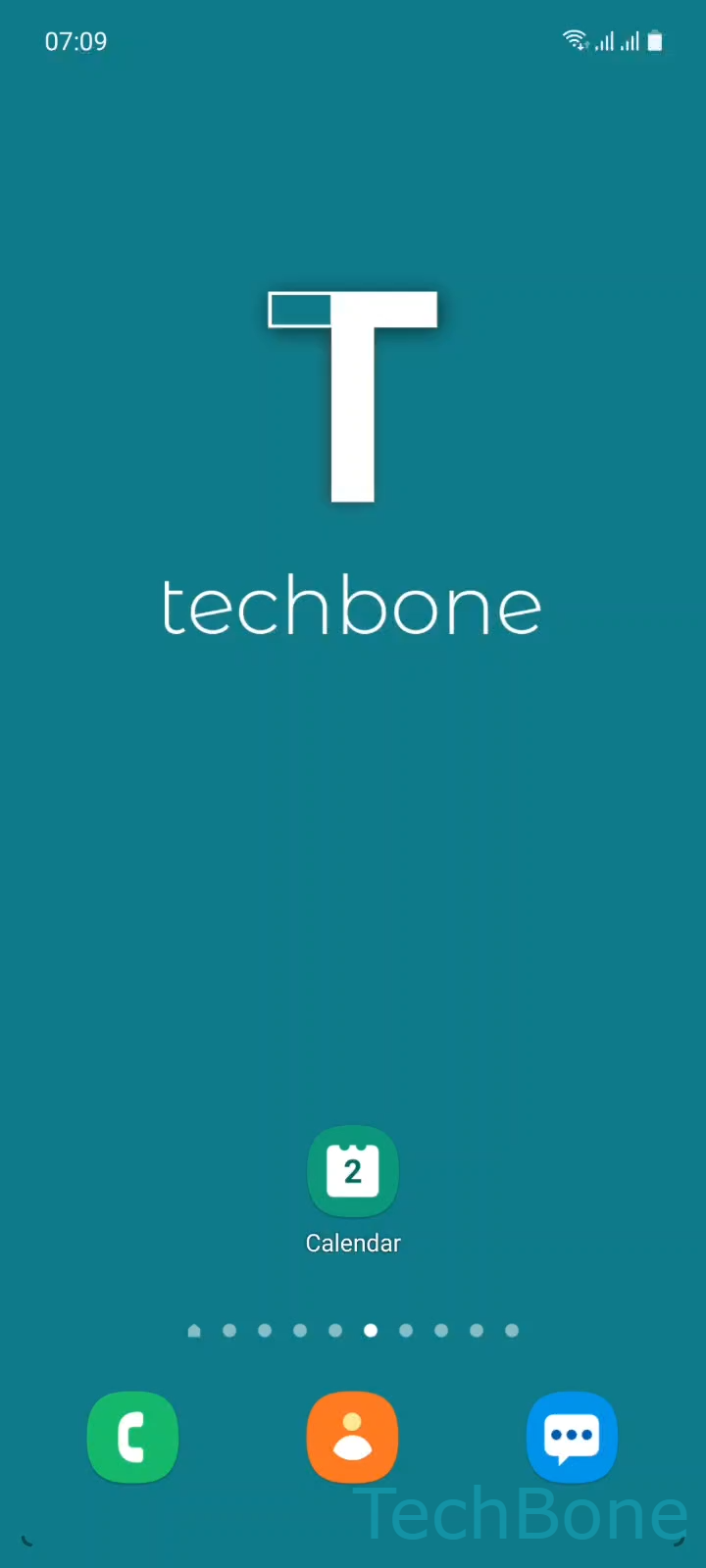
Step 1 of 3: Tap on **Calendar**

1

Tap on Calendar

Live simulator

Android 11 · One UI 3
Sync Calendar Manually – One UI 3: step 1 – Tap on Calendar
Tap on Calendar
1 / 3

Scroll or use the buttons for the next step

Feedback

Was the guide correct?

Help others: confirm the path or report a problem.

24

Confirmations

Forum verified this path

Samsung

Sync Calendar Manually auf Samsung

Samsung phones usually refresh the Calendar app only when it starts up. If Calendar keeps running in the background after you close it, One UI treats it as already active and skips the next automatic sync cycle.

Battery saving mode, data saving mode, and per-app background restrictions in Samsung One UI can also pause the sync service entirely. In that case the app shows outdated appointments, calls, and messages until you either restart it or trigger a sync by hand.

To force an update, open Calendar ➔ tap the Menu icon ➔ select Sync now. This pushes any pending changes immediately, without closing the app or rebooting the phone.

If the calendar still does not update after using Sync now, check whether background data is disabled for the app under battery or data settings. Manual sync only refreshes the connection - it cannot restore access if the account itself is blocked from running in the background.

Frequently asked questions

Samsung One UI usually syncs Calendar only when the app starts. If it stays active in the background after you close it, the system skips the next automatic sync until you reopen it or trigger Sync now manually.

Compatible devices

Tap your device — opens its hub with matching guides.

Android 11 · One UI 3

No compatible devices are listed for this version.