Skip to content
TechBone
Samsung

Samsung: Adjust System Sound Volume for Notifications and Alerts

If the sound for taking a screenshot or capturing a photo suddenly cannot be turned off on its own anymore, Samsung has likely bundled it into a shared system sound category. This means several alert tones now share one volume slider instead of separate toggles. Adjusting the level for this group affects every sound tied to it at once, not just one action.

3 min4 steps
Version

Step by step

1 / 4

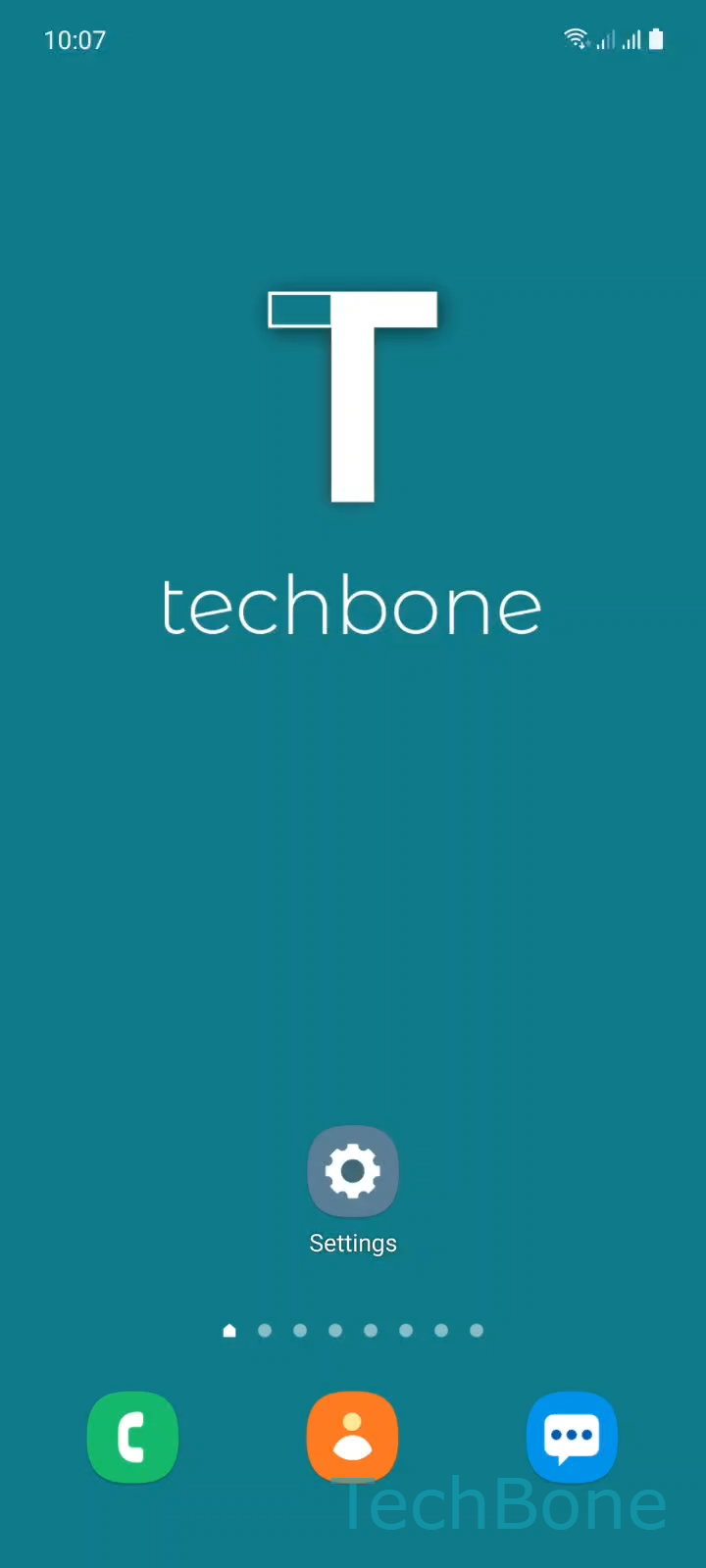
Step 1 of 4: Tap on **Settings**

1

Tap on Settings

Live simulator

Android 11 · One UI 3
Change System Sound Volume – One UI 3: step 1 – Tap on Settings
Tap on Settings
1 / 4

Scroll or use the buttons for the next step

Feedback

Was the guide correct?

Help others: confirm the path or report a problem.

27

Confirmations

Forum verified this path

Samsung

Change System Sound Volume auf Samsung

Samsung merges several short alert tones, including the screenshot and camera shutter sound, into one shared category called system sounds. Instead of a separate switch for each action, One UI controls all of them through a single volume level. This is why you can no longer mute just the screenshot sound while keeping other alerts active.

To change the level for this group, open SettingsSounds and vibrationVolume, then swipe left or right on the System slider to raise or lower it. Moving the slider all the way to the left mutes every sound in this category at once, including screenshots, keyboard taps in some cases, and other short confirmation tones.

This setting only affects the volume level, not which specific sounds are included in the group. Samsung decides the grouping at the system level, and it cannot be split back into individual toggles through the sound settings.

If you only want to silence notifications from apps while keeping system sounds like screenshots audible, use the separate Notifications slider in the same menu instead. Mixing up these two sliders is the most common reason people think a mute setting is not working as expected.

Frequently asked questions

Samsung groups the screenshot sound together with other short alert tones under one system sound category. Lowering or muting the System slider in SettingsSounds and vibrationVolume affects all sounds in that group, not just the screenshot tone alone.

Compatible devices

Tap your device — opens its hub with matching guides.

Android 11 · One UI 3

No compatible devices are listed for this version.