Skip to content
TechBone
Samsung

Samsung: Take a Photo with the Camera Shutter

Finding the right way to snap a picture on a Samsung phone gets confusing when the Camera app opens in Video mode or a filter screen instead of Photo mode. The shutter icon changes shape depending on which mode is active, so tapping the wrong spot records a clip or opens the gallery instead of taking a picture. This mix-up is common right after updating the Camera app or switching phones.

3 min3 steps
Version

Step by step

1 / 3

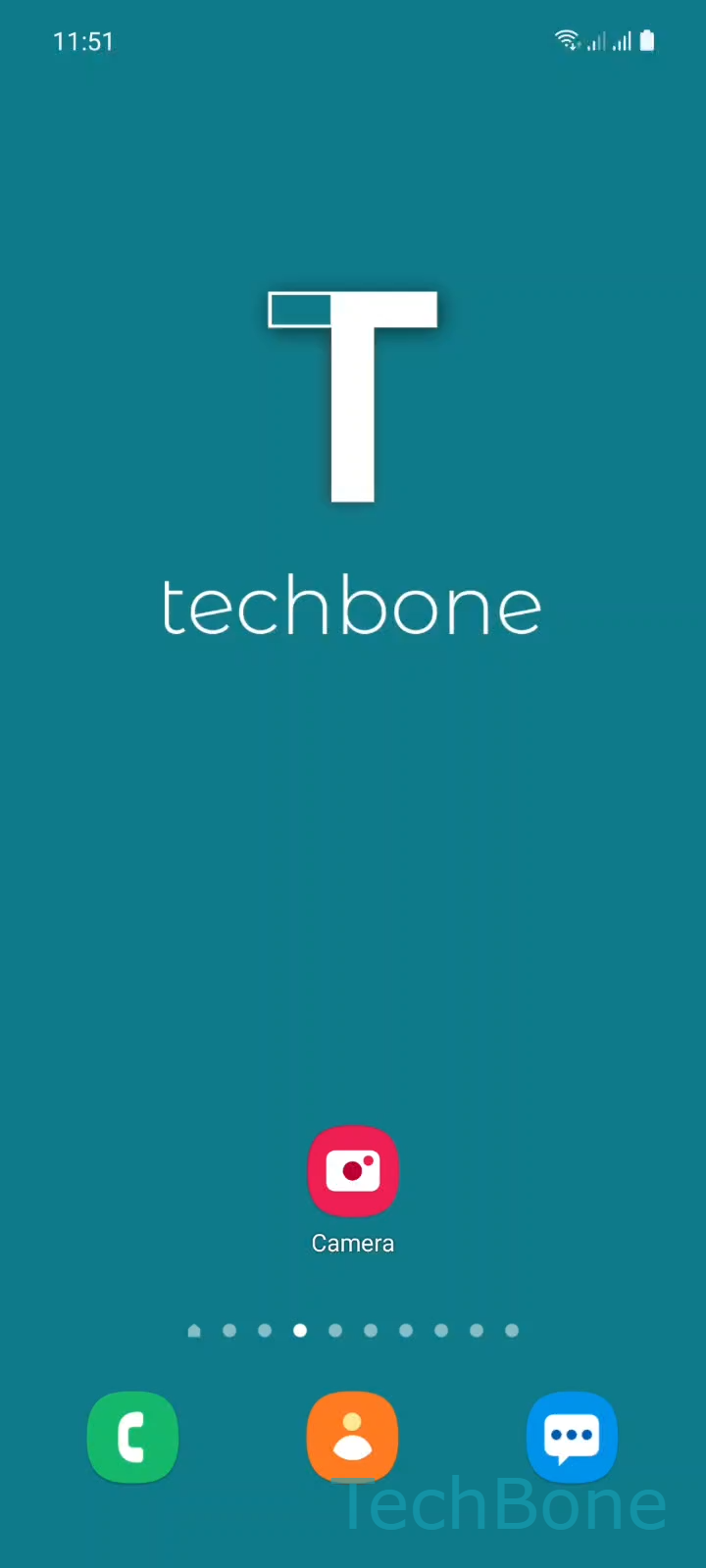
Step 1 of 3: Tap on **Camera**

1

Tap on Camera

Live simulator

Android 11 · One UI 3
Take a Photo with the Camera Shutter – One UI 3: step 1 – Tap on Camera
Tap on Camera
1 / 3

Scroll or use the buttons for the next step

Feedback

Was the guide correct?

Help others: confirm the path or report a problem.

22

Confirmations

Forum verified this path

Samsung

Take a Photo with the Camera Shutter auf Samsung

On most Samsung phones the Camera app opens in the mode you last used, not always Photo mode. If the last shot was a video or a portrait, the shutter icon on screen looks different and behaves differently too.

To take a standard photo, switch to Photo mode first. This mode uses the round shutter button and captures a single still image without extra processing steps like slow motion or panorama stitching.

Verified steps

Tap on CameraSelect Photo modeTap the Camera shutter to take a photo

The mode selector sits just above or beside the shutter button and usually scrolls sideways. Photo mode is normally marked clearly among the other options, such as video or portrait shooting.

Once Photo mode is active, a single tap on the shutter captures the image immediately. Holding the shutter down instead can trigger burst shooting on some Camera app versions, so a short tap is usually enough for one clean photo.

If the shutter button is greyed out or unresponsive, the storage on the phone may be full, or the Camera app might still be loading the sensor. Restarting the Camera app usually resolves that without needing a phone restart.

Frequently asked questions

The Camera app remembers the last mode used. If a video was recorded last, the app reopens in Video mode. Swipe to Select Photo mode before tapping the shutter to avoid recording a clip by accident.

Compatible devices

Tap your device — opens its hub with matching guides.

Android 11 · One UI 3

No compatible devices are listed for this version.