
Skip to content
TechBone
Samsung

Samsung: Turn Touch Interaction Vibration On or Off

Every tap on your Samsung display triggers a short buzz, and that constant vibration feedback can feel distracting or drain battery faster than expected. This haptic response is separate from ringtone and notification vibrations, so switching those off does not stop it. The setting lives inside the sound and vibration controls and is easy to miss.

3 min4 steps
VersionAndroid 11 · One UI 3

Step by step

1 / 4

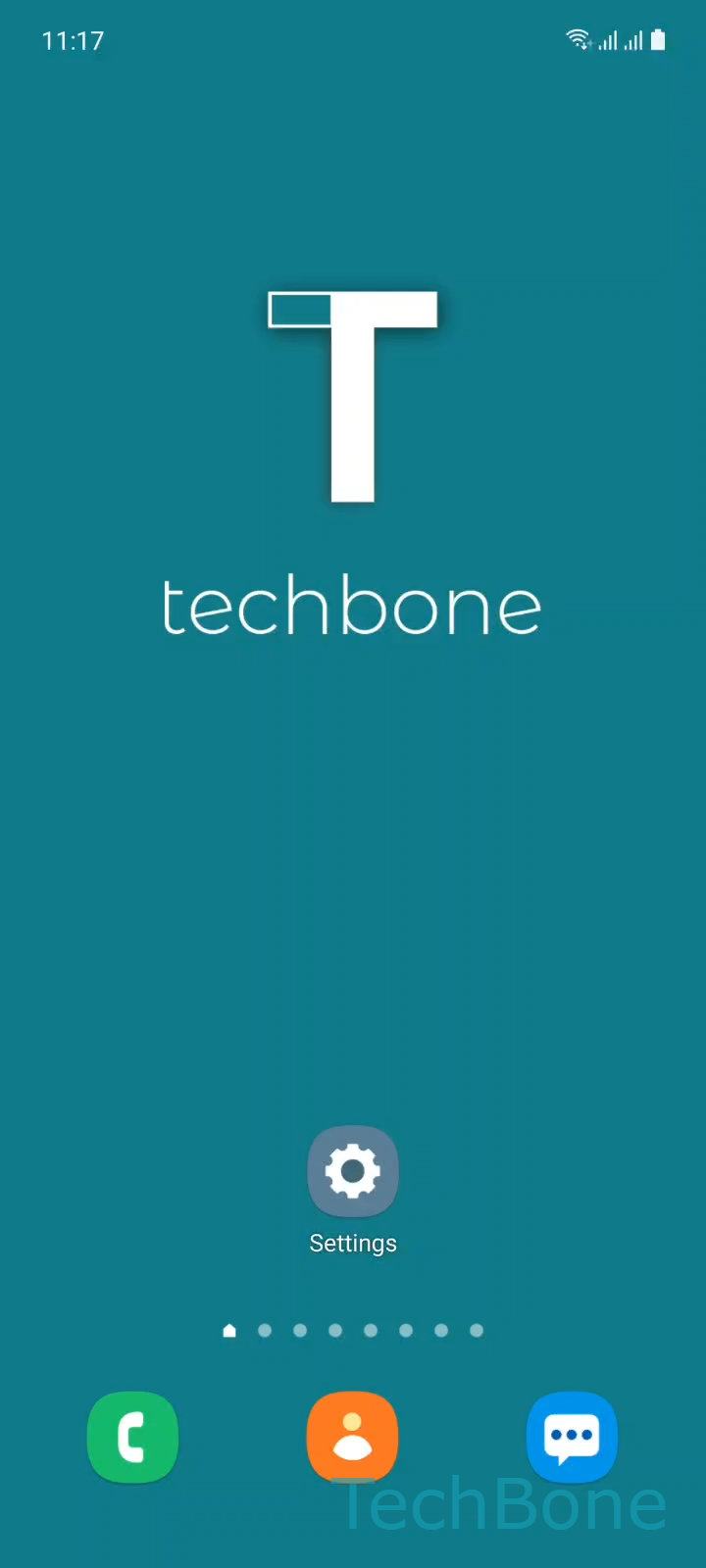
Step 1 of 4: Tap on **Settings**

1

Tap on Settings

Live simulator

Android 11 · One UI 3
Turn Touch Interaction Vibration On or Off – One UI 3: step 1 – Tap on Settings
Tap on Settings
1 / 4

Scroll or use the buttons for the next step

Feedback

Was the guide correct?

Help others: confirm the path or report a problem.

39

Confirmations

Forum verified this path

Samsung

Turn Touch Interaction Vibration On or Off auf Samsung

Touch interaction vibration is the short haptic pulse your Samsung phone sends whenever you tap a button, icon, or menu item on the screen. It is controlled independently from call ringtone vibration and notification vibration, which is why turning those off does not remove the buzz you feel while typing or navigating menus.

This feedback lives inside the general sound and vibration controls of One UI, not in a dedicated app or a separate accessibility menu. Samsung groups it together with system sounds because both are considered feedback for on-screen actions rather than incoming events.

Where to change it

Open Tap on SettingsTap on Sounds and vibrationTap on System sound/vibration controlEnable or disable Touch interactions. Toggling this off removes the vibration on taps immediately, without a restart.

Turn it off if you find the constant buzzing distracting, want slightly better battery life during heavy typing sessions, or need a quieter phone in meetings without switching to full silent mode. Keep it on if you rely on haptic confirmation for accessibility reasons or use your phone often without looking directly at the screen.

Frequently asked questions

No. Keyboard vibration on key presses is a separate toggle, usually found under SettingsGeneral managementSamsung Keyboard settings. Disabling touch interaction vibration in Sounds and vibration does not change keyboard feedback.

Compatible devices

Tap your device — opens its hub with matching guides.

Android 11 · One UI 3

No compatible devices are listed for this version.