Skip to content
TechBone
Samsung

Samsung: Increase Touch Screen Sensitivity

If your Samsung phone misses taps or feels sluggish after fitting a tempered-glass screen protector, the touchscreen is likely filtering out part of your input. Thicker protective films add a layer between your finger and the sensor, which throws off the standard touch calibration. A dedicated sensitivity setting compensates for this without forcing you to switch protectors.

3 min3 steps
Version

Step by step

1 / 3

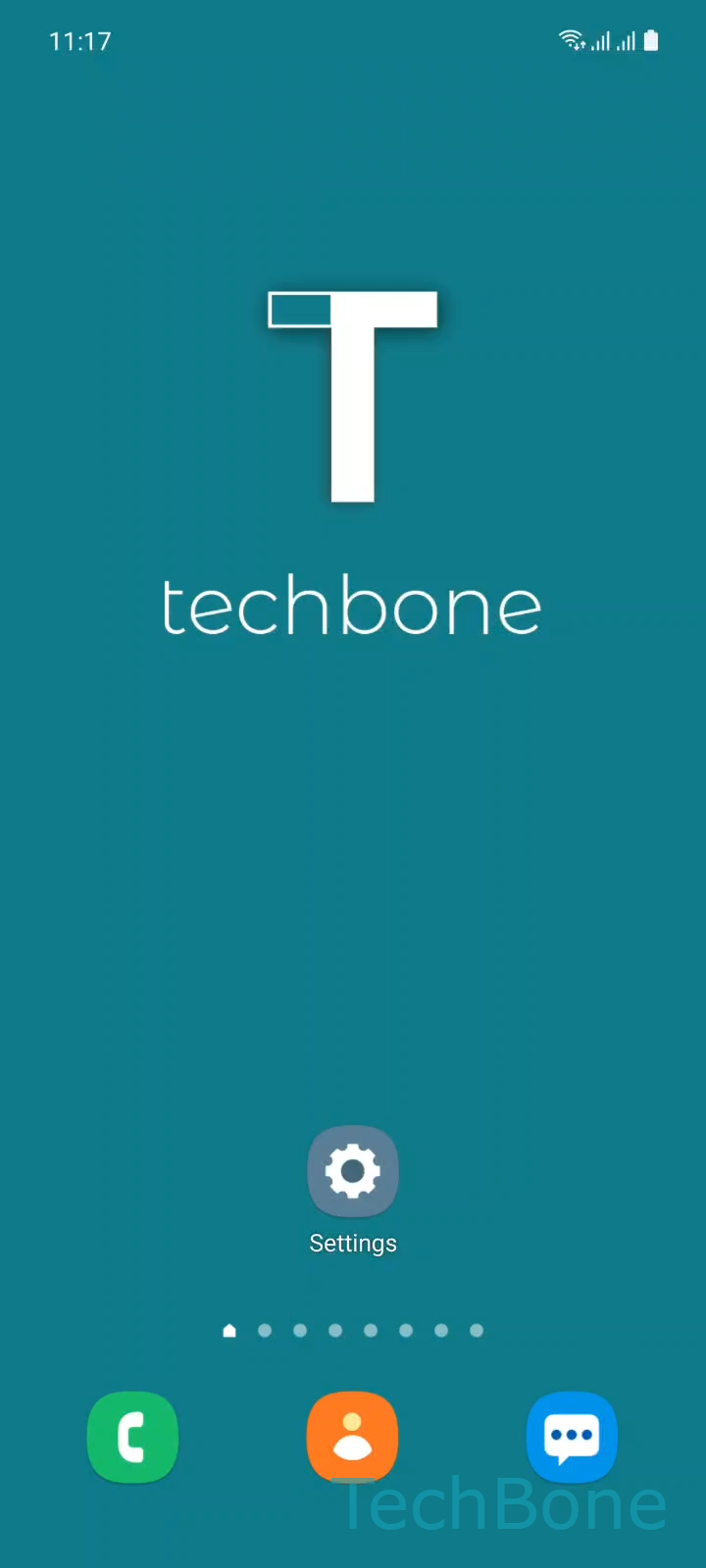
Step 1 of 3: Tap on **Settings**

1

Tap on Settings

Live simulator

Android 11 · One UI 3
Increase Touch Sensitivity for Screen Protectors – One UI 3: step 1 – Tap on Settings
Tap on Settings
1 / 3

Scroll or use the buttons for the next step

Feedback

Was the guide correct?

Help others: confirm the path or report a problem.

58

Confirmations

Forum verified this path

Samsung

Increase Touch Sensitivity for Screen Protectors auf Samsung

Samsung touchscreens calibrate their detection threshold for bare glass contact. A screen protector, especially a thicker tempered-glass one, adds distance between your finger and the sensor. That extra layer can cause missed taps, delayed scrolling, or unresponsive corners.

Samsung addresses this with a dedicated toggle in One UI. Raising the touch sensitivity increases the detection threshold so the screen reacts through the added material.

To turn it on: Tap on SettingsTap on DisplayEnable or disable Touch sensitivity.

Leave this enabled only while a protector is fitted. Without one, the higher sensitivity can register phantom touches from water droplets, moisture, or even loose clothing near the screen.

If taps still fail after enabling the setting, the protector itself may be the problem. Air bubbles, low-quality tempered glass, or a protector that is too thick can exceed what the sensitivity boost can compensate for. In that case, try a thinner protector or clean the screen and reapply it before relying on this setting alone.

Frequently asked questions

Air bubbles under the protector or very thick tempered glass can exceed what the sensitivity boost compensates for. Remove the protector, clean the screen, and reapply it, or switch to a thinner one.

Compatible devices

Tap your device — opens its hub with matching guides.

Android 11 · One UI 3

No compatible devices are listed for this version.