Skip to content
TechBone
Samsung

Samsung: Turn Touch Interaction Sounds On or Off

If your Samsung phone plays a click or tone every time you tap certain screen elements, notification toggles, or Focus mode switches, the system's touch interaction sound is turned on. You cannot swap the tone for a different sound since it is a fixed system cue, but you can switch the whole feature on or off.

3 min4 steps
Version

Step by step

1 / 4

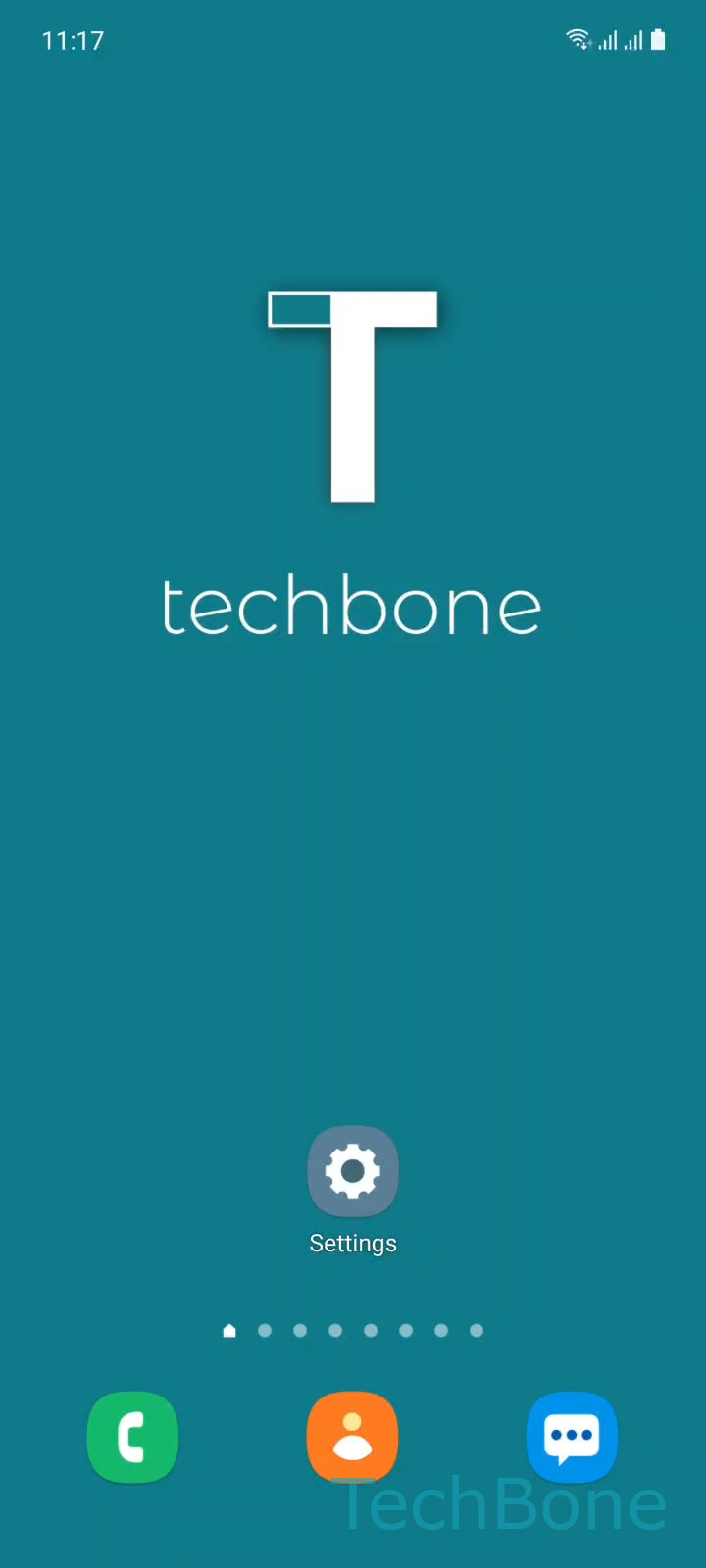
Step 1 of 4: Tap on **Settings**

1

Tap on Settings

Live simulator

Android 11 · One UI 3
Turn Touch Interaction Sounds On or Off – One UI 3: step 1 – Tap on Settings
Tap on Settings
1 / 4

Scroll or use the buttons for the next step

Feedback

Was the guide correct?

Help others: confirm the path or report a problem.

56

Confirmations

Forum verified this path

Samsung

Turn Touch Interaction Sounds On or Off auf Samsung

Samsung phones play a short tone whenever you tap items like notification toggles, Focus mode switches, or certain list entries. This is the system's touch interaction sound, a fixed audio cue built into One UI that cannot be swapped for a different tone.

The sound is controlled by a single toggle inside the sound settings, separate from ringtones, notification sounds, and media volume. If the clicking distracts you during calls, meetings, or media playback, turning off this toggle silences all touch feedback tones system-wide.

To change it, open SettingsSounds and vibrationSystem sound/vibration control and switch Touch interactions off or on again.

Disabling touch interaction sounds does not affect keyboard sounds, screen lock sounds, or charging tones, since those run on separate options in the same menu. If you only need quiet for certain moments, check whether a Do Not Disturb schedule or Focus mode fits better than permanently disabling the feature.

Frequently asked questions

No. On Samsung devices it is a fixed system sound with no alternative options. The only control is the on/off switch under SettingsSounds and vibrationSystem sound/vibration controlTouch interactions.

Compatible devices

Tap your device — opens its hub with matching guides.

Android 11 · One UI 3

No compatible devices are listed for this version.