Skip to content
TechBone
Samsung

Samsung: Turn an Alarm On or Off

New alarms on a Samsung phone switch on automatically the moment you save them, which is why a forgotten wake-up call can fire off the next morning without warning. Turning an alarm off does not delete it - the entry stays saved and ready to switch back on later. The toggle can be flipped from inside the Clock app or directly from an alarm widget placed on your home screen.

2 min2 steps
Version

Step by step

1 / 2

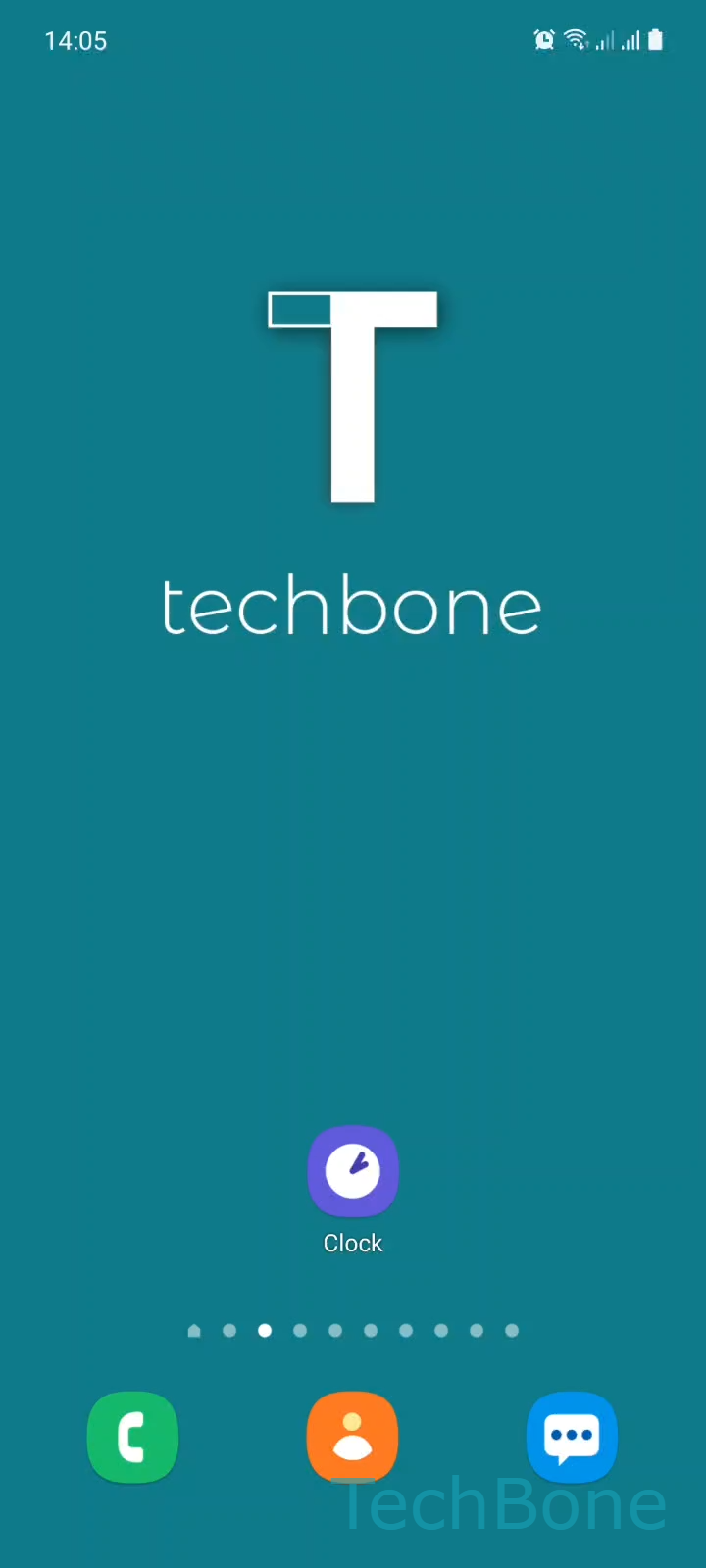
Step 1 of 2: Tap on **Clock**

1

Tap on Clock

Live simulator

Android 11 · One UI 3
Turn an Alarm On or Off – One UI 3: step 1 – Tap on Clock
Tap on Clock
1 / 2

Scroll or use the buttons for the next step

Feedback

Was the guide correct?

Help others: confirm the path or report a problem.

26

Confirmations

Forum verified this path

Samsung

Turn an Alarm On or Off auf Samsung

Every alarm you save on a Samsung phone switches on by default, because One UI treats a freshly created entry as active right away. Open Clock ➔ tap the switch next to an alarm to flip it between on and off, without changing the time, label, or repeat days you already set up.

Turning an alarm off leaves the entry in your list. The wake-up time, sound, and vibration settings stay stored, so you can switch the same alarm back on later instead of recreating it from scratch. This is the better option when you only need a break from an alarm for a weekend or a single day off work, and want to delete the entry only if you never plan to reuse it.

A faster route skips the app entirely. Adding an alarm widget to your home screen puts the same Turn On/Off an Alarm switch right on your screen, so you can disable a morning alarm the night before without unlocking into the Clock app at all.

If Do Not Disturb or a scheduled focus mode is active, check whether alarms are allowed to break through before assuming the toggle itself is broken. A muted device can stay silent on an alarm that is technically still switched on.

Frequently asked questions

No. Switching the toggle off in Clock only pauses the alarm. The time, label, sound, and repeat days stay saved until you switch it back on or delete the entry manually.

Compatible devices

Tap your device — opens its hub with matching guides.

Android 11 · One UI 3

No compatible devices are listed for this version.