Skip to content
TechBone
Samsung

Samsung: Uninstall an App from Your Phone

An app you no longer use keeps taking up storage space and might still run background processes on your Samsung phone. Deleting it through the Google Play Store removes the app itself, but the built-in Settings menu gives you a direct way to remove it along with its stored data. Once removed, any saved data, logins, or app files linked to that app are gone for good.

4 min5 steps
Version

Step by step

1 / 5

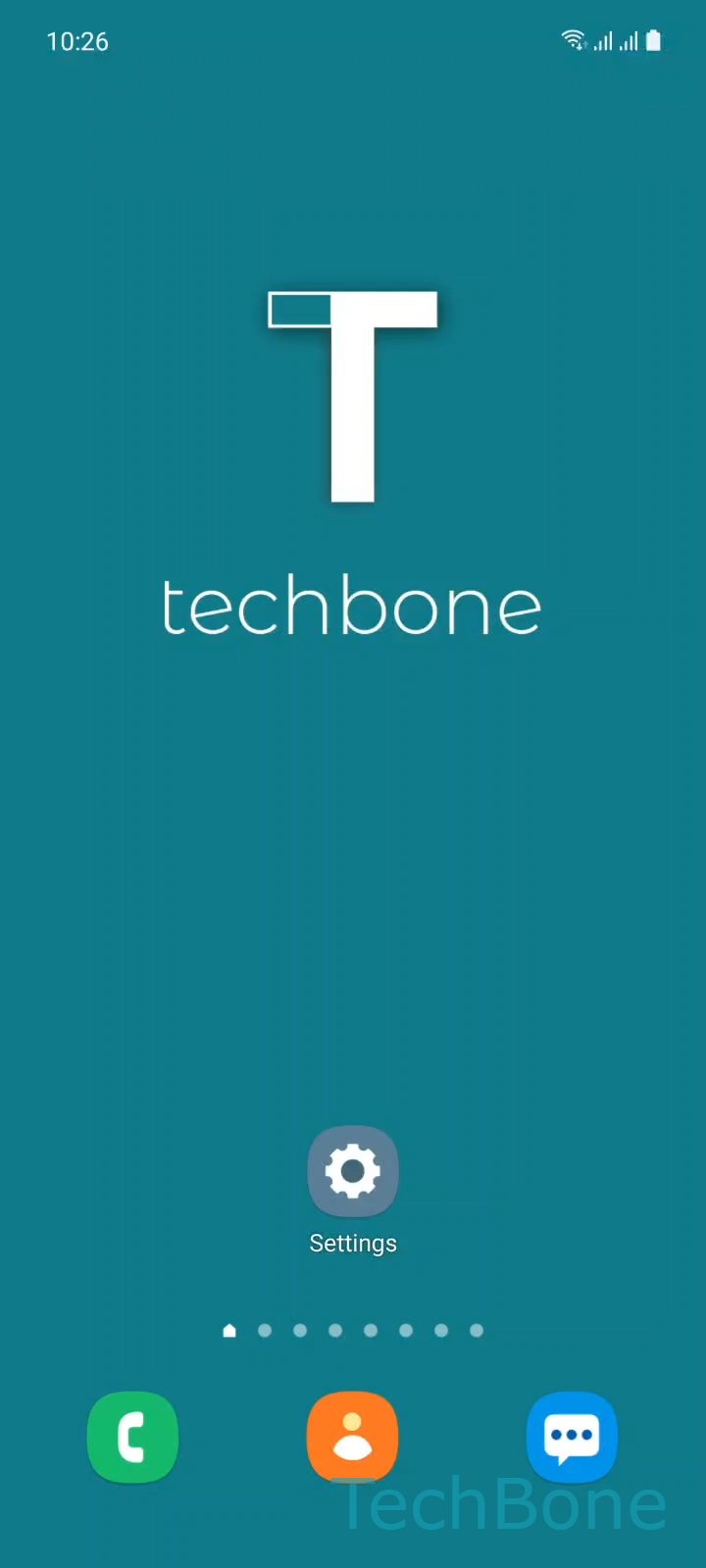
Step 1 of 5: Tap on **Settings**

1

Tap on Settings

Live simulator

Android 11 · One UI 3
Uninstall an App – One UI 3: step 1 – Tap on Settings
Tap on Settings
1 / 5

Scroll or use the buttons for the next step

Feedback

Was the guide correct?

Help others: confirm the path or report a problem.

40

Confirmations

Forum verified this path

Samsung

Uninstall an App auf Samsung

Uninstalling an app on a Samsung phone frees up storage and stops any background activity tied to that app. The removal is handled by the system's app manager, which also deletes cached files, saved logins, and local data connected to the app.

You can remove most apps directly from the Settings menu. Go to Tap on SettingsTap on AppsChoose an AppTap on UninstallTap on OK to confirm the removal.

This works for apps you installed yourself. Some apps that came pre-installed with the phone cannot be uninstalled this way, only disabled, since they are part of the system image.

If you only want to free up space without losing the app permanently, clearing its cache or storage under the same app entry is a lighter option. That keeps the app installed but removes temporary files.

Uninstalling through the Google Play Store works the same way in practice, since it triggers the same system removal process. Use whichever method is faster for you, but keep in mind the result is identical: once confirmed, the app and its data cannot be restored unless you have a separate backup.

Frequently asked questions

Yes. Once you confirm with Tap on OK, all local data tied to that app, including logins and saved files, is deleted and cannot be recovered unless you have a backup elsewhere.

Compatible devices

Tap your device — opens its hub with matching guides.

Android 11 · One UI 3

No compatible devices are listed for this version.