Skip to content
TechBone
Samsung

Samsung: Unpair a Bluetooth Device

When a Bluetooth accessory keeps reconnecting automatically or you no longer trust a device on the list, removing the pairing is the only reliable fix. A simple disconnect just drops the current link but leaves the device saved, so it reconnects the next time it is nearby. Unpairing removes the stored connection completely and forces a fresh setup if you ever want to use it again.

4 min5 steps
Version

Step by step

1 / 5

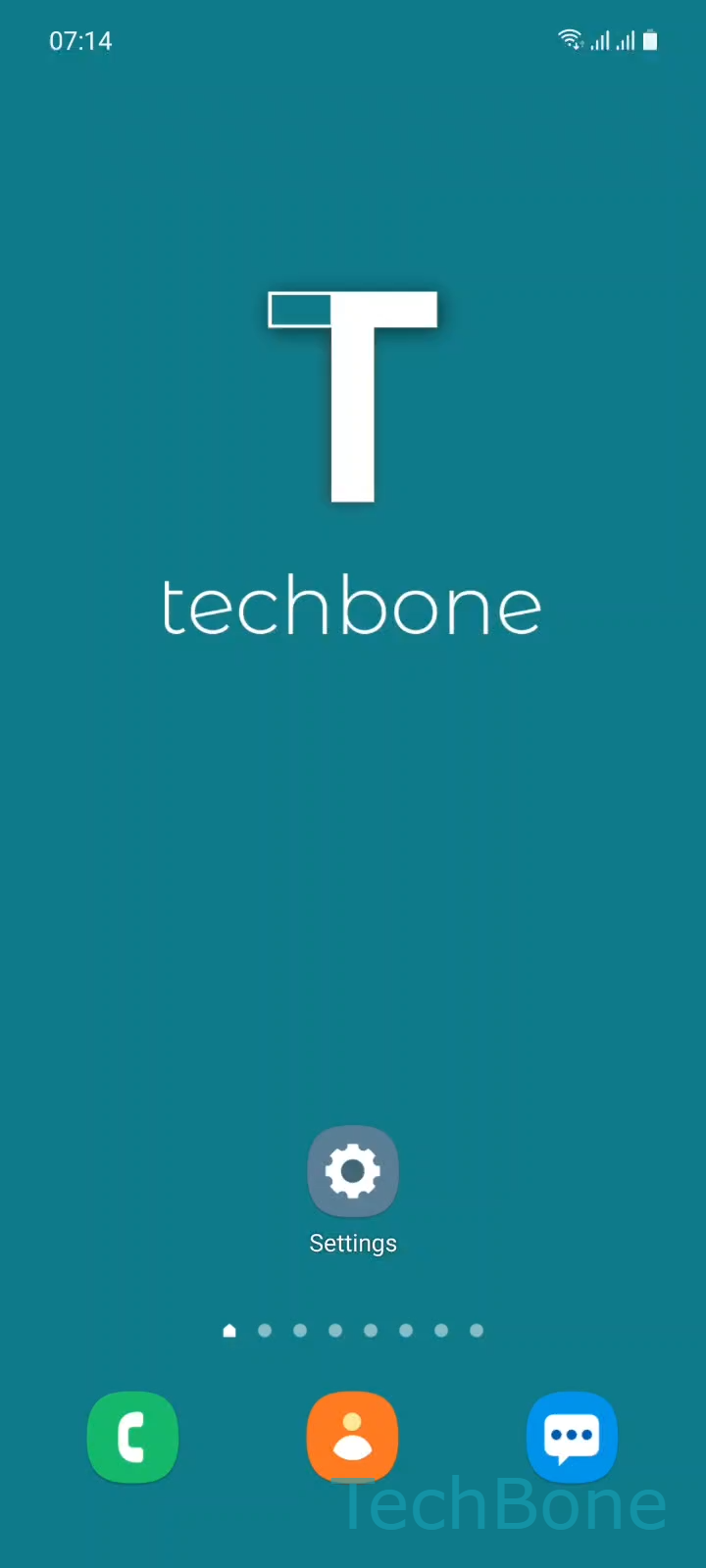
Step 1 of 5: Tap on **Settings**

1

Tap on Settings

Live simulator

Android 11 · One UI 3
Unpair a Bluetooth Device – One UI 3: step 1 – Tap on Settings
Tap on Settings
1 / 5

Scroll or use the buttons for the next step

Feedback

Was the guide correct?

Help others: confirm the path or report a problem.

52

Confirmations

Forum verified this path

Samsung

Unpair a Bluetooth Device auf Samsung

Bluetooth pairing on a Samsung phone stores the connection key for a device so it reconnects automatically whenever it is in range. This is convenient for headphones or a watch you use daily, but it becomes a problem with borrowed speakers, rental car systems, or an accessory you no longer own.

A short disconnect only ends the active session. The device stays in the paired list and reconnects on its own as soon as it is nearby again. Unpairing removes the saved entry entirely, so the phone treats the accessory as new hardware afterward.

To remove a paired device: Tap on SettingsTap on ConnectionsTap on BluetoothTap on SettingsTap on Unpair.

The Settings icon sits next to the device name in the paired list, not in the main Bluetooth toggle screen. After confirming Unpair, the device disappears from the list immediately and both devices need a full new pairing process to connect again.

Unpairing does not turn off Bluetooth on the phone and does not affect other paired accessories. If you plan to reconnect the same device shortly, a simple disconnect is faster and avoids repeating the discovery step.

Frequently asked questions

No. Unpairing only removes the connection entry from your Samsung phone. The other device, such as headphones or a speaker, may still list your phone as a known connection until you clear it there as well.

Compatible devices

Tap your device — opens its hub with matching guides.

Android 11 · One UI 3

No compatible devices are listed for this version.