Skip to content
TechBone
Samsung

Samsung: Turn On Wi-Fi Sharing for Repeater Mode

Your Samsung phone's Mobile Hotspot normally broadcasts your mobile data connection, not the Wi-Fi network you are already connected to. If you want the phone to act as a repeater and extend an existing Wi-Fi signal to other devices, that behavior sits behind a separate 'Wi-Fi sharing' switch hidden inside the hotspot's advanced settings. Without enabling it, devices that join your hotspot stay on cellular data even though your phone already has a working Wi-Fi connection.

7 min9 steps
Version

Step by step

1 / 9

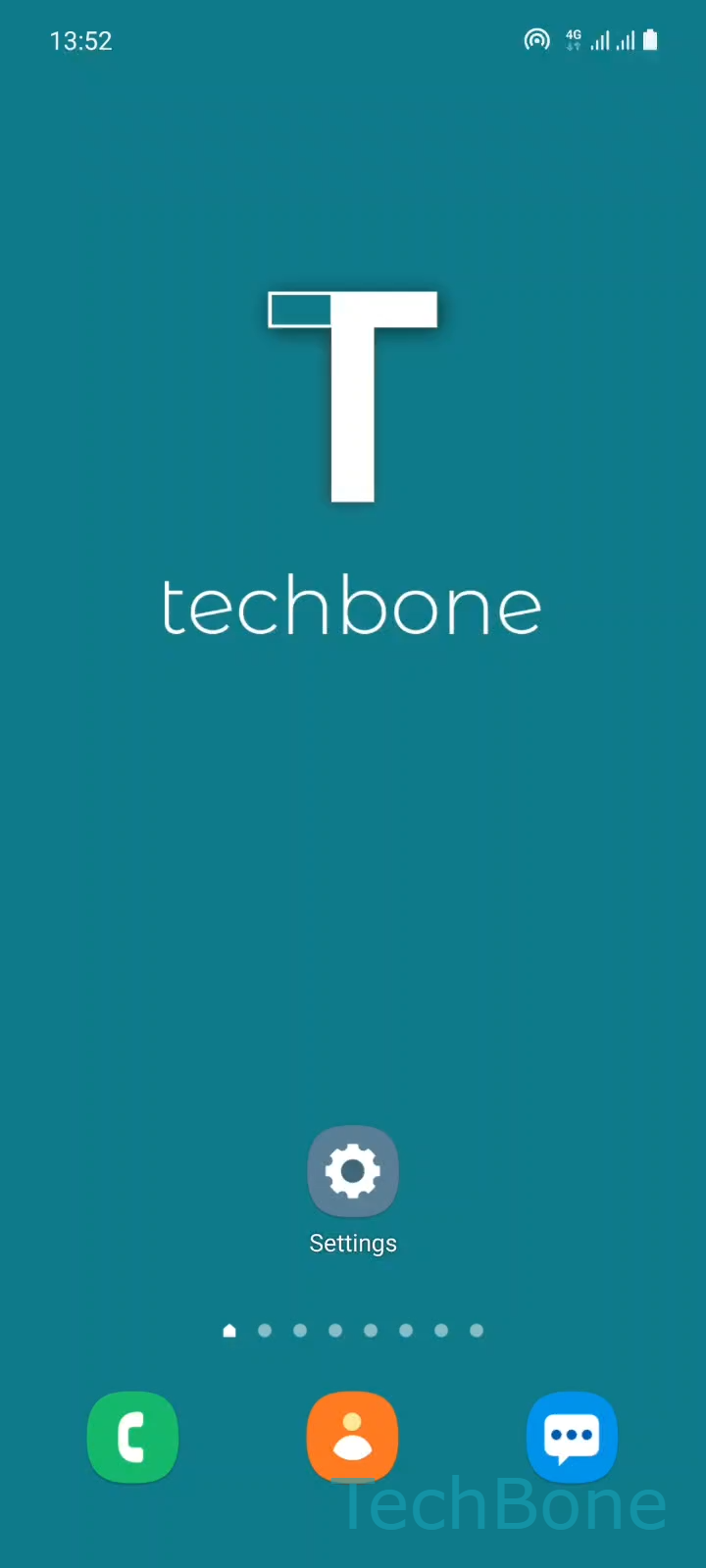
Step 1 of 9: Tap on **Settings**

1

Tap on Settings

Live simulator

Android 11 · One UI 3
Turn On Wi-Fi Sharing (Wi-Fi Repeater Mode) – One UI 3: step 1 – Tap on Settings
Tap on Settings
1 / 9

Scroll or use the buttons for the next step

Feedback

Was the guide correct?

Help others: confirm the path or report a problem.

71

Confirmations

Forum verified this path

Samsung

Turn On Wi-Fi Sharing (Wi-Fi Repeater Mode) auf Samsung

Samsung phones can work as a Wi-Fi repeater, but only if two conditions are met at the same time. First, the phone must already be connected to a working Wi-Fi network. Second, the Mobile Hotspot must have the Wi-Fi sharing option switched on, since this is what tells the hotspot to forward the existing Wi-Fi connection instead of the mobile network.

Without an active Wi-Fi connection on the phone itself, the Wi-Fi sharing switch stays greyed out and the hotspot falls back to sharing mobile data only. This is the most common reason the repeater mode appears to be missing.

To reach the setting, go to Tap on SettingsTap on ConnectionsTap on Mobile Hotspot and TetheringTap on Mobile HotspotTap on ConfigureTap on Advanced. From there, use Enable or disable Wi-Fi sharing, confirm with Tap on OK, then Tap on Save to apply the change.

Once enabled, every device joining the hotspot uses the phone's Wi-Fi bandwidth. Expect slower speeds if several devices connect at once, since all traffic now passes through a single Wi-Fi link instead of a separate mobile connection. If your Wi-Fi signal is weak or unstable, sticking with the normal mobile-data hotspot is usually the more reliable option.

Frequently asked questions

The phone needs an active Wi-Fi connection before Enable or disable Wi-Fi sharing becomes selectable. Connect to a Wi-Fi network first, then open Tap on Mobile Hotspot and TetheringTap on Mobile HotspotTap on ConfigureTap on Advanced again.

Compatible devices

Tap your device — opens its hub with matching guides.

Android 11 · One UI 3

No compatible devices are listed for this version.