
Skip to content
TechBone
Samsung

Samsung: Set Up Fingerprint Unlock on the Lock Screen

If your Samsung phone only wakes up with a pattern, PIN, or password, the fingerprint sensor sits unused even though it can unlock the device just as reliably. This usually happens because Fingerprints was never switched on in the lock screen settings, even after a fingerprint got registered. Without that toggle enabled, every unlock still needs the full pattern or code, no matter how many fingerprints are stored.

5 min6 steps
Version

Step by step

1 / 6

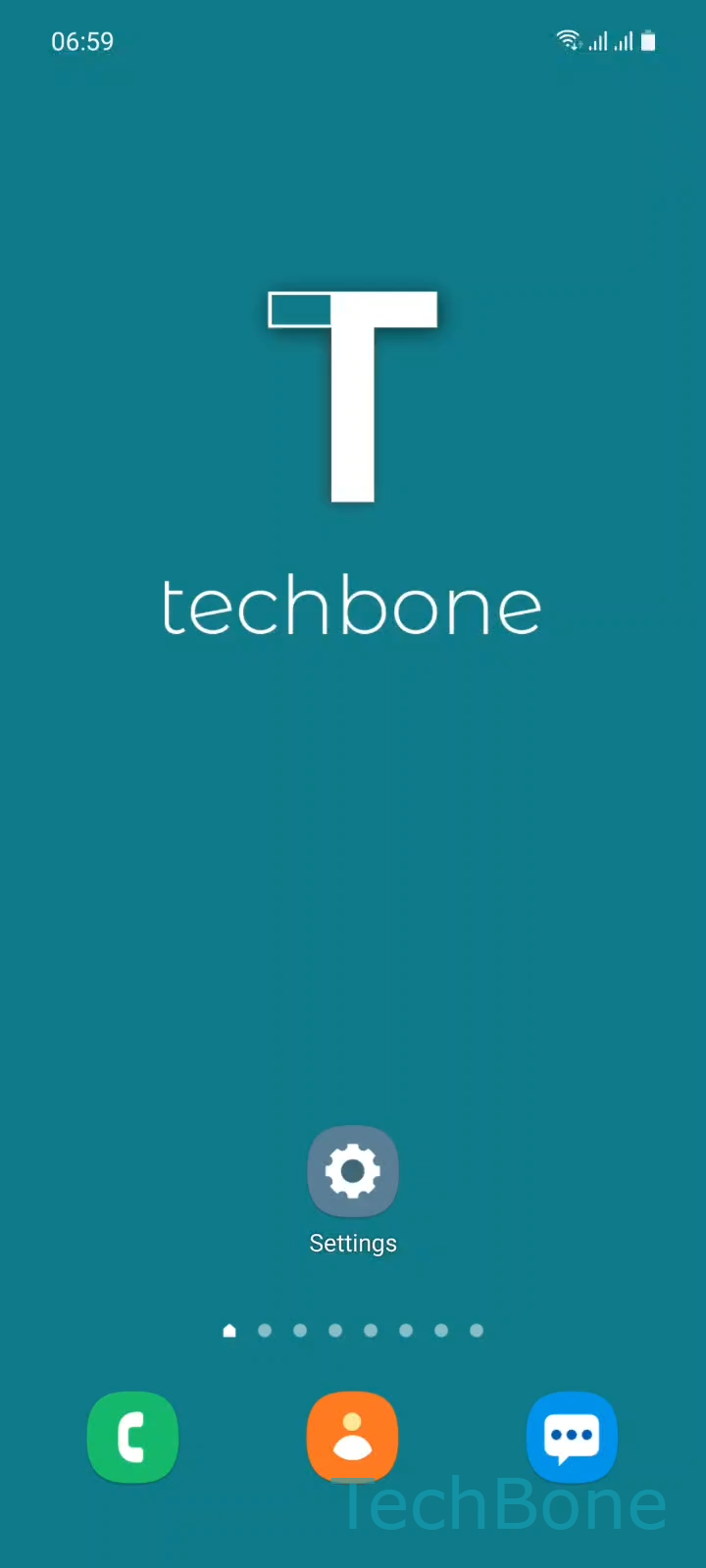
Step 1 of 6: Tap on **Settings**

1

Tap on Settings

Live simulator

Android 11 · One UI 3
Set Up Fingerprint Unlock – One UI 3: step 1 – Tap on Settings
Tap on Settings
1 / 6

Scroll or use the buttons for the next step

Feedback

Was the guide correct?

Help others: confirm the path or report a problem.

102

Confirmations

Forum verified this path

Samsung

Set Up Fingerprint Unlock auf Samsung

Samsung phones separate two things: registering a fingerprint and actually using it to unlock the device. A fingerprint can be stored under biometrics while the lock screen still only accepts a pattern, PIN, or password. That gap is what causes the sensor to feel unused.

To fix it, open SettingsLock screenScreen lock type, then confirm your current pattern, PIN, or password. This step exists because changing how the device unlocks always requires proof of the existing credential first.

Next, turn on Fingerprints and tap Continue, then follow the on-screen instructions to scan a finger from different angles. Once the scan completes, the fingerprint sensor unlocks the phone directly, and the pattern or PIN stays active as a backup method.

A pattern-only setup still makes sense on shared devices or when the sensor struggles with wet or gloved fingers. In those cases, skipping fingerprint unlock avoids repeated failed scans and unnecessary fallbacks to the PIN screen.

Frequently asked questions

Samsung keeps the pattern, PIN, or password active as a backup even after fingerprint unlock is turned on. It appears after a restart, too many failed fingerprint attempts, or when the sensor cannot read the finger.

Compatible devices

Tap your device — opens its hub with matching guides.

Android 11 · One UI 3

No compatible devices are listed for this version.